
Introduction: The Click You Stop Hearing Is the Click Everyone Else Hears
Here is a strange thing about office noise: you stop hearing your own mouse within a week, but the person at the next desk never does. Every click, every scroll-wheel ratchet, every double-click lands on their concentration, on their call, on their train of thought. In an open office, a library, a shared flat, or a house where someone else is working in the next room, a loud mouse is not a small annoyance. It is a constant, low-level interruption that everyone politely pretends not to notice. Choosing the best silent mouse for office work is the simplest fix for that problem.
The best silent mouse for office work fixes this with almost no downside. Modern silent-click mice use dampened switches that cut click noise by around 90% compared with a standard mouse, while keeping the same tactile feel. You still feel the click. You just do not broadcast it. This guide covers the quiet mice worth buying in India, from budget picks under ₹1,000 to the premium option, with approximate Indian prices. If your office work also involves long online classes, our guide to the best mouse for online teachers in India covers the same silence problem from a teaching angle.
Table of Contents
- How Silent Is Silent, Really?
- What to Look for in a Silent Office Mouse
- Quick Comparison: Best Silent Office Mice in India
- Best Overall: Logitech Signature M650 L
- Best Plain Office Pick: Logitech Signature M550
- Best Budget Pick: Logitech M221 Silent
- Best No-Dongle Pick: Logitech M240 Silent Bluetooth
- Best Premium Pick: Logitech MX Master 3S
- Best Library and Dorm Pick: Logitech M330 Silent Plus
- Setting Up a Quiet Desk
- Frequently Asked Questions
- Conclusion: The Best Silent Mouse for Office Work for You
How Silent Is Silent, Really?
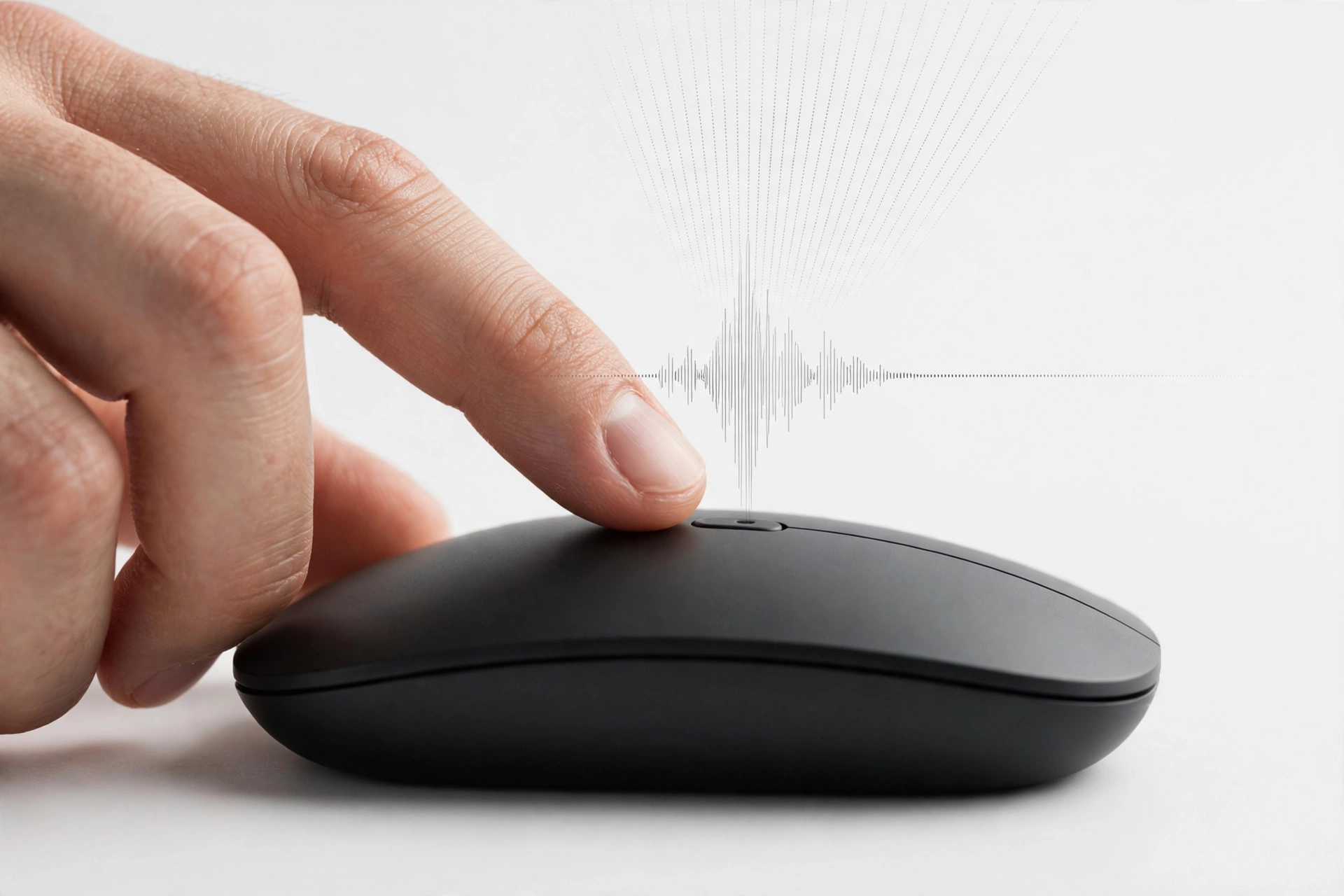
Let us be precise, because “silent” gets thrown around loosely. No mouse is literally silent. A silent-click mouse still makes a sound — a soft, dull thud rather than a sharp snap. Logitech’s SilentTouch technology, used across its office range, is rated at around 90% less click noise than a standard mouse like the M185. In practice, that means someone sitting next to you hears almost nothing, and your microphone picks up almost nothing either.
The scroll wheel matters too, and it is the part people forget. A loud ratcheted wheel can be as distracting as loud clicks, especially when you are scrolling through a long spreadsheet on a call. The mice in this guide either have quiet wheels or wheels that can switch to a smooth, free-spinning mode. If you are buying for a call-heavy job, test the wheel as well as the clicks — or at least check reviews that mention it.
One honest caveat: silent switches feel slightly different from standard ones. The click is a little softer and a little less crisp. Most people stop noticing within a day. A small number of people genuinely prefer the sharp snap of a normal switch. If you are one of them, a silent mouse will feel wrong no matter how quiet it is, and you should buy a normal mouse and accept the noise instead.
What to Look for in a Silent Office Mouse
Silence is the headline, but it is not the only thing that matters for eight hours a day at a desk. First, shape and size. A mouse that is too small forces a cramped grip, and a cramped grip causes wrist pain faster than any amount of clicking. For all-day office work, a full-size or large mouse beats a tiny travel mouse, even if the tiny one looks neater on the desk.
Second, connection type. Bluetooth frees up a USB port and works beautifully on modern laptops. A 2.4 GHz dongle is slightly more reliable on older machines and needs no pairing. Dual-mode mice give you both. If your desktop has no Bluetooth — and many older office desktops do not — a dongle-based mouse is the safe choice.
Third, battery. Office mice mostly run on a single AA battery that lasts 18 to 24 months, which is gloriously low-maintenance. Rechargeable mice need a weekly or monthly charge instead. Neither is better in absolute terms; the AA mice win on forgettability, the rechargeable ones win on never buying batteries.
Fourth, side buttons. Two thumb buttons for back and forward through documents and browser tabs are genuinely useful in office work, and they cost nothing in noise. If you never use them, a button-free mouse like the M550 is simpler and slightly cheaper.
Fifth, DPI range. Office work does not need extreme DPI. A range up to 4,000 DPI is more than enough for one or two monitors. Do not pay extra for a 30,000 DPI sensor you will never use at a desk.
Quick Comparison: Best Silent Office Mice in India
| Mouse | Best For | Approx. Price in India | Key Feature |
|---|---|---|---|
| Logitech Signature M650 L | Best overall for offices | Around ₹2,370 | SilentTouch clicks, SmartWheel, large shape |
| Logitech Signature M550 | Plain office work | Around ₹2,000–₹2,500 | Same shell and silence as M650, no thumb buttons |
| Logitech M221 Silent | Budget | Around ₹699–₹949 | Silent clicks, 18-month battery, dongle |
| Logitech M240 Silent Bluetooth | No dongle needed | Around ₹899–₹995 | Bluetooth only, silent, 18-month battery |
| Logitech MX Master 3S | Premium desk work | Around ₹8,700–₹12,937 MRP; Bluetooth Edition seen near ₹5,795 on sale | Quiet clicks, thumb wheel, 8,000 DPI |
| Logitech M330 Silent Plus | Libraries and dorms | Check current listing | Silent clicks, compact shape |
Prices are approximate and change with sales and coupons. Always verify the live listing, seller, and warranty before buying.
Best Overall: Logitech Signature M650 L
The Signature M650 L is the best silent office mouse for most people, and it is not a close call. It combines SilentTouch quiet clicks, a SmartWheel that switches between precise line-by-line scrolling and fast scrolling with a flick, a large contoured shape that suits medium to large hands, two customisable side buttons, and up to 24 months of battery life from a single AA battery. It connects over Bluetooth or a Logi Bolt USB receiver, so it works with almost any laptop or desktop.
For office work, the M650’s strengths are practical rather than flashy. You can move through documents, scroll long spreadsheets, and switch tabs with side buttons, all without your clicks carrying across the room or into your colleagues’ calls. The large size suits all-day use; people with smaller hands should choose the regular Signature M650 instead of the L version, and left-handed users have a dedicated M650 L Left version.
At around ₹2,370, it is also priced sensibly for a tool you will use every working day. Logitech’s own product page confirms the SilentTouch quiet clicks and the SmartWheel: Logitech Signature M650. A good independent comparison of quiet-click mice, checked against manufacturer pages, is here: Best Silent Mouse in 2026.
Best Plain Office Pick: Logitech Signature M550
Buy the M550 for one reason: you do not want thumb buttons. Everything else — the shell, the SilentTouch clicks, the SmartWheel, the two-year AA battery, the regular and L sizes — matches the M650. It is the same mouse with a simpler button layout, which suits people who never use side buttons and prefer a cleaner shape, or offices buying in bulk where fewer features mean fewer support questions.
The price is usually slightly lower than the M650, though the gap varies by seller and sale. If you are choosing between the two and you genuinely cannot decide, buy the M650 — the side buttons cost little and you may grow into them. But if you know you will never touch them, the M550 is the tidier buy.
Best Budget Pick: Logitech M221 Silent
Many offices, especially small ones buying for a whole team, need a good silent mouse without spending thousands per desk. The Logitech M221 Silent, at around ₹699–₹949, is that mouse. It offers silent clicks, a symmetrical shape that suits both left- and right-handed users, a 2.4 GHz wireless connection with a tiny receiver, and up to 18 months of battery life from one AA battery.
It is deliberately simple: no side buttons, no rechargeable battery, no Bluetooth. That simplicity is also its strength — there is almost nothing to go wrong, and at this price you can keep a spare in a drawer. It is compact rather than palm-filling, so for very long days at one desk you may still prefer the M650 L, but for general office work, or as a reliable second mouse, the M221 is outstanding value. Avoid ultra-cheap unbranded mice in this price range; they often develop double-click faults within months, which is the last thing you want in the middle of a workday.
An India-focused roundup of work mice with current-ish local pricing context is here: Best Mouse for Work 2026.

Best No-Dongle Pick: Logitech M240 Silent Bluetooth
Modern thin laptops often have only two USB ports, and one may already be taken by a webcam, a headset, or a pen drive. The M240 Silent Bluetooth solves that problem by connecting over Bluetooth alone, with no dongle to lose or occupy a port. It offers silent clicks, a compact but comfortable shape, and up to 18 months of battery life, at around ₹899–₹995.
Before buying any Bluetooth-only mouse, confirm your laptop or desktop actually has Bluetooth — most modern laptops do, but many older desktops do not. If your desktop lacks Bluetooth, choose a dongle-based mouse like the M221 or M650 instead. For laptop workers, though, the M240 is one of the cleanest, simplest setups available, and it is also a good pick for hot-desking, since there is no receiver to forget in yesterday’s desk.

Best Premium Pick: Logitech MX Master 3S
If your office work is heavy — large spreadsheets, long documents, design tools, multiple monitors — the MX Master 3S is the premium silent option. Its clicks are quiet (Logitech rates them at 90% less noise than the previous Master), its MagSpeed wheel is the best scroll wheel in this guide, its thumb wheel pans sideways across wide documents, and its 8,000 DPI sensor handles multi-monitor desks smoothly. It pairs with three devices, charges over USB-C, and lasts up to 70 days per charge.
At around ₹8,700–₹12,937 MRP, with the Bluetooth Edition often seen near ₹5,795 on sale, it is a significant purchase for an office mouse. It earns that price only if you actually use the extra features — the thumb wheel, the per-app profiles, the multi-device switching. If your work is email and documents, the M650 gives you the same silence for a quarter of the price. Buy the Master 3S for heavy desk work, not for the badge.
If your desk also runs two monitors, our guide to the best mouse for dual monitor setup in India explains how the Master 3S handles wide desks, and our video editing mouse guide covers the same mouse for creative work.
Best Library and Dorm Pick: Logitech M330 Silent Plus
The M330 Silent Plus is the quiet mouse for places where silence is not a courtesy but a rule: libraries, dorms, exam halls, and shared study rooms. It is compact, light, and genuinely quiet — the same SilentTouch technology as the rest of Logitech’s silent range — with a comfortable asymmetrical shape that suits longer study sessions better than its small size suggests.
Its sensor runs at 1,000 DPI, which is plenty for documents, browsing, and study work, though not ideal for multi-monitor desks or precision design work. Battery life runs to around 18 months on one AA battery. If you study or work somewhere people will glare at a single loud click, this is the mouse to buy — and it is cheap enough that losing it in a library bag is annoying rather than devastating.
Setting Up a Quiet Desk
Reduce click noise even further
Even a silent mouse can be heard if your microphone gain is very high. Use a headset microphone positioned close to your mouth, and enable noise suppression in Zoom or Meet. Keep the mouse on a soft pad rather than a hard desk, which also reduces tapping sounds.
Mind the keyboard too
A silent mouse next to a clacky mechanical keyboard is like whispering next to a drum kit. If quiet matters to you, check your keyboard as well — a membrane or quiet-switch keyboard pairs with a silent mouse properly.
Keep a spare
A ₹700 silent mouse kept as a backup is cheap insurance. If your main mouse fails, a dongle breaks, or a colleague borrows it permanently, you can be back to work in thirty seconds instead of spending a day clicking loudly on a spare.
Frequently Asked Questions
Which mouse is the best silent mouse for office work in India?
For most office workers, the Logitech Signature M650 L. It combines quiet clicks, all-day comfort, a smart scroll wheel, and a sensible price, which is exactly the combination an office desk needs.
Are silent mice really silent?
Not literally. Silent-click mice reduce click noise by around 90% compared with a standard mouse. The click becomes a soft thud rather than a sharp snap — inaudible to neighbours and nearly inaudible on calls.
Is Bluetooth or a USB dongle better for office work?
Both work well. A 2.4 GHz dongle is slightly more reliable on older machines and needs no pairing. Bluetooth frees up a USB port and is ideal for modern laptops. Dual-mode mice give you both options.
Do silent mice feel different to click?
Slightly. The click is softer and a little less crisp than a standard switch. Most people stop noticing within a day, but if you love the sharp snap of a normal mouse, a silent mouse may feel wrong to you.
Can I use a silent mouse for gaming?
For casual play, yes. For competitive play, office mice are the wrong tool — modest sensors and standard polling rates. Silent office mice are built for work, not for esports.
Conclusion: The Best Silent Mouse for Office Work for You
For most office workers in India, the answer is simple: buy the Logitech Signature M650 L at around ₹2,370 and spend the money you save on a good mouse pad. If you never use side buttons, the M550 is the same mouse, simpler. If your budget is tight, the M221 Silent at under ₹1,000 is a genuinely good quiet mouse. If you need Bluetooth only, the M240 Silent frees up a USB port. If your desk work is heavy, the MX Master 3S is the premium quiet option. And if you work in a library or dorm, the M330 Silent Plus is the polite choice.
Your colleagues will never compliment your mouse, and that is exactly the point. The best office mouse is the one nobody hears — no clicks on the call, no tapping across the desk, no aching wrist. Choose silence, comfort, and reliability, and your workday gets quieter from the very first morning.
Disclaimer: Prices mentioned are approximate Indian prices observed around October 2026 and may change with sales, coupons, and stock. Always verify the current price, seller, and warranty on the product page before buying.