Introduction: Why Editors Feel Their Mouse More Than Anyone Else
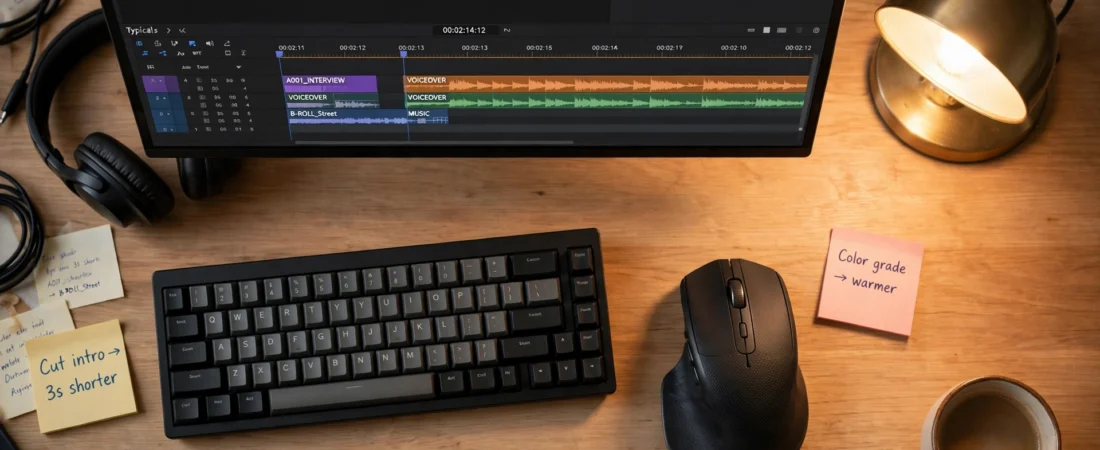
Ask a video editor what hurts at the end of a long day and they will rarely say their eyes first. It is usually the wrist, the shoulder, or the hand that spent eight hours scrubbing a timeline, dragging clips frame by frame, and hunting through menus. Editing is one of the few jobs where the mouse is not just a pointing device — it is the tool you hold for the entire working day, doing thousands of tiny, precise movements that a bad mouse turns into fatigue and mistakes. Picking the best mouse for video editing in India is therefore one of the highest-leverage gear decisions an editor makes.
The best mouse for video editing in India is therefore a very specific thing. It needs a sensor that stays accurate when you slow down to place a cut on an exact frame, a scroll wheel that flies through a two-hour timeline and then stops on a single frame, buttons you can map to the commands you use a hundred times a day, and a shape that does not punish your hand by hour six. This guide covers the mice that actually do that, with models sold in India and approximate Indian prices. If you also work across two screens, our guide to the best mouse for dual monitor setup in India pairs well with this one.
Table of Contents
- What Video Editors Actually Need from a Mouse
- Quick Comparison: Best Video Editing Mice in India
- Best Overall: Logitech MX Master 3S
- Best Premium Upgrade: Logitech MX Master 4
- Best Compact Pick: Logitech MX Anywhere 3S
- Best Vertical Pick: Logitech MX Vertical
- Best Budget Pick: Logitech Signature M650 L
- How to Set Up Your Mouse for Premiere Pro and DaVinci Resolve
- Timeline Tips That Save Your Wrist
- Frequently Asked Questions
- Conclusion: The Best Mouse for Video Editing in India for You
What Video Editors Actually Need from a Mouse
Editing places demands on a mouse that office work never does. First, slow-speed precision. Scrubbing a timeline, trimming a clip by two frames, or placing a keyframe on an exact beat needs a sensor that tracks cleanly at very slow speeds without jitter. A cheap sensor that is fine for spreadsheets will overshoot small targets and make frame-accurate work frustrating.
Second, scroll wheel behaviour. A good editing mouse wheel does two jobs: free-spinning to fly through long timelines, and notched for frame-by-frame stepping. Logitech’s MagSpeed wheel switches between these modes on its own, and once you have used it on a long project, going back to a basic wheel feels like going back to a bicycle after a car.
Third, horizontal scrolling. Timelines are wide. A thumb wheel that pans sideways across a timeline without touching the keyboard is one of those features that sounds minor until you use it for a week, and then you cannot give it up. The same wheel is just as useful in spreadsheets and audio mixers.
Fourth, programmable buttons for your real workflow. Cut, undo, zoom in and out on the timeline, play and pause, switch tools — these are commands you hit hundreds of times a day. Mapping them to thumb buttons and a gesture button means your hand stays on the mouse and your eyes stay on the footage.
Fifth, all-day comfort. Editing sessions run long, and they run late. A sculpted, palm-filling mouse beats a flat travel mouse by a distance you feel in your forearm by evening. If you edit for a living, comfort is not a luxury feature. It is the feature.
Quick Comparison: Best Video Editing Mice in India
| Mouse | Best For | Approx. Price in India | Key Feature |
|---|---|---|---|
| Logitech MX Master 3S | Best overall for editors | Around ₹8,700–₹12,937 MRP; Bluetooth Edition seen near ₹5,795 on sale | 8,000 DPI, thumb wheel, MagSpeed wheel, quiet clicks |
| Logitech MX Master 4 | Premium upgrade | Around ₹10,495–₹11,995 | Haptics, Actions Ring, 8,000 DPI |
| Logitech MX Anywhere 3S | Compact / laptop editors | Around ₹8,999 | Tracks on glass, 3-device pairing, 8,000 DPI |
| Logitech MX Vertical | Wrist comfort | Check current listing | 57° vertical handshake grip |
| Logitech Signature M650 L | Budget | Around ₹2,370 | Silent clicks, SmartWheel, large shape |
Prices are approximate and change with sales and coupons. Always verify the live listing, seller, and warranty before buying.
Best Overall: Logitech MX Master 3S
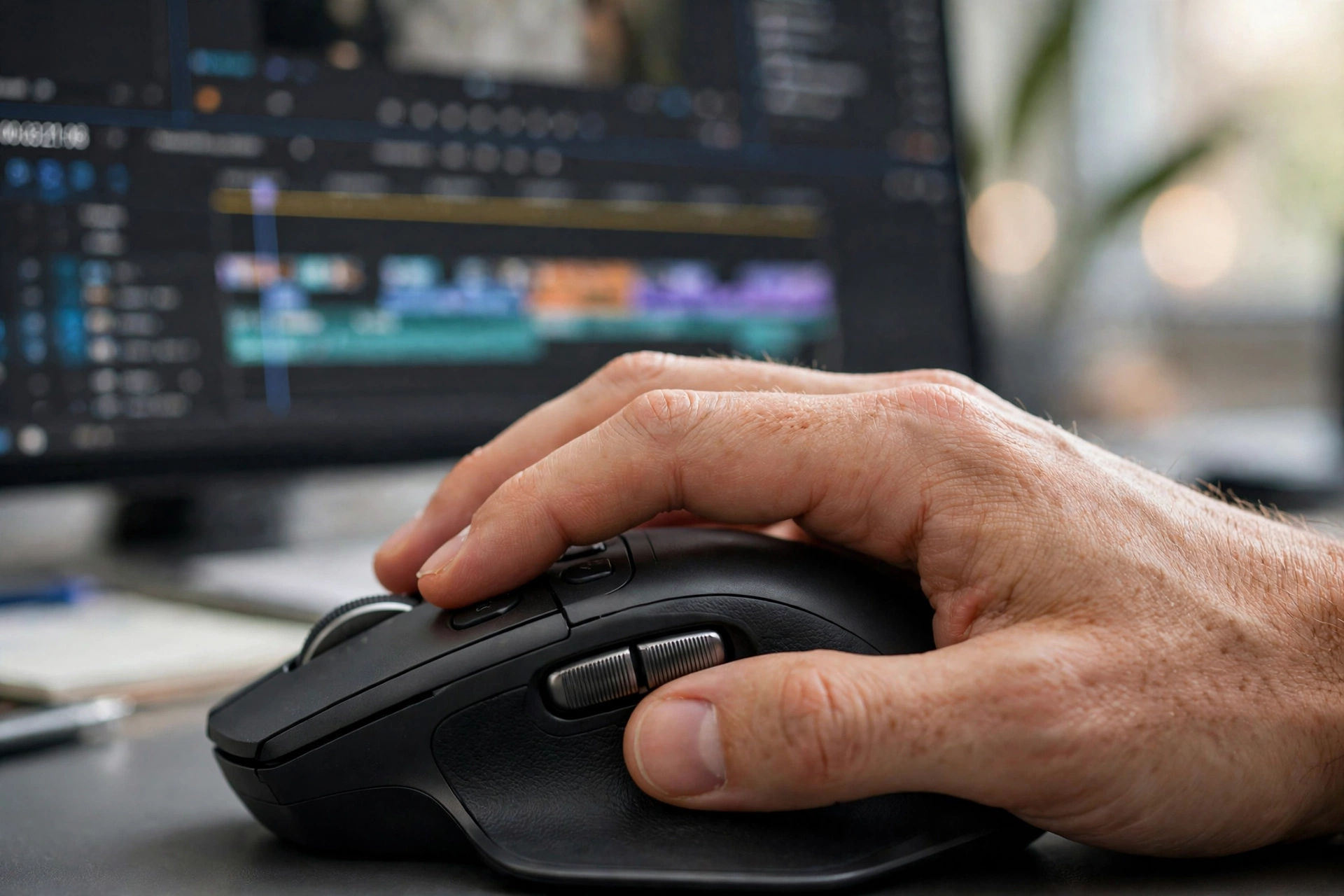
The MX Master 3S is the default recommendation for video editors for a simple reason: it solves the timeline problem better than anything near its price. Its 8,000 DPI Darkfield sensor tracks on almost any surface, including glass, and stays precise when you slow down for frame work. Its MagSpeed wheel flies through a long timeline and clicks into notched steps when you need control. Its thumb wheel pans horizontally across timelines and audio mixers. And its quiet clicks mean your microphone, if you record voiceovers at the same desk, picks up far less clicking.
For editing, set up per-application profiles in Logi Options+. In Premiere Pro, map the thumb buttons to undo and redo, the thumb wheel to horizontal timeline scrolling, and the gesture button to switching between the timeline and the preview monitor. In DaVinci Resolve, map the same buttons to your most-used grading and trimming commands. The mouse pairs with three devices, charges over USB-C, and lasts up to 70 days per charge, so a dead battery mid-export should never happen if you charge it weekly.
It is a large, right-handed mouse, so it suits medium to large hands and a fixed editing desk. If you find the Bluetooth Edition on sale near ₹5,795, it is exceptional value for an editor’s primary tool. Logitech’s own product page confirms the key specs — 8,000 DPI, quiet clicks, and the MagSpeed wheel: Logitech MX Master 3S. The full specification sheet is here: MX Master 3S specifications.
Best Premium Upgrade: Logitech MX Master 4
The MX Master 4 keeps everything editors like about the 3S and adds haptic feedback and an Actions Ring — a radial shortcut menu at your cursor that adapts to each application. For an editor, that means timeline zoom, tool switches, and window management without travelling to a toolbar. It keeps the same 8,000 DPI sensor, MagSpeed wheel, and thumb wheel, and is available from around ₹10,495 on sale.
Should you upgrade from a healthy MX Master 3S? For most editors, no — the sensor, wheel, and shape that do the real work are essentially unchanged, and the money is better spent on storage or a second monitor. But if you are buying your first serious editing mouse in 2026, the Master 4 gives you the newest platform and the most customisable controls Logitech has made. Avoid paying a large premium for cosmetic editions; the standard edition is the editor’s buy.
Best Compact Pick: Logitech MX Anywhere 3S
Many editors in India work on a laptop, sometimes at a desk and sometimes on location, in a café, or at a client’s office. The MX Anywhere 3S is built for that life. It is small enough to travel with the laptop, yet it keeps the 8,000 DPI sensor, the MagSpeed wheel, quiet clicks, and three-device pairing of its bigger sibling. It tracks on glass, which matters when you are editing on a hotel desk or a glass table with no mouse pad in sight.
At around ₹8,999, it is not cheap, and its compact body will not fill a large palm for eight-hour desk sessions. But for a laptop-first editor who docks to a monitor at home and edits on the move the rest of the time, it is the most versatile mouse in this guide. If you edit mostly at one desk, buy the Master 3S instead — the bigger shape pays off over long days.
Best Vertical Pick: Logitech MX Vertical
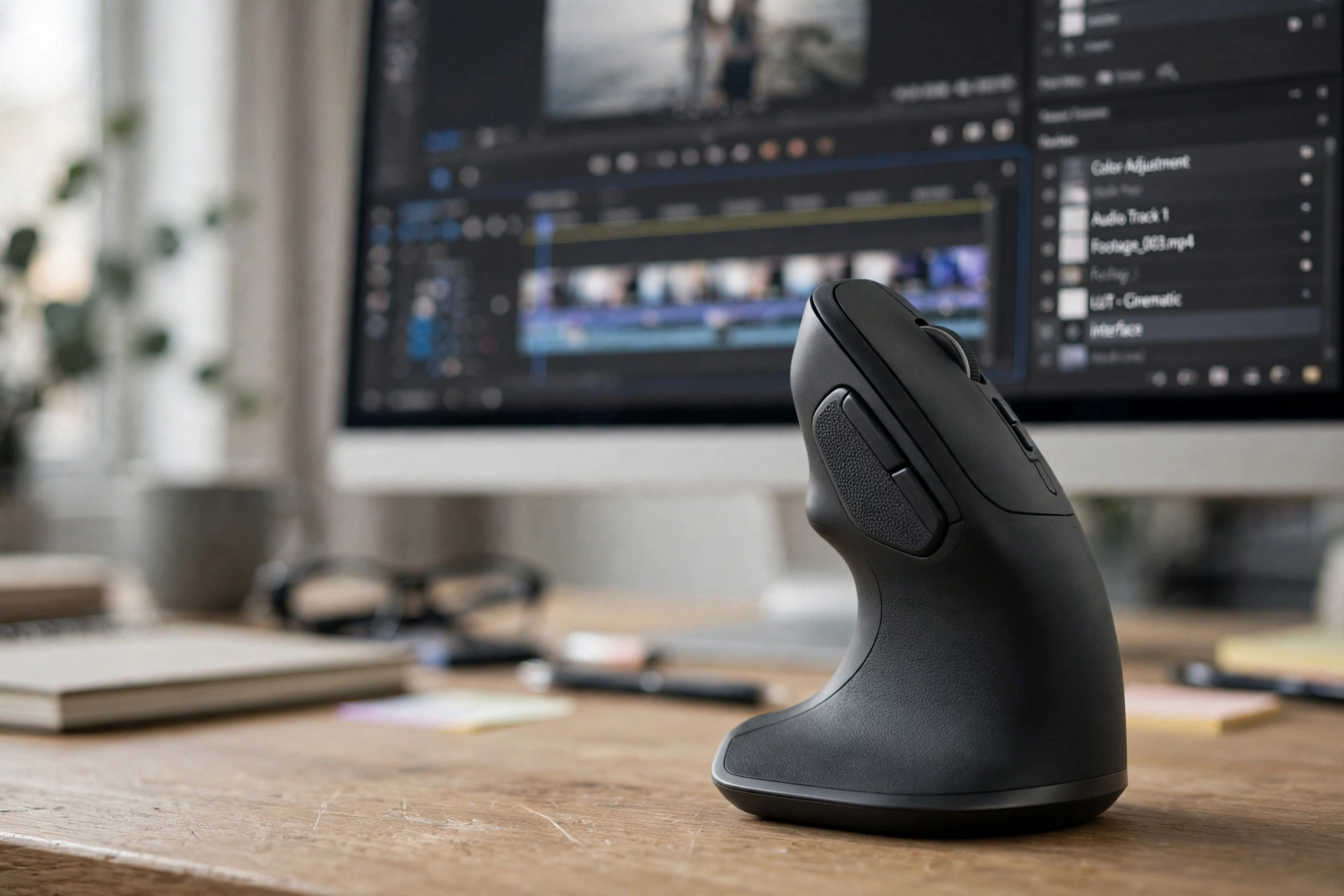
If your wrist already hurts, stop reading mouse roundups and consider a vertical mouse first. The MX Vertical holds your hand at a 57° angle — the handshake position — instead of flat on the desk, which reduces the forearm twist that causes strain over long editing sessions. Editors who cut all day are exactly the people this design was made for.
The trade-off is real: vertical mice feel strange for the first few days, and precise timeline work takes some relearning. The MX Vertical’s sensor goes from 400 to 4,000 DPI, which is plenty for editing, and it connects over Bluetooth or USB receiver with a battery that lasts for months. Give it a full week before you judge it. Most editors who stick with it past the adjustment period do not go back to a flat mouse, and some keep a regular mouse beside it for the first month while they adapt.
Watch the embedded video below to see the grip in action.
Best Budget Pick: Logitech Signature M650 L
Not every editor needs a ₹10,000 mouse, especially if you are learning, cutting YouTube videos on one screen, or editing as a side skill rather than a full-time job. The Signature M650 L at around ₹2,370 gives you a comfortable large shape, silent clicks that will not disturb anyone nearby, a SmartWheel that switches between precise and fast scrolling, and up to two years of battery life from one AA battery.
What you give up compared with the Master series is the thumb wheel, per-app profiles, and the ultra-smooth MagSpeed wheel. For learning, vlogging, and short-form editing, those are acceptable sacrifices. For professional timeline work across multiple monitors, save for the Master 3S. Beginners should start here and upgrade only when they can name a specific feature they are missing — which, for most people, turns out to be the thumb wheel.
If your editing setup also involves long teaching or presentation sessions, our guide to the best mouse for online teachers in India covers the same M650 from a classroom angle, and our stock trading mouse guide explains the multi-monitor side in more depth.
How to Set Up Your Mouse for Premiere Pro and DaVinci Resolve
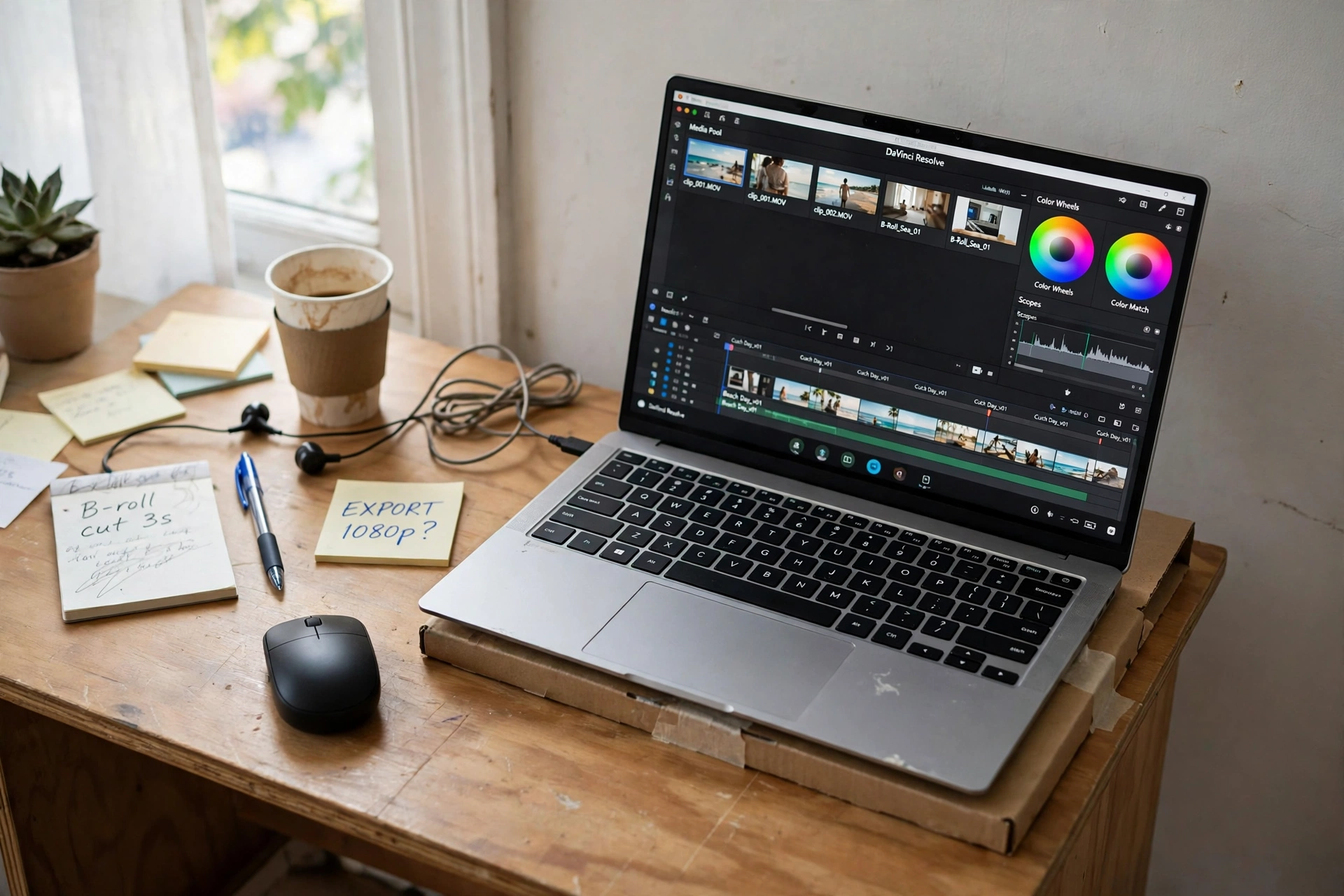
Install Logi Options+ and create a profile for each editing app, because the buttons you want in Premiere are not the buttons you want in Resolve. A practical starting layout: thumb buttons for undo and redo, thumb wheel for horizontal timeline scrolling, gesture button for switching between timeline and preview, and a DPI shift button for dropping to fine control when placing exact cuts.
Test every mapping on a practice project before using it on client work. A mis-mapped button during a real edit wastes more time than it saves, and the muscle memory takes a few days to settle. Also set your monitor arrangement correctly in your operating system — a cursor that jumps to an unexpected height when crossing between monitors feels like a mouse fault but is almost always a display-arrangement setting.
One more setup tip that editors skip: raise your pointer size slightly in your operating system settings. On a 4K timeline with small clip handles, a slightly larger cursor is easier to track, and it costs nothing.
Timeline Tips That Save Your Wrist
Keep your elbow supported
A mouse cannot fix a bad desk. Your forearm should rest on the desk or a chair arm, not hover in the air. If your shoulder aches by evening, the desk height or chair height is usually the problem, not the mouse.
Use a large mouse pad
A large, smooth cloth pad — even a basic ₹500–₹1,000 one — gives consistent tracking across long timeline movements and stops the mouse from catching on desk edges. For editors, an extended pad that also sits under the keyboard keeps the whole setup stable.
Take micro-breaks
Every hour, put the mouse down for two minutes, stretch your fingers, and roll your wrists. It sounds trivial and it is the single most effective RSI prevention habit there is. No mouse, however ergonomic, replaces breaks.
Frequently Asked Questions
Which mouse is best for video editing in India?
For most editors, the Logitech MX Master 3S. Its high-DPI sensor, thumb wheel, and MagSpeed wheel suit timeline work in Premiere Pro and DaVinci Resolve better than any other mouse near its price.
Do I need a special mouse for video editing?
Not a special category, but you do need a mouse with a clean sensor, a good scroll wheel, and ideally programmable buttons and horizontal scrolling. A basic bundled mouse makes timeline work noticeably slower and less precise.
Is a vertical mouse good for video editing?
Yes, especially if your wrist hurts. The handshake grip reduces forearm strain. It takes a few days to adapt, and precise work feels different at first, but many full-time editors prefer it long-term.
What DPI is best for video editing?
Start around 1,600 DPI for a single monitor and 2,400 DPI for two monitors, then adjust in small steps. Use a DPI shift button for fine work like placing exact cuts.
Is wireless safe for video editing?
Yes. Modern Logitech wireless connections are stable and lag-free for editing work. Keep the receiver close to the mouse, and keep the mouse charged — a dead battery during an export is the only real risk.
Conclusion: The Best Mouse for Video Editing in India for You
If you edit video seriously, buy the Logitech MX Master 3S — it is the best all-round editing mouse in India, and its sale prices make it outstanding value. If you want the newest and most customisable option, the MX Master 4 is the premium pick. If you edit on a laptop everywhere, the MX Anywhere 3S travels with you. If your wrist is already complaining, try the MX Vertical before anything else. And if your budget is tight, the Signature M650 L covers learning and short-form editing comfortably.
Whatever you buy, spend an evening setting up its buttons for your actual editing app, and give your wrist the breaks it asks for. The best editing mouse is the one you stop noticing — so your full attention stays where it belongs, on the footage.
Disclaimer: Prices mentioned are approximate Indian prices observed around October 2026 and may change with sales, coupons, and stock. Always verify the current price, seller, and warranty on the product page before buying.