Streaming and content creation ask a mouse to do two very different jobs. On stream, it has to be fast, light and utterly reliable — one missed flick in a ranked match or one frozen cursor mid-broadcast is visible to everyone watching. Off stream, in the edit, it has to be comfortable for hours of timeline scrubbing, precise for Photoshop masking, and programmable enough to turn repetitive clicks into single buttons. The best mouse for streamers in India depends on which of those two jobs dominates your day, because the mouse that wins games is rarely the mouse that edits best, and vice versa.
This guide covers both sides. You will find a featherweight esports mouse for gaming streamers, a productivity flagship for editors, a versatile all-rounder, a portable pick for creators on the move, and a budget option for just-chatting and IRL streamers. Prices below are approximate and change with sales and stock, so always check the current listing price before ordering.
Table of Contents
- What Streamers and Creators Actually Need in a Mouse
- Top 5 Picks at a Glance
- 1. Logitech G Pro X Superlight — Best for Gaming Streamers
- 2. Logitech MX Master 3S — Best for Video Editors and Creators
- 3. Logitech G502 X Lightspeed — Best All-Rounder
- 4. Logitech MX Anywhere 3S — Best Portable Creator Mouse
- 5. Logitech Signature M650 — Best Budget Pick for Just-Chatting Streamers
- Buying Guide: How to Choose
- Video: The Perfect Creator Mouse?
- Frequently Asked Questions
- Conclusion

What Streamers and Creators Actually Need in a Mouse
A gaming streamer lives or dies on sensor performance and weight. A light mouse — around 60 grams — is easier to flick across the pad for hours without arm fatigue, and a modern top-end sensor tracks cleanly at high speeds with no smoothing or acceleration surprises. Low wireless latency matters too: the current generation of wireless gaming mice is effectively indistinguishable from wired in blind tests, which is why almost every professional streamer now plays wireless.
A creator and editor needs almost the opposite set of strengths. Weight matters less than shape, because editing is slow, deliberate work. What saves time is programmability: buttons mapped to cut, ripple delete, blade, undo and timeline zoom, plus a scroll wheel that can fly through an hour of footage and then stop on an exact frame. A second scroll control for horizontal movement — across a Premiere timeline or a wide Photoshop canvas — is the single most underrated editing feature a mouse can have.
Both kinds of creator share three needs. First, reliability: a dropout on a live stream is a public failure, so a proven wireless system or a wired fallback matters. Second, battery life that survives a long stream plus editing afterwards. Third, comfort for sessions that regularly run four to eight hours. If you both stream games and edit your own videos, you may genuinely need two mice — or one clever compromise, which is where the all-rounder pick below comes in.
Top 5 Picks at a Glance
| Mouse | Best For | Approx. Price in India* | Why It Wins |
|---|---|---|---|
| Logitech G Pro X Superlight | Gaming streamers | Premium — check current listing | ~63 g, HERO 25K sensor, pro standard |
| Logitech MX Master 3S | Video editors and creators | ~₹8,000–₹9,300 | MagSpeed wheel, thumb wheel, app shortcuts |
| Logitech G502 X Lightspeed | Stream + edit all-rounder | Premium — check current listing | 13 controls, versatile shape |
| Logitech MX Anywhere 3S | Portable creators | ~₹8,999 | Compact, glass tracking, travel-ready |
| Logitech Signature M650 | Just-chatting / budget | ~₹2,400–₹2,600 | Silent clicks, 2-year battery, comfortable |
*Prices are approximate, based on Indian retail listings seen in late 2026, and change frequently. Verify the current price on the listing before buying.
1. Logitech G Pro X Superlight — Best for Gaming Streamers
If your stream is mostly gameplay, this is the mouse the professionals use. Roundups of streamer setups consistently place the G Pro X Superlight at the top: at around 63 grams it is one of the lightest wireless gaming mice available, its HERO 25K sensor is precise and lag-free, and its simple, ambidextrous-friendly shape suits most grip styles. When thousands of hours of pro play converge on one model, that is not fashion — it is a reliability verdict.
For an Indian streamer, the practical points matter as much as the sensor. It is wireless over Logitech’s Lightspeed system, so your desk stays clean on camera, and battery life comfortably covers long streams. The trade-off is that it is a deliberately plain mouse: few buttons, no RGB showpiece, no thumb wheel. That is fine for gaming and scene switching in OBS, but it is not an editing mouse. If you edit your own highlights, pair it with a second mouse for the edit bay, or look at the all-rounder below.
2. Logitech MX Master 3S — Best for Video Editors and Creators
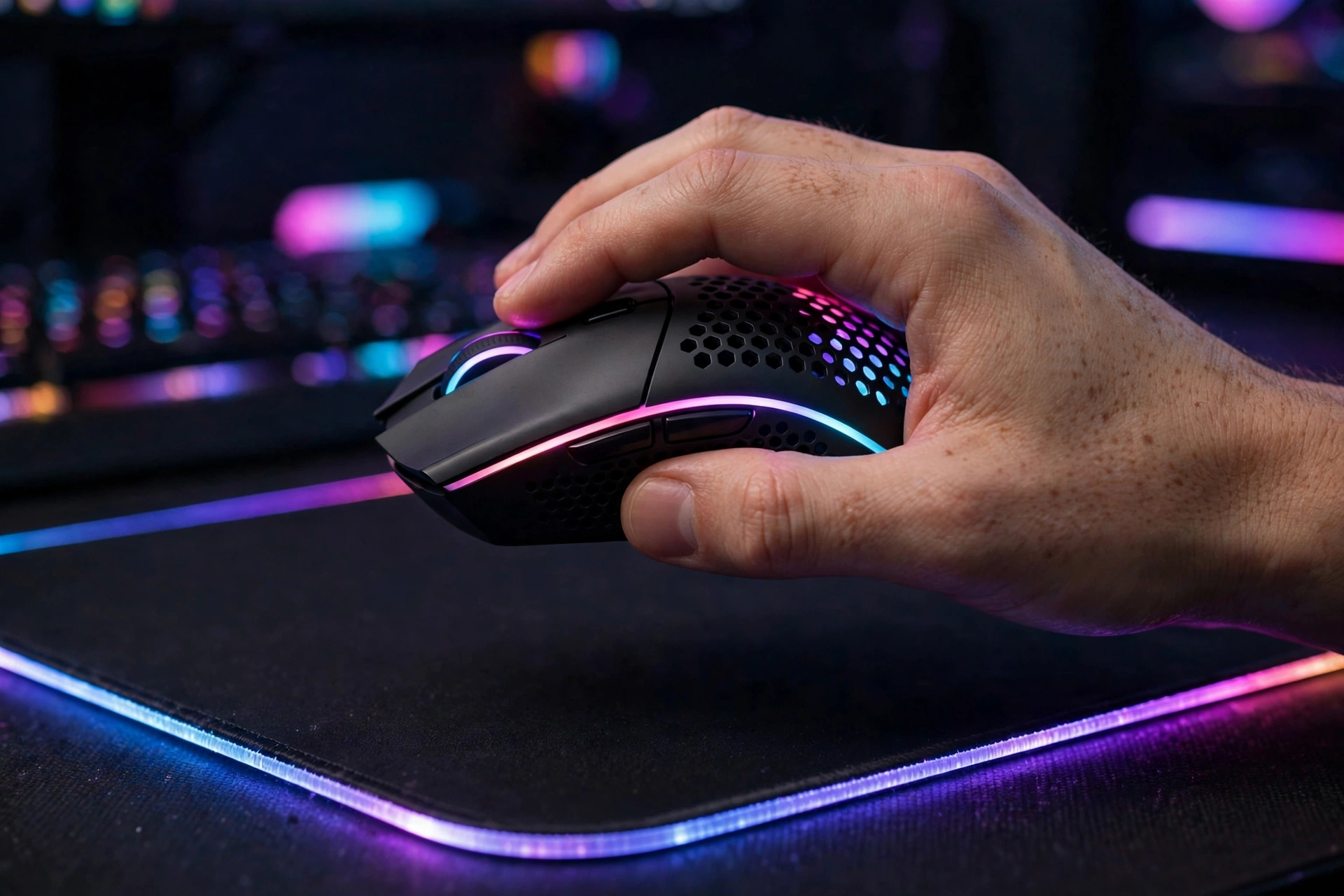
The MX Master 3S is the creator’s mouse in this list, and the one most YouTubers and editors in India actually buy when they get serious. Its 8,000 DPI Darkfield sensor tracks on almost any surface, including glass, and its MagSpeed electromagnetic scroll wheel switches between precise line-by-line steps and a free spin that can cross an hour-long timeline in a flick. The thumb wheel is the secret weapon: scroll horizontally through a Premiere timeline, adjust brush size in Photoshop, or switch browser tabs without touching a scrollbar.
Logitech’s Options+ software ships with app-specific profiles for Adobe apps, so buttons can become cut, copy, undo or timeline zoom depending on which program is in front of you. It connects to up to three devices, charges over USB-C, and its quiet clicks keep it usable while recording voiceovers in the same room. At roughly ₹8,000–₹9,300 in India it is a serious purchase, but for a creator who edits daily, it pays for itself in saved clicks within weeks. It is not a gaming mouse — its weight and polling rate are tuned for work, not flick shots — so competitive gaming streamers should keep the Superlight for play.
3. Logitech G502 X Lightspeed — Best All-Rounder
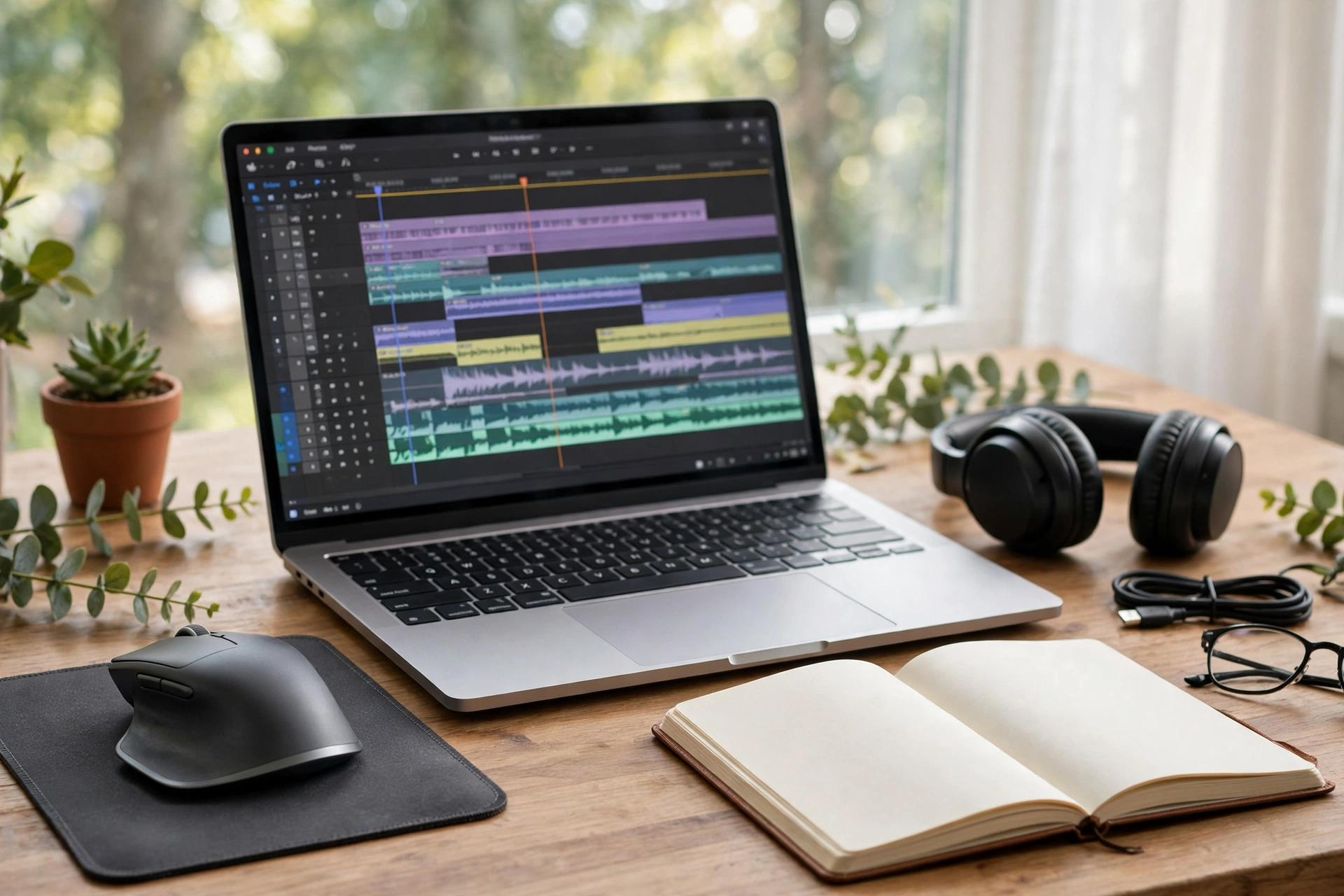
Many Indian creators do a bit of everything: stream games in the evening, edit the VOD the next morning, design thumbnails in between. The G502 X Lightspeed is built for exactly that mixed life. It offers 13 programmable controls — far more than the Superlight — so you can map OBS scene switches, push-to-talk, editing shortcuts and DPI stages all onto one device, and its gaming-grade sensor means it stays competitive in shooters.
The shape is a classic right-handed ergonomic design with a thumb rest, heavier than an esports mouse but comfortable for long sessions, and it supports both wireless and wired use. Think of it as the compromise that refuses to feel like one: not quite as light as the Superlight, not quite as edit-optimised as the MX Master, but genuinely good at both jobs. If you can only buy one mouse for a mixed creator workflow, this is the safest single purchase.
4. Logitech MX Anywhere 3S — Best Portable Creator Mouse
Creators who shoot on location, edit in cafes or travel between a home studio and a college or office need a mouse that disappears into a bag. The MX Anywhere 3S keeps the MX Master family’s MagSpeed wheel and 8,000 DPI glass-tracking sensor in a compact body, at roughly ₹8,999 in India. It connects over Bluetooth or its USB receiver, pairs with up to three devices, and charges over USB-C.
What you give up versus the full Master is the thumb wheel and the sculpted palm support, so for eight-hour desk sessions the bigger mouse is still more comfortable. But as a second mouse for travel, or as the only mouse for a creator who works from a laptop everywhere, it is the obvious choice. It also doubles as a presentable on-camera mouse: small, quiet and tidy, with none of the gamer aesthetic that can look out of place in a talking-head setup.
5. Logitech Signature M650 — Best Budget Pick for Just-Chatting Streamers
Not every streamer plays games. If your content is chatting, reactions, commentary, teaching or IRL-style vlogging, you do not need a 25K sensor — you need comfort, silence and a battery you never think about. The Signature M650 delivers all three for roughly ₹2,400–₹2,600 in India. Its SilentTouch clicks are about 90 percent quieter than a standard mouse, which matters a lot when your microphone is inches away, and a single AA battery is rated for up to 24 months.
Its SmartWheel switches between precise steps and fast free-spin scrolling, it comes in sizes for small-to-medium and large hands, and it connects over Bluetooth or the included Logi Bolt receiver, so it works with practically any laptop or desktop. For a new streamer building a setup on a budget, this is where the money should not go — save it for a microphone, lighting or a better webcam, and let this mouse quietly do its job.
Buying Guide: How to Choose
Start with your content split. Mostly gaming on stream? Prioritise weight, sensor and wireless latency, and accept fewer buttons. Mostly editing and design? Prioritise the scroll system, a thumb wheel and programmable buttons, and accept more weight. Roughly half and half? Buy the all-rounder, or plan for two mice over time.
Next, check your hand and grip. Palm-grip streamers with larger hands suit the MX Master and G502 shapes; claw and fingertip players usually prefer the lighter, smaller Superlight. Measure your hand from wrist to middle fingertip — under 17.5 cm is small, 17.5–19 cm is medium, over 19 cm is large — and be honest about how many hours you play or edit per day. Then check practicalities: does your PC have Bluetooth, or do you need a USB receiver? Do you record audio in the same room, making silent clicks valuable? Do you travel with the setup?
Finally, buy genuine. Counterfeit gaming mice are common on unregulated marketplaces in India, and a fake sensor will ruin exactly the performance you paid for. Buy from reputable Indian retailers, keep the invoice for warranty, and verify the current price before ordering — flagship mice in India swing by thousands of rupees between sales. For related reading, see our guides on the best mouse for video editing, the best mouse for programmers and the mouse DPI and polling rate explained.
Video: The Perfect Creator Mouse?
The video below reviews a mouse built specifically for content creators, testing it across a week of real creator work in apps like Canva and the Adobe suite — a useful watch before you decide how much programmability you actually need:
Frequently Asked Questions
What is the best mouse for streamers in India?
For gaming streamers, the Logitech G Pro X Superlight is the most-used pro choice thanks to its ~63 g weight and precise HERO 25K sensor. For creators who mostly edit, the Logitech MX Master 3S is better because of its scroll wheels and app shortcuts.
Do streamers need a gaming mouse or a productivity mouse?
It depends on the content. Gaming streams need a light, fast gaming mouse. Editing-heavy creators benefit more from a productivity mouse with programmable buttons and a thumb wheel. Mixed creators should consider an all-rounder like the G502 X Lightspeed, or two specialised mice.
Is a wireless mouse good enough for streaming games?
Yes. Modern wireless gaming mice from Logitech and Razer have latency effectively equal to wired mice, and professionals stream and compete on them. Keep the receiver close to the mouse and keep a charging cable handy for long sessions.
Why are silent clicks important for streamers?
Because your microphone picks up every click. Silent-click mice like the Signature M650 cut click noise by about 90 percent, which keeps commentary and voiceovers clean without extra audio processing.
Can one mouse handle both streaming and video editing?
The G502 X Lightspeed comes closest, with gaming performance plus 13 programmable controls for editing shortcuts. But the best setup for serious creators is often two mice: a light gaming mouse for play and an MX Master for the edit.
How much should a streamer in India spend on a mouse?
₹2,400–₹2,600 buys a solid silent mouse for chatting and light work. ₹8,000–₹9,300 buys a top productivity or portable creator mouse. Gaming flagships sit at the premium end and are worth it only if gaming performance is central to your channel.
Conclusion
The best mouse for streamers in India is the one that matches your content, not the one with the flashiest specifications. Gaming streamers should buy the G Pro X Superlight and never think about their mouse again. Editors and YouTubers should buy the MX Master 3S for its scroll system and shortcuts. Mixed creators should buy the G502 X Lightspeed as the one-mouse answer, travellers should take the MX Anywhere 3S, and just-chatting streamers on a budget should save their money with the Signature M650 and spend it where viewers actually notice — on audio, lighting and content.
Sources and further reading: 91mobiles’ best mice for creators in India (2026) and StreamingEquip’s best mice for streamers for background on creator and streamer picks.