
In music production, the mouse is not a background accessory — it is the instrument you use to draw automation curves, chop samples, drag MIDI notes into place and scroll through a hundred-track session. A jittery sensor or an uncomfortable shape shows up as sloppy edits, tired hands and sessions that end earlier than they should. The best mouse for music producers in India combines precise tracking for fine edits, programmable buttons for your most-used DAW shortcuts, and comfort that survives a full night in the studio.
This guide covers five real mice available in India, from a compact travel mouse for producers on the move to a premium flagship for a dedicated home studio. Prices are approximate and change with sales and stock, so verify the current listing price before ordering.
Table of Contents
- What Music Producers Need in a Mouse
- Top Picks at a Glance
- 1. Logitech MX Master 3S — Best Overall for Producers
- 2. Logitech MX Anywhere 3S — Best Compact / Travel Pick
- 3. Logitech Lift — Best Ergonomic Pick
- 4. Logitech Ergo M575 — Best Trackball for Small Studios
- 5. Logitech M720 Triathlon — Best Budget Multi-Device Pick
- Buying Guide: DAW Workflow Tips
- Frequently Asked Questions
- Conclusion

What Music Producers Need in a Mouse
Producers ask a mouse to do three jobs that office users rarely do. First, fine precision: drawing a smooth automation curve or nudging a clip by a few milliseconds needs a sensor that tracks steadily at low speeds without jitter. Second, fast navigation: a long arrangement with dozens of tracks needs a scroll wheel that can fly vertically and a thumb wheel or gesture for horizontal movement across the timeline. Third, shortcut access: splitting clips, muting tracks, zooming and undoing are actions you repeat hundreds of times per session, and putting them on mouse buttons saves real time.
Comfort matters just as much. Production sessions in India often run late into the night in a bedroom studio, and a mouse that cramps your hand will cut sessions short. Quiet clicks are a bonus too — if you record vocals or acoustic instruments in the same room, loud clicks can bleed into a take. Finally, consider your desk: a small bedroom studio with a MIDI keyboard, an audio interface and monitor speakers may have little room for wide mouse movements, which is where a trackball earns its place.
Top Picks at a Glance
| Mouse | Best For | Approx. Price in India* | Standout Feature |
|---|---|---|---|
| Logitech MX Master 3S | Main studio mouse | ~₹8,000–₹9,000 | MagSpeed wheel + thumb wheel, 8,000 DPI |
| Logitech MX Anywhere 3S | Travel / small desks | ~₹5,300 | Compact, 8,000 DPI, tracks on glass |
| Logitech Lift | Long sessions, wrist comfort | ~₹5,800 | 57° vertical handshake grip |
| Logitech Ergo M575 | Tiny studios, precision | Check current listing | Thumb trackball, no arm movement |
| Logitech M720 Triathlon | Budget multi-device | ~₹5,400–₹6,000 | 3-device switching, 24-month battery |
*Prices are approximate, based on Indian retail listings seen in late 2026, and change frequently. Verify the current price on the listing before buying.
1. Logitech MX Master 3S — Best Overall for Producers
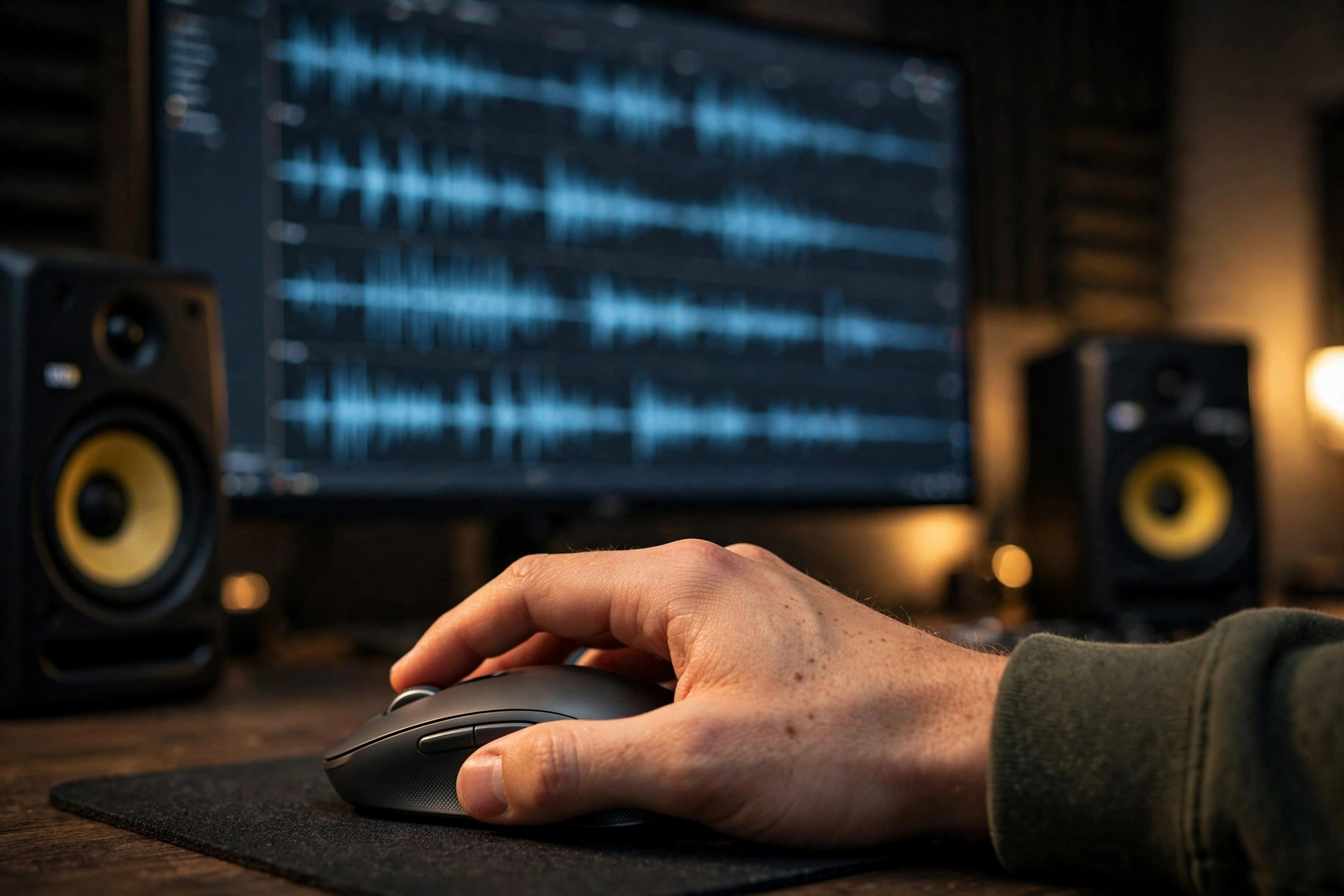
The MX Master 3S is the default recommendation for producers for good reason. Its 8,000 DPI Darkfield sensor tracks precisely on almost any surface, including glass desks, and stays steady during the slow, careful movements that automation editing demands. The MagSpeed electromagnetic scroll wheel flies through long arrangements with a flick and drops back to precise ratcheted scrolling when you need it, while the thumb wheel scrolls horizontally across the timeline — a feature producers notice within minutes of using it.
Seven programmable buttons can hold your most-used DAW commands: split, mute, solo, undo, zoom and tool switching, with per-application profiles in Logitech’s Options+ software so your FL Studio setup does not clash with your Ableton setup. The sculpted shape supports the whole hand, clicks are quiet enough for a recording room, and USB-C charging gives up to 70 days per charge according to Logitech. At roughly ₹8,000–₹9,000 it is an investment, but it is the one mouse that improves almost every part of a DAW workflow at once.
2. Logitech MX Anywhere 3S — Best Compact / Travel Pick
Not every producer works at a big desk. If you produce on a laptop in a hostel room, a café or a collaborator’s studio, the MX Anywhere 3S packs the same 8,000 DPI sensor and MagSpeed wheel into a pocket-sized body at roughly ₹5,300. It tracks on glass, connects to up to three devices over Bluetooth or its receiver, and charges over USB-C.
The trade-off is size: it is a compact mouse, so for very long sessions at a main desk a full-size mouse will be kinder to your hand. Think of it as the ideal second mouse for mobile sessions, or the main mouse for producers who genuinely prefer a smaller shape. For beatmakers who travel between studios, it is the most practical premium option.
3. Logitech Lift — Best Ergonomic Pick
Long production sessions punish flat mice. The Lift holds your hand in a natural 57-degree handshake position, which reduces forearm twisting during hours of editing, and its compact body suits small to medium hands — the size range most producers fall into. It also comes in a left-handed version, a rarity worth celebrating. It connects over Bluetooth or the Logi Bolt receiver and runs for up to two years on a single AAA battery.
You give up the MX Master 3S’s thumb wheel and premium scroll wheel, but you gain a shape that keeps your hand fresher at 2 a.m. than any flat mouse will. If wrist discomfort is already cutting your sessions short, try the Lift before you spend on anything else — and if pain persists, see a doctor rather than assuming hardware alone will fix it.
4. Logitech Ergo M575 — Best Trackball for Small Studios
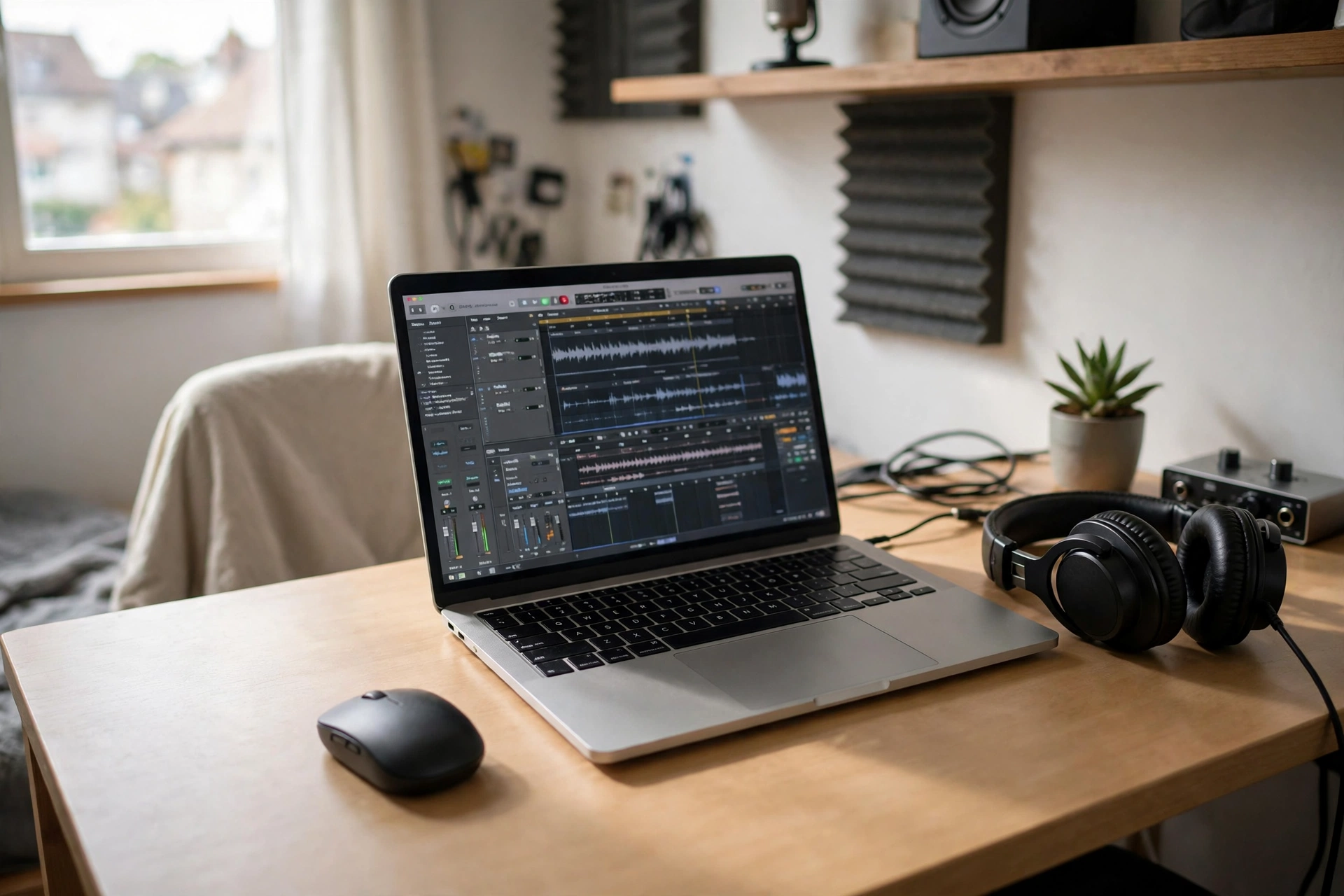
Bedroom studios in India are often tight on space: a MIDI controller, an audio interface, studio monitors and a laptop can leave almost no room to move a mouse. A trackball solves that completely, because the mouse never moves — your thumb rolls the ball to move the cursor, giving precise control for detailed DAW edits without any arm movement. The Ergo M575’s sculpted shape keeps the hand relaxed, its clicks are quiet for recording environments, and its buttons can be mapped to DAW shortcuts.
Trackballs take a few days to learn, and they are not for everyone, so buy from a retailer with easy returns if you are unsure. But for producers in cramped rooms, or those with shoulder strain from reaching across a wide desk, it is a genuinely different — and often better — way to work.
5. Logitech M720 Triathlon — Best Budget Multi-Device Pick
If your budget does not stretch to the MX range, the M720 Triathlon gives producers a comfortable sculpted mouse with multi-device switching at roughly ₹5,400–₹6,000. It pairs with up to three devices, has a thumb rest and programmable buttons for common shortcuts, and its AA battery is rated for up to 24 months. Its sensor and scroll wheel are simpler than the MX Master 3S’s, but for arranging, comping and mixing at a hobbyist or semi-professional level, it is more than capable — and the money saved can go towards headphones or plugins that matter more.
Buying Guide: DAW Workflow Tips
Before buying, map your own workflow. If you spend most time drawing automation and editing audio, prioritise sensor precision and a good scroll wheel. If you constantly switch tools, prioritise programmable buttons and set them up properly in Logitech Options+ — a button you never program is a wasted button. If you record in the same room, prioritise quiet clicks and a wireless connection that will not pick up interference from other gear.
Also check compatibility: all the mice here work with Windows and macOS, which covers FL Studio, Ableton Live, Logic Pro (Mac only), Cubase and Reaper. Buy genuine from a reputable Indian retailer and keep your invoice for warranty support. And remember the rest of the chain — a mouse pad with a smooth, consistent surface and a desk at elbow height will improve your accuracy as much as any sensor upgrade. For related reading, see our best mouse for photo editing, best mouse for video editing and DPI and polling rate explained guides.
Frequently Asked Questions
Which mouse is best for music production in India?
The Logitech MX Master 3S is the best overall choice for producers, thanks to its precise 8,000 DPI sensor, MagSpeed scroll wheel, thumb wheel for timeline navigation and programmable buttons for DAW shortcuts.
Do I need a high DPI mouse for a DAW?
Not extremely high, but a good sensor matters. What counts is steady, jitter-free tracking at low speeds for fine edits, which is why quality sensors like the MX Master 3S’s Darkfield sensor are preferred over cheap high-DPI claims.
Is a trackball good for music production?
Yes, especially in small studios. Trackballs like the Ergo M575 offer precise cursor control without arm movement and need almost no desk space. They take a few days to learn, so try one with an easy return option first.
Can I use a gaming mouse for music production?
You can, and many producers do, but gaming mice prioritise light weight and ultra-high polling rates over comfort and scroll quality. A productivity mouse usually serves a DAW workflow better for long sessions.
Are quiet clicks important for producers?
Yes, if you record in the same room. Quiet clicks reduce the chance of click noise bleeding into vocal or acoustic recordings, and they are simply less fatiguing during long sessions.
What is the best budget mouse for music producers in India?
The Logitech M720 Triathlon at roughly ₹5,400–₹6,000 is the best budget-friendly option with multi-device support and programmable buttons. Below that, a good silent office mouse can still handle basic production work.
Conclusion
The best mouse for music producers in India is the one that disappears into your workflow: precise enough for automation curves, programmable enough for your shortcuts, and comfortable enough for a session that runs past midnight. The MX Master 3S does all three better than anything else in this list. If you travel, take the MX Anywhere 3S; if your wrist complains, try the Lift; if your desk is tiny, try the Ergo M575 trackball; and if your budget is tight, the M720 Triathlon covers the essentials well. Set up your buttons for your DAW, verify the current price, and let the mouse get out of the way of the music.
Sources and further reading: Logitech product support pages and HP’s guide to ergonomic mice for background on comfort-first design.