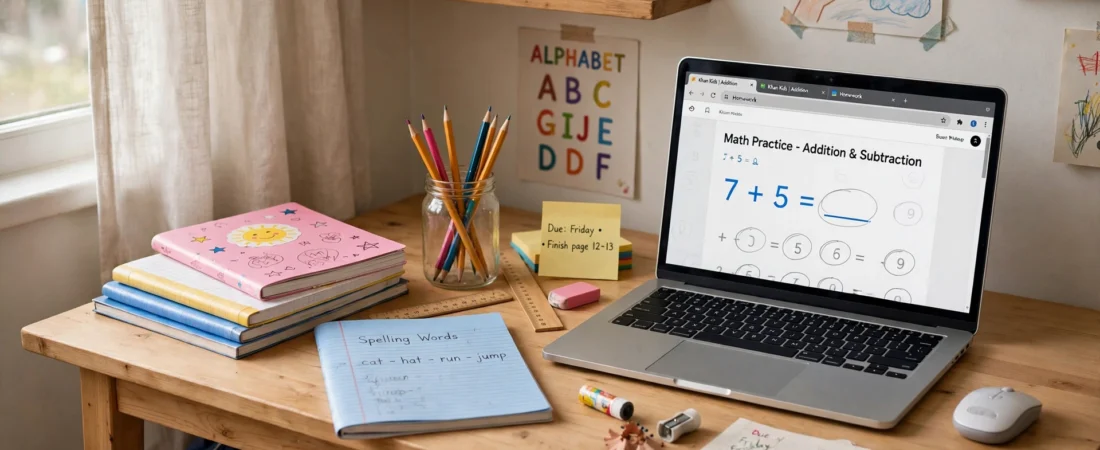
Buying the best mouse for kids in India is not about buying the cheapest mouse, and it is not about buying a smaller version of your own mouse either. A child’s hand is smaller, their grip is still developing, and their patience for a cursor that flies across the screen is very short. The right mouse fits their hand, clicks quietly enough for a shared room, survives being dropped off a desk, and does not need new batteries every month. Get that right, and homework, online classes and drawing games all get a little easier.
Age matters more than brand here. A six-year-old learning to click needs something very different from a fourteen-year-old doing school projects and light gaming. This guide splits its picks by age, explains what to look for at each stage, and covers the practical questions Indian parents actually ask: wired or wireless, how much to spend, and what to do when the mouse inevitably ends up in a school bag with a lunchbox.
Price disclaimer: All prices below are approximate India street/online prices at the time of writing. Prices may change, so please check the current price on the retailer’s page before buying. No model here is sponsored, and availability can vary by city and seller.
Table of Contents
- What the best mouse for kids in India needs to get right
- Quick comparison table
- Best overall for school-age kids: Logitech M221 Silent
- Best for older kids and teens: Logitech Pebble Mouse 2 M350s
- Best for growing hands: Logitech Signature M550
- Best for teens who game: Logitech G305 Lightspeed
- Wired or wireless for kids?
- Setting up a mouse for a child
- Frequently asked questions
- Conclusion
What the Best Mouse for Kids in India Needs to Get Right
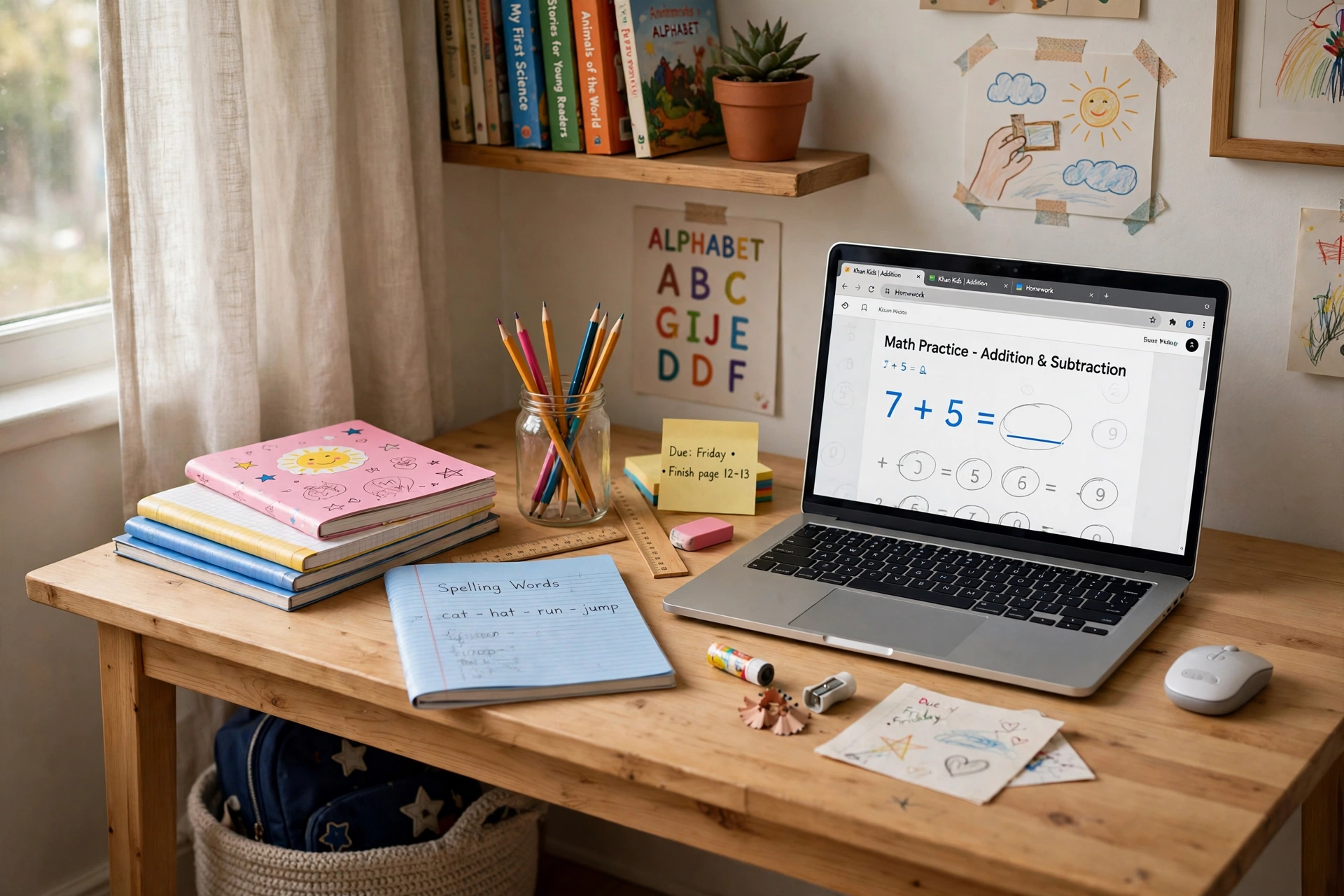
Size comes first. A full-size adult mouse forces a small hand into a stretched claw grip, which tires the hand within minutes and makes precise clicking frustrating. Look for a compact mouse: a body width under about 65 mm and a weight under about 80 grams suits most primary-school hands. The child should be able to rest their palm on the mouse without their fingers hanging off the front or dragging on the desk.
Sensitivity comes second. Adults like high DPI settings for large monitors, but for a child, a very sensitive mouse is a curse: one small wrist flick sends the cursor flying off the screen. A modest sensitivity around 1000 DPI is ideal for learning, and if a mouse offers adjustable DPI, set it low and leave it there. Buttons come third. Young children do best with just two buttons and a scroll wheel; extra side buttons cause accidental clicks and confusion. Older kids can handle more, but there is no rush.
Quiet clicks are underrated and genuinely matter in Indian homes, where homework often happens in a shared room while someone else works or watches television. A quiet-click mouse keeps the peace and helps the child concentrate. Durability matters too: a kids’ mouse will be dropped, squeezed in a bag and possibly fought over by siblings. A simple, solid mouse with no fragile folding parts will outlast a fancy one. Teachers who recommend mice for classrooms make the same points — simple, durable and appropriately sized beat feature-packed every time, as shown in teacher-recommended roundups of student mice.
Quick Comparison Table
| Mouse | Approx. India price | Best age | Weight | Key features | Connectivity |
|---|---|---|---|---|---|
| Logitech M221 Silent | Around Rs. 800–1,200 | 6 years and up | About 75 g | Quiet clicks, 1000 DPI, 18-month battery | 2.4 GHz USB receiver |
| Logitech Pebble Mouse 2 M350s | Around Rs. 1,800–2,500 | 10 years and up | About 76 g | Slim, quiet clicks, Bluetooth, 3 devices | Bluetooth |
| Logitech Signature M550 | Around Rs. 2,000–3,000 | 11 years and up | Small-to-medium size | Quiet clicks, SmartWheel, small size option | Bluetooth + USB receiver |
| Logitech G305 Lightspeed | Around Rs. 3,500–5,000 | 13 years and up | Light, wireless gaming design | HERO sensor, up to 12,000 DPI, long battery | 2.4 GHz Lightspeed wireless |
Prices are approximate only; prices may change, so check the current price before ordering. Prices for the G305 vary a lot with sales and colour, so wait for a discount if it is above this range.
Best Overall for School-Age Kids: Logitech M221 Silent
The M221 Silent is the safest first mouse for a school-age child in India. It is compact at about 99 x 60 x 39 mm, weighs about 75 grams with its battery, and uses a 1000 DPI optical sensor — exactly the modest sensitivity a young learner needs. Its SilentTouch technology cuts click noise by over 90 percent compared with Logitech’s standard M170, so homework clicks do not echo through the house. One AA battery lasts up to 18 months, and its wireless range reaches up to 10 metres, which is far more than any homework desk needs. These specifications are confirmed on Logitech spec listings for the M221.
The M221 is also ambidextrous, so left-handed children are not forced into a right-handed shape, and it comes in cheerful colours that children actually like choosing. Its one limitation is connectivity: it uses a tiny USB receiver, not Bluetooth, so it suits a laptop or desktop with a USB port but not a tablet-only setup. For a child doing online classes on a family laptop or a school Chromebook with a USB port, that is a non-issue. If your child works mainly on a Chromebook, our Chromebook mouse guide covers Bluetooth options that pair directly with ChromeOS.
Best for Older Kids and Teens: Logitech Pebble Mouse 2 M350s
For a child aged ten or older who wants something that looks good and travels well, the Pebble Mouse 2 M350s is the pick. It is slim, round and light at about 76 grams, pairs over Bluetooth with up to three devices — a laptop, a tablet and a phone, for example — and uses quiet-click switches that remove over 90 percent of click noise. Its single AA battery lasts up to 24 months, and its middle button can be customised through Logi Options+ software on Windows and macOS.
The Pebble 2’s flat shape suits older kids whose hands have grown enough to control a low mouse comfortably. For younger children it can feel a little too flat and slippery, which is why we recommend the M221 for the youngest users instead. The Pebble 2 is also the mouse to buy if your teenager carries a school bag between home, tuition and a library: it slips into a pocket, needs no dongle to lose, and looks like something a teenager will not be embarrassed to use. It is also a strong budget option in general, and budget buyers can compare it with other sub-Rs. 1,000 options in our budget wireless guide — though the Pebble 2 itself sits just above that band.
Best for Growing Hands: Logitech Signature M550
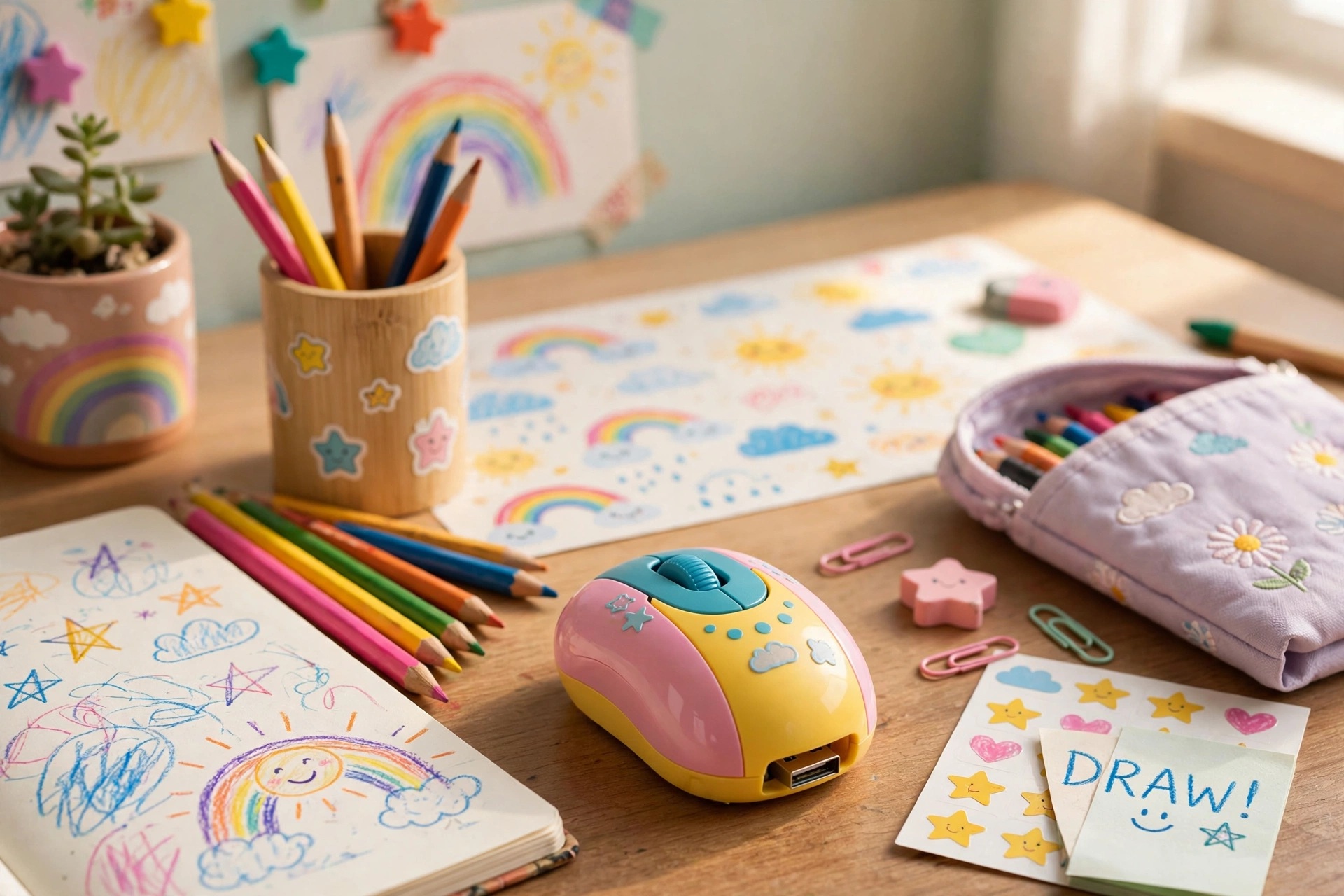
Between the small M221 and a full adult mouse sits the Logitech Signature M550, the smaller sibling of the popular M650. It is designed for small to medium hands, keeps the quiet-click design and the SmartWheel that scrolls line by line or faster with a flick, and connects over Bluetooth or a USB receiver. For a child of eleven or twelve whose hand has outgrown the M221 but is not ready for a large adult mouse, the M550 is the natural next step.
The M550’s advantage is that it grows with the child: it is comfortable for homework, projects and longer typing sessions, and it does not look like a toy, so a teenager will keep using it. Its disadvantage is price — it costs roughly double the M221 — so buy it when the child’s hand genuinely needs the larger size, not just because it looks more grown-up. A good test: if the child’s fingers drag on the desk with the small mouse, or their palm cramps after twenty minutes, it is time to size up.
Best for Teens Who Game: Logitech G305 Lightspeed
Teenagers who play games with friends need a different mouse from younger children, and the Logitech G305 Lightspeed is the classic choice. It uses Logitech’s HERO optical sensor with a range up to 12,000 DPI, connects over a fast 2.4 GHz Lightspeed wireless link, and runs for a very long time on a single AA battery. It is light, compact and shaped for claw and palm grips, which suits teenage hands well. Kids’ gaming roundups list the G305 as a best overall pick for exactly this combination of light weight, reliable wireless and a proven sensor.
Set the DPI sensibly, though. A teenager does not need 12,000 DPI for schoolwork or casual games — a setting around 800 to 1600 DPI feels far more controllable, and the G305’s software lets you save a low-DPI profile for homework and a higher one for games. Also be honest about the budget: at roughly Rs. 3,500–5,000, the G305 is a birthday-level purchase, not a casual one, and a younger sibling should not inherit it until they are old enough to look after it. Teens comparing gaming options will find more on this in our casual gamer guide.
Wired or Wireless for Kids?
Wireless wins for most families, because there is no cable to tangle, chew or yank a laptop off a table. A wireless mouse with a long battery life — 18 to 24 months on one AA cell — also means parents are not constantly buying batteries. The risk is the tiny USB receiver: it is easy to lose, especially if the child carries the mouse to school. Teach the child to store the receiver inside the mouse (most models have a slot) or in a fixed pocket of the school bag, and keep a note of the exact model so a replacement receiver can be ordered if needed.
Wired mice still have a place. They never need batteries, never lose connection, and are often cheaper. For a fixed desktop computer in a study room, a simple wired mouse is perfectly sensible, and for very young children a wired mouse removes the whole battery question. Specialist one-button wired mice exist for toddlers and children with special needs, though availability in India is patchy and they are usually bought from specialist sellers. For most Indian families, though, a compact wireless mouse is the simpler daily choice.
Setting Up a Mouse for a Child
Set the pointer speed low to start. In Windows, macOS or ChromeOS settings, move the pointer speed slider to the middle or slightly below, and turn off any “enhance pointer precision” style acceleration if the cursor feels jumpy — a predictable cursor teaches better control than a fast one. Make the cursor bigger and higher-contrast in accessibility settings if the child keeps losing it on the screen; this is a one-minute change that removes a lot of frustration.
Teach the click gently. Children often press too hard or double-click everything. A quiet-click mouse helps here because the click feel is softer. Show them the difference between left-click, right-click and scroll, one skill at a time, and let them practise with a drawing game rather than a worksheet. Keep a spare AA battery in the study drawer, clean the sensor lens with a dry cloth when the cursor starts jumping, and use a mouse pad — a surprising number of “broken mouse” complaints are really a shiny dining table or a dusty sensor.
Frequently Asked Questions
1. What is the best mouse for kids in India overall?
For most school-age children, the Logitech M221 Silent is the best overall pick: small, light, quiet, cheap at roughly Rs. 800–1,200, and with an 18-month battery life. Older kids should look at the Pebble Mouse 2 M350s, and gaming teens at the G305 Lightspeed.
2. What age should a child start using a mouse?
Most children can start with a simple mouse around age five or six, alongside a touchscreen. Start with a small, simple mouse with just two buttons and a scroll wheel, and keep sessions short and playful rather than formal.
3. Is a wireless mouse safe for kids?
Yes, for normal home and school use. Wireless mice use low-power radio signals similar to a TV remote. The practical safety points are simpler: keep small receivers away from toddlers who might swallow them, and keep batteries out of reach of very young children.
4. Should I buy a wired or wireless mouse for my child?
Wireless is usually better for school bags and shared family laptops, because there is no cable to tangle. Wired is better for a fixed desktop, because it never needs batteries or a receiver. Either way, choose a compact size first and worry about the cable second.
5. How do I stop the cursor flying across the screen?
Lower the pointer speed and the DPI setting. For most children, around 1000 DPI with a middle pointer speed feels right. Turn off pointer acceleration if the cursor still feels unpredictable, and make the cursor larger in accessibility settings if the child keeps losing it.
6. What is the best mouse for a teenager who games and studies?
The Logitech G305 Lightspeed is the best two-in-one pick for a teenager: light, wireless, with a proven sensor for games and a long battery life for schoolwork. Set a low DPI profile for homework and a higher one for games, and the same mouse covers both.
Conclusion
The best mouse for kids in India is the one that fits the child’s hand today, not the one they will grow into next year. Start young learners with the Logitech M221 Silent: small, quiet, durable and cheap. Move older kids to the Pebble Mouse 2 M350s for Bluetooth freedom and style, step up to the Signature M550 when their hands grow, and let gaming teens graduate to the G305 Lightspeed. Whichever you choose, check the current price before buying — prices may change — set the pointer speed low, and keep a spare battery in the drawer. A mouse that fits makes the computer feel friendly instead of frustrating, and that is worth far more than any feature list.
Watch: