
If you spend hours in Photoshop, Illustrator, Figma or Premiere Pro, the mouse in your hand matters more than most people admit. A cheap office mouse can slow down precise selections, make long editing sessions uncomfortable and cost you time on every project. The best mouse for graphic designers in India is not just about DPI numbers on a box. It is about accuracy, comfort, smooth scrolling and buttons you can actually use in your daily workflow.
In this guide, we compare the best options available in India in 2026, from the premium Logitech MX Master series to budget-friendly picks under ₹3,000. Prices are indicative and may change, so check the latest price on Amazon India before you buy.
Table of Contents
- What Makes a Mouse Great for Graphic Designers?
- Best Mouse for Graphic Designers in India (2026) — Quick Picks
- Detailed Reviews
- Comparison Table
- How to Choose the Right Mouse for Your Design Work
- Setting Up Your Mouse for Design Work
- Video Guide
- FAQs
- Final Verdict

What Makes a Mouse Great for Graphic Designers?
Before you compare models, it helps to know what actually matters for design work:
- High-precision sensor: Look for at least 1000–4000 DPI with smooth tracking on different surfaces. Higher DPI helps with fine selections and detailed work, but accuracy matters more than the maximum number.
- Comfortable, ergonomic shape: Designers work for 6–10 hours a day. A mouse that supports your palm and reduces wrist strain is essential.
- Customisable buttons: Extra buttons for undo, redo, brush size, zoom or tool switching can save hours over a project.
- Smooth, precise scroll wheel: A free-spinning or ratchet scroll wheel helps you move through large canvases and timelines quickly.
- Multi-device support: Bluetooth and USB receiver options let you switch between a laptop, desktop and tablet easily.
- Good battery life: A mouse that lasts weeks (or months) on a charge avoids interruptions during deadlines.
Best Mouse for Graphic Designers in India (2026) — Quick Picks
- Best Overall: Logitech MX Master 3S
- Best for Mac Users: Logitech MX Master 3S for Mac
- Best Budget Pick: Logitech Signature M650
- Best Portable Option: Logitech MX Anywhere 3S
- Best for Left-Handed Designers: Logitech MX Master 3S (left-hand friendly alternatives: Razer Pro Click)
- Best Value Under ₹5,000: Logitech MX Master 2S (often discounted)
Detailed Reviews
1. Logitech MX Master 3S — Best Overall
Price: Around ₹9,500–₹11,000 on Amazon India (price may change)
The MX Master 3S is the gold standard for designers. Its 8000 DPI sensor tracks precisely on almost any surface, the MagSpeed scroll wheel moves through long timelines effortlessly, and the thumb wheel is perfect for horizontal scrolling in Photoshop and Premiere Pro. The shape fits medium to large hands beautifully, and Logitech Options+ lets you customise every button per app.
- Pros: Superb ergonomics, quiet clicks, app-specific customisation, multi-device pairing
- Cons: Pricey, slightly heavy, not ideal for very small hands
- Best for: Professional designers, video editors and illustrators who work all day
2. Logitech MX Master 3S for Mac — Best for Mac Users
Price: Around ₹9,500–₹11,500 on Amazon India (price may change)
Functionally identical to the standard 3S but optimised for macOS with USB-C charging and macOS-friendly software. If you use a MacBook or iMac for design work, this is the version to get.
- Pros: Perfect macOS integration, same great ergonomics and sensor
- Cons: Premium price, no USB-A receiver in the box
- Best for: Mac-based designers and creative professionals
3. Logitech Signature M650 — Best Budget Pick
Price: Around ₹2,500–₹3,500 on Amazon India (price may change)
The Signature M650 is proof that you do not need to spend ₹10,000 for a good design mouse. It has a comfortable contoured shape, quiet clicks, a precise sensor and SmartWheel scrolling. It lacks the thumb wheel and deep customisation of the MX series, but for students and freelancers on a budget, it is excellent value.
- Pros: Affordable, comfortable, quiet, long battery life
- Cons: Fewer customisable buttons, no thumb wheel
- Best for: Students, beginners and budget-conscious designers
4. Logitech MX Anywhere 3S — Best Portable Option
Price: Around ₹7,500–₹9,000 on Amazon India (price may change)
Smaller and lighter than the MX Master, but still very capable. The Anywhere 3S is ideal if you work from cafés, client offices or while travelling. It has an 8000 DPI sensor, quiet clicks and the same excellent software support.
- Pros: Compact, portable, precise, multi-device
- Cons: Smaller shape may not suit large hands for long sessions
- Best for: Designers who travel or work from multiple locations
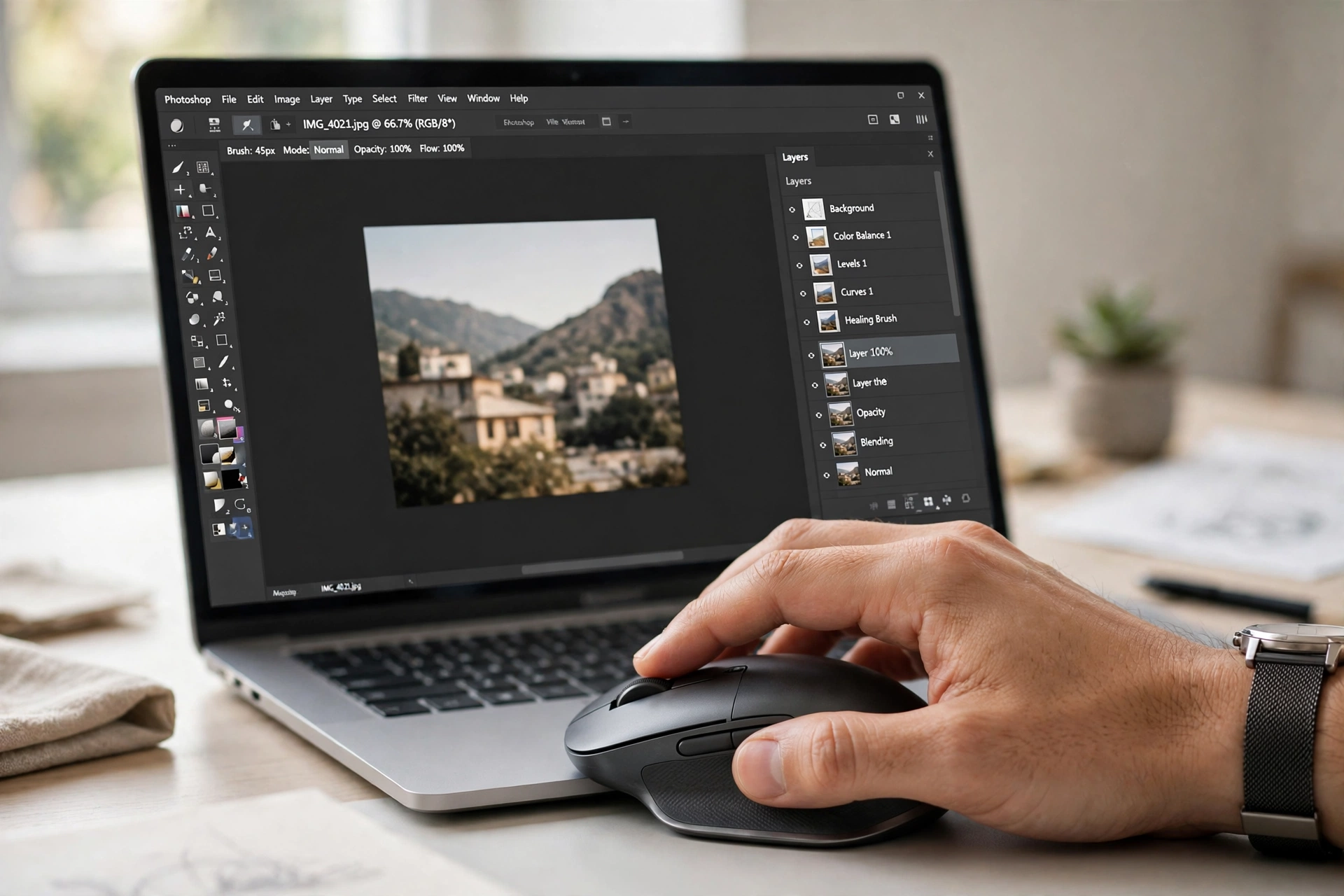
5. Razer Pro Click — Best for Left-Handed Designers (Alternative)
Price: Around ₹8,000–₹10,000 on Amazon India (price may change)
The Razer Pro Click is a productivity-focused mouse with a comfortable shape and excellent wireless performance. It is often recommended as an alternative for designers who want a different feel from Logitech’s MX line.
- Pros: Comfortable, long battery life, good sensor
- Cons: Software is less design-focused than Logitech Options+
- Best for: Designers looking for a premium alternative to Logitech
6. Logitech MX Master 2S — Best Value Under ₹5,000 (When Discounted)
Price: Often around ₹4,500–₹6,000 during sales on Amazon India (price may change)
An older model, but still a fantastic design mouse. The Master 2S has great ergonomics, a thumb wheel and solid customisation. If you find it on sale, it offers most of the Master 3S experience for much less.
- Pros: Great value on sale, excellent ergonomics
- Cons: Older micro-USB charging, slightly louder clicks
- Best for: Budget-conscious professionals who want premium ergonomics
Comparison Table
| Mouse | Best For | DPI | Approx. Price in India |
|---|---|---|---|
| Logitech MX Master 3S | Professional designers | 8000 | ₹9,500–₹11,000 |
| MX Master 3S for Mac | Mac users | 8000 | ₹9,500–₹11,500 |
| Logitech Signature M650 | Budget / students | 4000 | ₹2,500–₹3,500 |
| Logitech MX Anywhere 3S | Travel / portable | 8000 | ₹7,500–₹9,000 |
| Razer Pro Click | Premium alternative | 16000 | ₹8,000–₹10,000 |
| Logitech MX Master 2S | Value on sale | 4000 | ₹4,500–₹6,000 |
How to Choose the Right Mouse for Your Design Work
Choosing the best mouse for graphic designers in India depends on your hand size, software and budget. Here is a simple way to decide:
- Hand size: Large hands suit the MX Master series. Small or medium hands may prefer the Signature M650 or MX Anywhere 3S.
- Software: If you use Photoshop and Illustrator daily, look for a mouse with customisable buttons and a thumb wheel. Video editors should prioritise smooth scrolling and timeline navigation.
- Budget: Under ₹3,500, the Signature M650 is hard to beat. Between ₹5,000 and ₹10,000, the MX Master 2S (on sale) or MX Anywhere 3S are strong choices. Above ₹9,000, the MX Master 3S is the best investment.
- Portability: If you travel often, choose a compact mouse like the MX Anywhere 3S.
- Operating system: Mac users should get the Mac version of the MX Master 3S for the best experience.
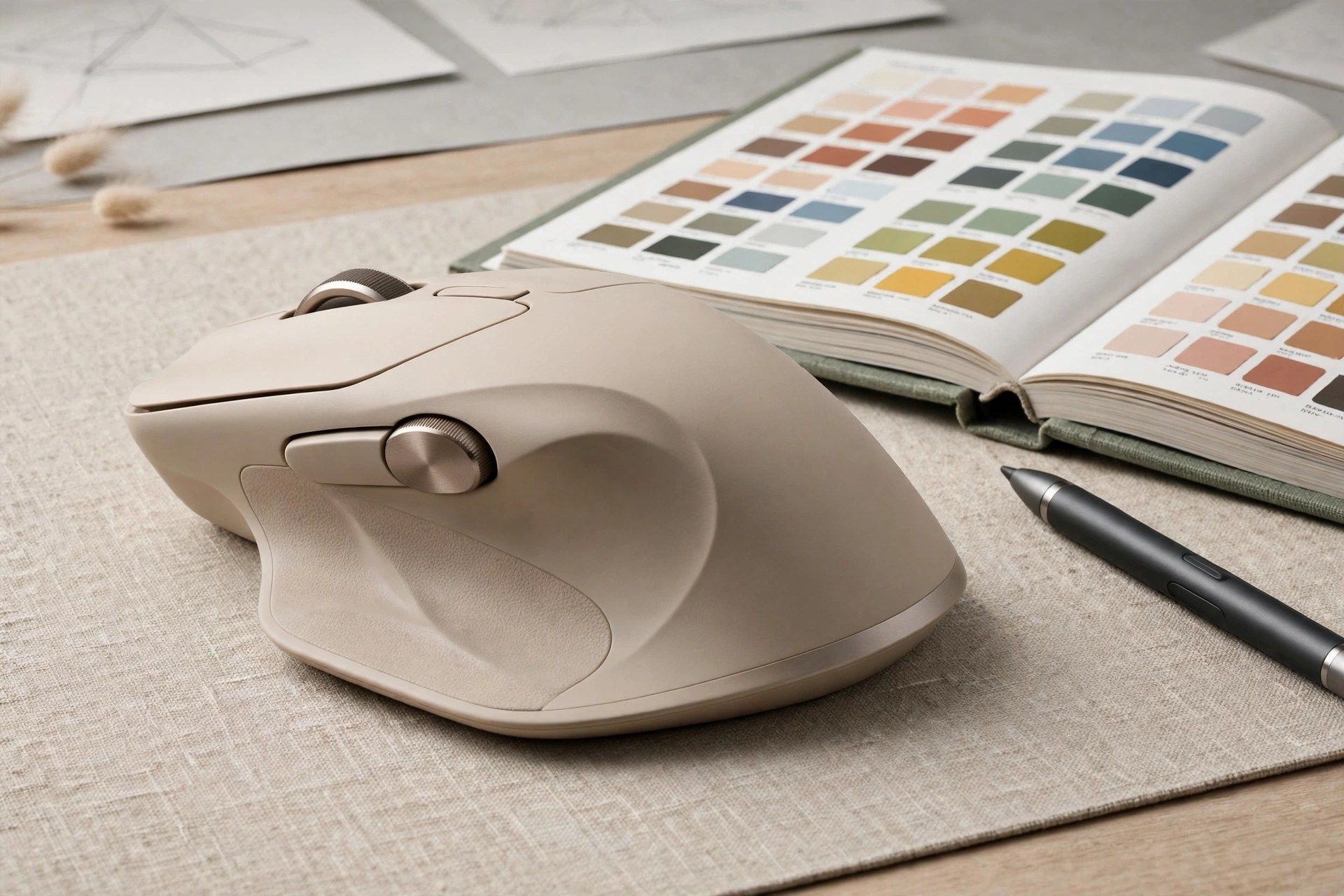
Setting Up Your Mouse for Design Work
Once you have your new mouse, take 10 minutes to set it up properly:
- Install Logitech Options+ (or the manufacturer’s software) and create app-specific profiles for Photoshop, Illustrator and Figma.
- Assign undo/redo, zoom, brush size and tool switching to extra buttons.
- Set your DPI to a comfortable level — many designers use 1000–2000 DPI for general work and higher DPI only for fine detail.
- Enable smooth scrolling and adjust the scroll wheel speed to match your canvas size.
- Pair the mouse with up to three devices if you switch between a desktop and laptop.
Video Guide
Watch this video for a visual overview of choosing the right mouse for design work:
FAQs
What is the best mouse for graphic designers in India?
The Logitech MX Master 3S is widely considered the best overall choice for graphic designers in India, thanks to its precision, ergonomics and customisation options.
Is a gaming mouse good for graphic design?
A gaming mouse can work for design, but productivity mice like the MX Master series are usually better because they offer better ergonomics, quieter clicks and app-specific controls.
What DPI is best for graphic design?
Most designers work comfortably at 1000–2000 DPI for general tasks, with higher DPI available for fine detail work. Accuracy and comfort matter more than maximum DPI.
Is the MX Master 3S worth the price in India?
Yes, if you design professionally for many hours a day. The comfort, precision and time saved through customisation make it a worthwhile investment. For casual or student use, the Signature M650 offers better value.
Do I need a mouse pad for graphic design?
A good mouse pad improves tracking accuracy and comfort, especially on glossy or uneven desks. It is recommended, but not essential for most modern sensors.
Final Verdict
The best mouse for graphic designers in India in 2026 is the Logitech MX Master 3S for most professionals, with the Signature M650 as the best budget alternative and the MX Anywhere 3S for portable work. Choose based on your hand size, budget and workflow — and remember that comfort over long hours matters just as much as specifications.
Check current prices on Amazon India before buying, as prices change frequently during sales and festivals. For more buying guides, explore our other mouse reviews on kwf.co.in, including the best mouse for programmers in India and the best mouse for students in India.
Price disclaimer: Prices mentioned in this article are indicative and were checked at the time of writing. Prices on Amazon India may change without notice. Please verify the latest price before making a purchase.
Sources and further reading
https://www.logitech.com/en-my/shop/p/mx-master-3s.910-006561, https://www.archivinci.com/blogs/best-mouse-for-architects-and-designers, https://kitbash3d.com/a/blog/best-computer-mice-for-3d-artists