
Data entry is one of the most mouse-intensive jobs there is. Hour after hour, your hand repeats the same small movements — clicking fields, selecting text, scrolling through forms and switching between windows — and a poor mouse turns that repetition into wrist pain, shoulder ache and slower output. The best mouse for data entry in India is therefore a comfort tool first and a gadget second: it should fit your hand, stay quiet in a shared room, glide smoothly without dragging, and keep working for months without battery anxiety.
This guide covers six real mice available in India, from a budget silent mouse under ₹1,000 to a trackball for people who want to stop moving their arm altogether. Prices are approximate and change with sales and availability, so check the current listing price before you order.
Table of Contents
- What Matters Most for Data Entry Work
- Top Picks at a Glance
- 1. Logitech Signature M650 — Best Overall
- 2. Logitech M331 Silent Plus — Best Budget Pick
- 3. Logitech MX Vertical — Best for Wrist Strain
- 4. Logitech Lift — Best Vertical Mouse for Smaller Hands
- 5. Logitech Ergo M575 — Best Trackball for Tiny Desks
- 6. Logitech M720 Triathlon — Best Multi-Device Pick
- Buying Guide: How to Choose
- Video: Best Ergonomic Mice of 2026
- Frequently Asked Questions
- Conclusion
What Matters Most for Data Entry Work
Data entry punishes the wrong mouse faster than almost any other job, because the movements are small, fast and repeated thousands of times a day. Four factors decide whether a mouse helps or hurts you.
First is shape. A mouse that supports your palm lets your hand rest instead of grip, which matters enormously by the sixth hour of a shift. Second is click feel. Light, quiet clicks reduce finger fatigue and keep you from disturbing colleagues in a data-entry hall or BPO floor. Third is glide: smooth feet and a sensor that tracks cleanly on your desk surface mean fewer repeated movements to correct a cursor that skipped. Fourth is connection reliability. A dropped Bluetooth connection in the middle of a batch entry is lost work, so a USB receiver is the safest option on shared or older office machines.
What does not matter much is gaming performance. You do not need 8,000 DPI or a 1,000 Hz polling rate to fill a form accurately. A steady 1,000–4,000 DPI sensor and a comfortable shell will do far more for your daily output than any specification on the box.
Top Picks at a Glance
| Mouse | Best For | Approx. Price in India* | Connection |
|---|---|---|---|
| Logitech Signature M650 | Most data entry operators | ~₹2,500 | Bluetooth + Logi Bolt receiver |
| Logitech M331 Silent Plus | Budget / bulk buying | ~₹700–₹1,000 | 2.4GHz USB receiver |
| Logitech MX Vertical | Wrist and forearm strain | ~₹4,300–₹5,000 | Bluetooth + receiver, rechargeable |
| Logitech Lift | Smaller hands, vertical grip | ~₹5,800 | Bluetooth + receiver |
| Logitech Ergo M575 | Tiny desks, no arm movement | Check current listing | Bluetooth + receiver, trackball |
| Logitech M720 Triathlon | Two or three computers | ~₹5,400–₹6,000 | Bluetooth + receiver, multi-device |
*Prices are approximate, based on Indian retail listings seen in late 2026, and change frequently. Verify the current price on the listing before buying.
1. Logitech Signature M650 — Best Overall
The M650 is the safest all-round choice for data entry because it balances everything an operator needs: a contoured, rubber-gripped shape that suits medium and large hands, SilentTouch clicks that are roughly 90 percent quieter than a standard mouse, and a SmartWheel that switches between precise line-by-line scrolling for careful form work and fast scrolling for long records. Logitech rates its single AA battery at up to 24 months, which means one less thing to think about during a busy shift.
It connects via Bluetooth or the included Logi Bolt receiver, so it works on both new laptops and older desktops without Bluetooth. It comes in medium and large sizes; if your hand measures over 19 cm from wrist to middle fingertip, choose the large version. For most data entry operators, this is the mouse to buy first and think about least afterwards.
2. Logitech M331 Silent Plus — Best Budget Pick
When you need a reliable mouse for under ₹1,000 — or when an employer is equipping a whole floor — the M331 Silent Plus is the sensible choice. Its quiet clicks suit shared workspaces, its compact ambidextrous shape suits both left- and right-handed operators, and its USB receiver works with practically any Windows PC with no setup at all.
The compromise is ergonomics: this is a small, simple mouse, not a sculpted one, so on very long shifts a larger mouse will treat your hand better. But paired with a good mouse pad and regular micro-breaks, it is a dependable workhorse, and at this price you can keep a spare in the drawer for the day one fails.

3. Logitech MX Vertical — Best for Wrist Strain
If your wrist or forearm already aches after a shift, a vertical mouse is worth serious consideration. The MX Vertical holds your hand at a 57-degree handshake angle, which reduces the forearm twisting that flat mice demand all day. It tracks at up to 4,000 DPI, connects over Bluetooth or its receiver, and its rechargeable battery is rated for around four months per charge.
Expect an adjustment period of a few days — vertical mice feel unusual at first — and note that this is a large mouse best suited to medium and large hands. A mouse can reduce strain but cannot cure a medical problem: numbness, tingling or pain that disturbs your sleep deserves a doctor’s opinion, not just a new peripheral.
4. Logitech Lift — Best Vertical Mouse for Smaller Hands
The Lift is Logitech’s answer for people who like the vertical idea but find the MX Vertical too big. It uses the same 57-degree handshake angle in a smaller body designed for small to medium hands, and it even comes in a left-handed version, which is rare and valuable. It connects over Bluetooth or the Logi Bolt receiver and runs on a single AAA battery rated for up to two years.
For data entry operators with smaller hands, or anyone who found the MX Vertical bulky, the Lift is usually the better fit. At roughly ₹5,800 it is not cheap, but it is cheaper than the MX Vertical and far cheaper than the physiotherapy bills that chronic strain can lead to.
5. Logitech Ergo M575 — Best Trackball for Tiny Desks
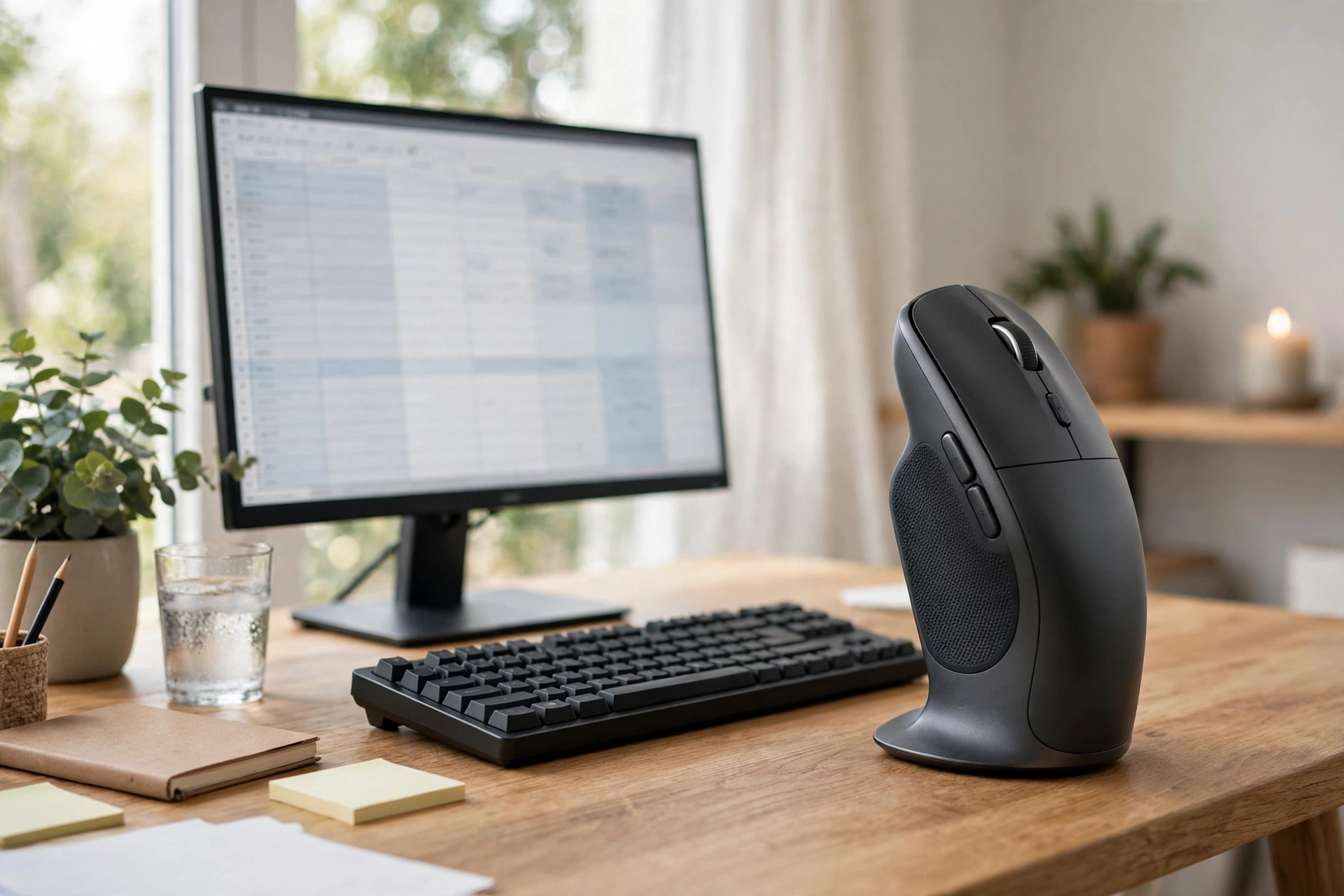
A trackball is a different idea entirely: the mouse stays still and your thumb rolls a ball to move the cursor. For data entry operators working in cramped spaces — a shared desk, a small home workstation, a BPO pod — that means precise control without any arm movement at all, and without needing space to slide a mouse around. The Ergo M575’s sculpted shape keeps the hand relaxed, its clicks are quiet, and its buttons can be customised for common shortcuts.
Trackballs divide opinion, so be honest with yourself: some people love them within a day, others never adjust. If you can borrow one or buy from a retailer with easy returns, try before committing. For operators with very limited desk space or shoulder discomfort from reaching, though, it can be the single biggest comfort upgrade available.
6. Logitech M720 Triathlon — Best Multi-Device Pick
Data entry often spans two machines — a work desktop and a laptop, or a client system and your own PC. The M720 Triathlon pairs with up to three devices and switches between them with a button, so you stop re-pairing or swapping mice. Its sculpted shape includes a thumb rest, its battery is rated for up to 24 months on one AA cell, and its programmable buttons can hold the shortcuts you use most.
It is a mid-range mouse in every sense: not as refined as the MX Master series, but far more capable than a basic office mouse, at roughly ₹5,400–₹6,000. If your workday involves constant switching, this is the practical pick.
Buying Guide: How to Choose
Measure your hand first: wrist crease to middle fingertip under 17.5 cm is small, 17.5–19 cm is medium, over 19 cm is large. Then check your computer: no Bluetooth means you need a USB receiver model. Then match the mouse to your pain points — quiet clicks for shared rooms, vertical shape for wrist strain, trackball for tiny desks, multi-device for multiple machines.
Two practical tips from Indian workplaces: buy from a reputable seller and keep the invoice for warranty claims, and avoid suspiciously cheap premium models, which are often counterfeit. Also invest in the rest of the setup — a mouse pad with a wrist rest, a chair at the right height and a five-minute stretch break every hour will do as much for your hands as any mouse. For background on comfort-first design, see HP’s guide to ergonomic vertical mice, and for related kwf.co.in reading, our best silent mouse for office and best wireless mouse in India guides.
Video: Best Ergonomic Mice of 2026
This video counts down four ergonomic mice for everyday browsing, office work and document editing, including vertical and trackball options covered above:
Frequently Asked Questions
Which mouse is best for data entry work in India?
For most operators, the Logitech Signature M650 at around ₹2,500 offers the best mix of comfort, quiet clicks and battery life. If your wrist hurts, consider the MX Vertical or Lift; if your desk is tiny, consider the Ergo M575 trackball.
Is a trackball mouse good for data entry?
Yes, for the right person. Trackballs give precise control without arm movement and need almost no desk space. They take a few days to learn, so buy from a retailer with easy returns if you are unsure.
Do I need a silent mouse for data entry?
In shared offices, BPO floors and work-from-home setups where family members are nearby, yes. Silent-click mice like the M650 and M331 reduce click noise by about 90 percent and are much less tiring to listen to over a long shift.
Wireless or wired mouse for data entry?
Wireless is fine for data entry — modern wireless mice have no lag that affects form work. Choose a model with a USB receiver if your office PC lacks Bluetooth, and keep a spare battery handy.
How do I reduce wrist pain during data entry?
Use a mouse that fits your hand, keep your wrist straight rather than bent, take a short break every hour, and stretch your fingers and forearms regularly. If pain persists or you feel numbness, see a doctor rather than relying on equipment alone.
What DPI should a data entry mouse have?
Between 1,000 and 4,000 DPI is ideal. Lower sensitivity gives you steadier, more accurate cursor control for clicking small fields, which is exactly what data entry needs.
Conclusion
The best mouse for data entry in India is the one that lets you finish a long shift with hands that still feel fresh. For most operators that is the Logitech Signature M650; for tight budgets, the M331 Silent Plus; for sore wrists, the MX Vertical or Lift; for cramped desks, the Ergo M575 trackball; and for multi-machine days, the M720 Triathlon. Measure your hand, confirm your PC’s connectivity, buy genuine, and pair the mouse with regular breaks — speed in data entry comes from comfort, not from expensive specifications.
Sources and further reading: Logitech Signature M650 product support and HP’s guide to ergonomic vertical mice.