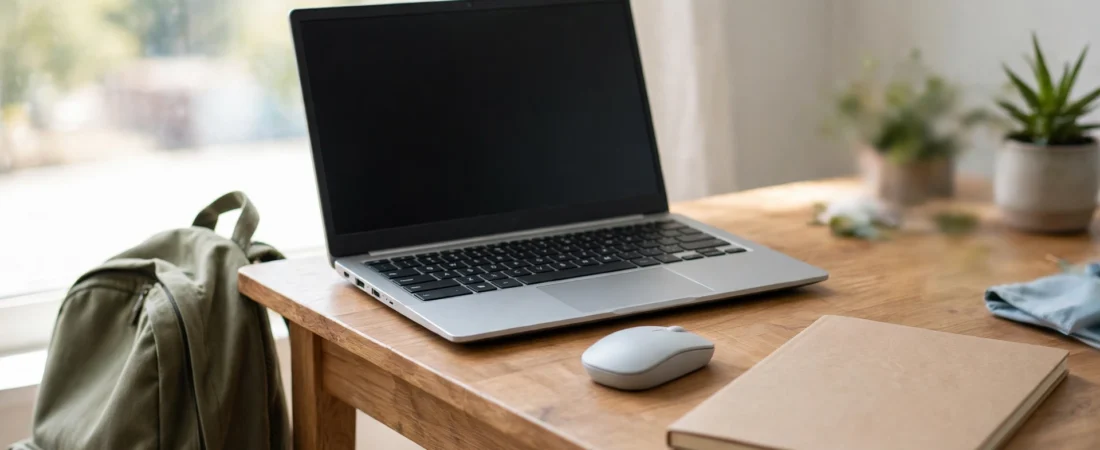
Chromebooks are popular in India for a simple reason: they are affordable, fast to start, and hard to break. Students use them for classes and assignments, teachers use them for lesson planning, and many families buy one as the shared home computer. But the built-in trackpad gets tiring during long study sessions, and not every mouse plays nicely with ChromeOS. The best mouse for Chromebook in India is one that pairs in seconds, needs no Windows-only software to work properly, and matches the Chromebook idea itself — simple, portable and good value.
The good news is that most modern Bluetooth mice and USB-receiver mice work with Chromebooks out of the box. The catch is in the details: some features, like button customisation, only work on Windows or macOS, and some Chromebooks have limited USB ports, making Bluetooth the smarter choice. This guide compares five mice actually sold in India, from a compact budget mouse under ₹1,000 to a premium travel mouse for people who work from anywhere. Prices below are approximate and change with sales and stock, so always check the current listing price before ordering.
Table of Contents
- What Chromebook Users Actually Need in a Mouse
- Top 5 Picks at a Glance
- 1. Logitech Signature M650 — Best Overall for Chromebook Users
- 2. Logitech Pebble M350 — Best Portable and Stylish Pick
- 3. Logitech MX Anywhere 3S — Best Premium Travel Mouse
- 4. Logitech M240 Silent — Best Budget Bluetooth Mouse
- 5. Logitech M196 Bluetooth — Best Ultra-Budget Pick
- Buying Guide: How to Choose
- Video: Best Bluetooth Accessories for ChromeOS
- Frequently Asked Questions
- Conclusion

What Chromebook Users Actually Need in a Mouse
ChromeOS keeps things simple, and your mouse should too. The essentials are: Bluetooth pairing that works first time, or a tiny USB receiver if your Chromebook has a free USB-A port; a comfortable shape for long Docs, Sheets and classroom sessions; and battery life measured in months, not days, because nobody wants to hunt for a charger during an online class.
Two things matter less than marketing suggests. First, high DPI: Chromebooks are used for browsing, documents, video classes and light editing, where a sensor in the 1,000–4,000 DPI range is more than enough. Second, fancy software: Logitech’s Options+ customisation, for example, runs on Windows and macOS, not ChromeOS — so on a Chromebook, buy the mouse for its default buttons and shape, not for software features you cannot use there. A mouse with well-placed default buttons (back and forward under the thumb, a clickable wheel) will serve you better than a heavily customisable mouse whose extras stay locked away.
Portability is the other Chromebook-specific need. Chromebooks travel — to school, college, coaching classes, libraries and relatives’ homes — so a mouse that is light, flat or compact, and that does not need a dongle dangling from the side, fits the lifestyle. Bluetooth mice win here, because they leave your USB ports free for a pen drive or a phone cable.
Top 5 Picks at a Glance
| Mouse | Best For | Approx. Price in India* | Connection |
|---|---|---|---|
| Logitech Signature M650 | Most Chromebook users | ~₹2,400–₹2,600 | Bluetooth + Logi Bolt receiver |
| Logitech Pebble M350 | Portability and style | ~₹1,600–₹1,900 | Bluetooth + USB receiver |
| Logitech MX Anywhere 3S | Premium travel | ~₹8,999 | Bluetooth + receiver, USB-C rechargeable |
| Logitech M240 Silent | Budget Bluetooth | ~₹1,100 | Bluetooth, 18-month battery |
| Logitech M196 Bluetooth | Ultra-budget | ~₹799 | Bluetooth, 12-month battery |
*Prices are approximate, based on Indian retail listings seen in late 2026, and change frequently. Verify the current price on the listing before buying.
1. Logitech Signature M650 — Best Overall for Chromebook Users
The Signature M650 is the best overall pick for Chromebook users because it gets every Chromebook-relevant detail right. Logitech lists ChromeOS among its supported systems, it connects over Bluetooth or the included Logi Bolt USB receiver, and its 4,000 DPI sensor is ample for high-resolution displays and precise document work. Its SmartWheel switches between line-by-line scrolling for careful reading and fast free-spin scrolling for long web pages, and its SilentTouch clicks are about 90 percent quieter than a standard mouse — a genuine blessing in libraries, classrooms and shared rooms.
It comes in two sizes: the standard M650 for small-to-medium hands and the larger M650 L for large hands, so measure your hand before ordering. A single AA battery is rated for up to 24 months, which means a student can buy it once and forget about batteries for two academic years. The two thumb buttons work as back and forward in the Chrome browser by default, which is exactly what most Chromebook users need. At roughly ₹2,400–₹2,600 in India, it is the sweet spot between price and long-term comfort.
2. Logitech Pebble M350 — Best Portable and Stylish Pick
If your Chromebook lives in a bag, the Pebble M350 is the mouse that matches it. It is slim, flat, feather-light and genuinely pocketable, with a minimalist pebble shape that comes in colours like graphite, off-white and rose. It connects over Bluetooth or its USB receiver, works with ChromeOS, and its clicks are quiet enough for a library. Logitech rates its single AA battery at around 18 months, so it is also a fit-and-forget device.
The trade-off is ergonomics: a flat mouse cannot support the palm the way a sculpted mouse does, so for very long days at a desk the M650 above is kinder to your hand. But for students and travellers who prioritise bag space and looks, and who use a mouse for a few hours at a time rather than all day, the Pebble is the classic Chromebook companion. At roughly ₹1,600–₹1,900 in India it is also easy to justify as a second mouse for a school bag. Its successor, the Pebble 2 M350s, adds a higher sensor range and multi-device switching at around ₹1,300 on sale in India — worth checking if you find it cheaper than the original.
3. Logitech MX Anywhere 3S — Best Premium Travel Mouse
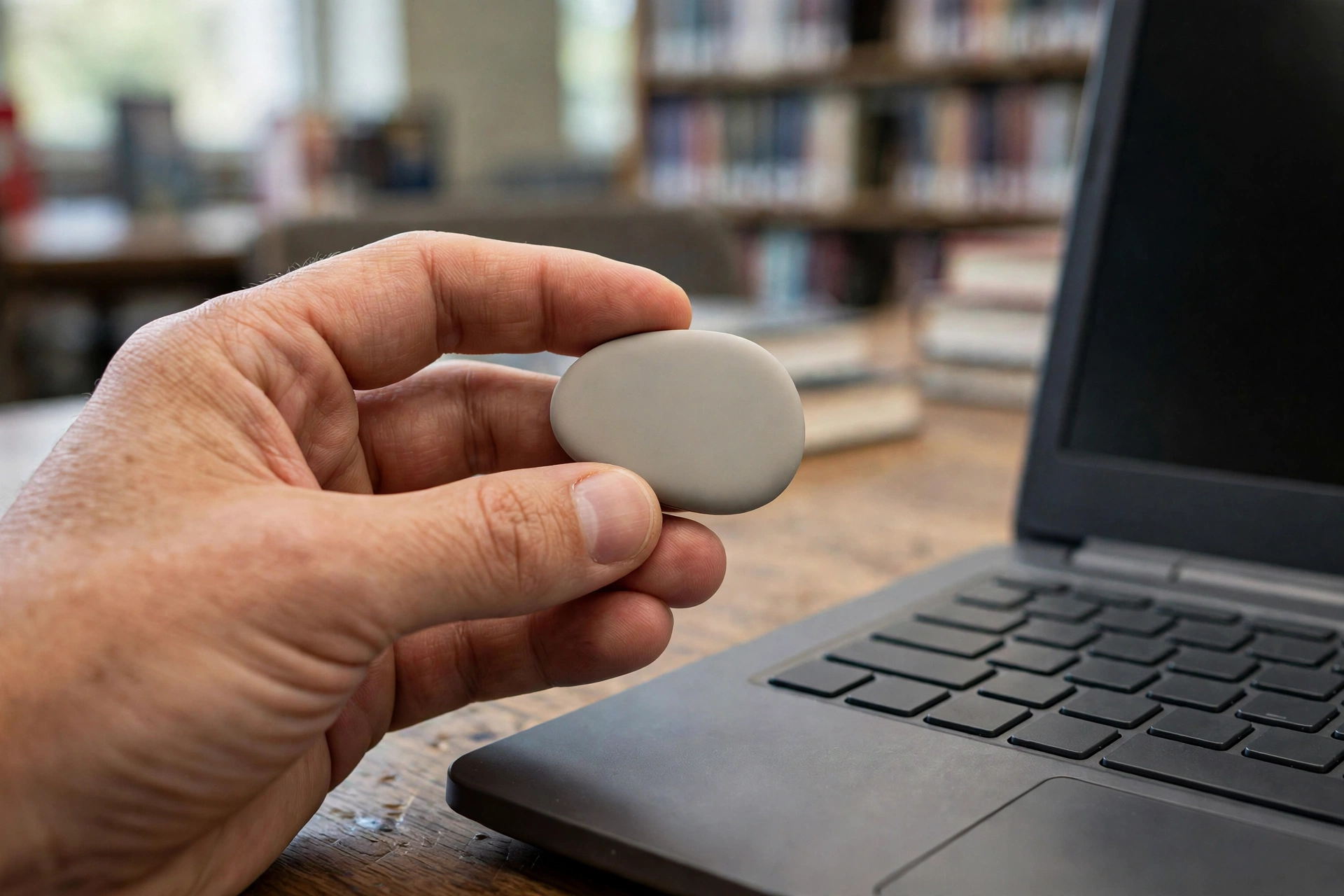
For professionals and teachers who use a Chromebook as a work machine and travel constantly, the MX Anywhere 3S is the premium answer. It keeps the flagship MagSpeed scroll wheel and an 8,000 DPI sensor that tracks on glass — handy on hotel desks and classroom tables — in a compact body that fits a jacket pocket. It pairs with up to three devices over Bluetooth or its receiver, charges over USB-C, and its quiet clicks keep it classroom-friendly.
At roughly ₹8,999 in India it costs as much as some budget Chromebooks, so it only makes sense if you genuinely work on the move and want one mouse for your Chromebook, phone and tablet. But if that is you, it is the one mouse that never feels like a compromise: precise, silent, long-lasting and small enough to always carry. Note that, as with all Logitech mice on ChromeOS, its button customisation software does not run on the Chromebook itself — buy it for its hardware, which is excellent.
4. Logitech M240 Silent — Best Budget Bluetooth Mouse
The M240 Silent is the budget Bluetooth sweet spot for Chromebook users. At roughly ₹1,100 in India, it gives you proper Bluetooth connectivity — no dongle, no occupied USB port — with quiet clicks, a compact portable shape, an 18-month battery life and official ChromeOS compatibility. For a school or college student who needs a dependable mouse and nothing more, it is hard to argue with that combination.
It is a simple mouse: no side buttons, no software features, just left, right and a scroll wheel that works. That simplicity is a strength on ChromeOS, where you cannot use advanced software anyway. Pair it with a Chromebook for classes, assignments and browsing, and it will quietly do its job for well over a year on one battery.

5. Logitech M196 Bluetooth — Best Ultra-Budget Pick
If the budget is truly tight — a second mouse for a younger sibling, a spare for a second bag, or a first mouse for a young student — the M196 Bluetooth at roughly ₹799 in India is the cheapest reputable option. It is a compact, portable Bluetooth mouse with a 12-month battery life and compatibility with ChromeOS, Windows and macOS, so it will pair with the Chromebook and anything else in the house.
Expectations should match the price: it is small, basic and best for smaller hands and shorter sessions, not for eight-hour workdays. But as a first mouse, or as a backup that lives in a bag for emergencies, it is far better than an unbranded no-name mouse that drops its connection mid-class. For a family buying Chromebooks for two children, one M196 each is sensible spending.
Buying Guide: How to Choose
First, check how you will connect. If your Chromebook has Bluetooth — nearly all modern ones do — a Bluetooth mouse keeps your USB ports free and means nothing to lose. If it is an older model with unreliable Bluetooth, or you share the mouse with a desktop that lacks Bluetooth, pick a mouse with a USB receiver instead, or one that offers both like the M650 and Pebble.
Second, match the size to the hand and the day. Small hands and short sessions suit the Pebble and M196; medium and large hands, and long study days, suit the M650 in the right size. Third, think about noise: if you study in a library, attend online classes with an open mic, or share a room, silent clicks are worth paying a little extra for. Finally, buy from a reputable Indian retailer and keep the bill — warranty support is far easier with a proper invoice, and counterfeit mice are a real problem at the budget end. For related reading, see our guides on the best mouse for programmers, the best mouse for data entry and the mouse DPI and polling rate explained.
Video: Best Bluetooth Accessories for ChromeOS
The video below looks at Logitech’s Bluetooth keyboard and mouse made for ChromeOS, and explains why their pairing with a Chromebook is so much more reliable than generic Bluetooth accessories — worth watching before you buy:
Frequently Asked Questions
What is the best mouse for Chromebook in India?
For most users, the Logitech Signature M650 at roughly ₹2,400–₹2,600: it officially supports ChromeOS, connects over Bluetooth or a USB receiver, has silent clicks and a two-year battery. Budget buyers should look at the M240 Silent, and travellers at the Pebble M350.
Do all wireless mice work with Chromebooks?
Almost all modern Bluetooth mice and USB-receiver mice work with ChromeOS for basic pointing, clicking and scrolling. What may not work is the manufacturer’s customisation software, which usually needs Windows or macOS — so judge a Chromebook mouse by its default behaviour, not its software.
Is Bluetooth or a USB receiver better for a Chromebook?
Bluetooth is usually better because it leaves USB ports free and there is no dongle to lose. A USB receiver is the safer choice for older Chromebooks with flaky Bluetooth, or if you share the mouse with a desktop that has no Bluetooth.
Do I need a high DPI mouse for a Chromebook?
No. Browsing, Docs, Sheets and online classes are comfortable at 1,000–4,000 DPI. Pay for shape, silence and battery life instead of DPI numbers.
Can I use a gaming mouse with a Chromebook?
Yes, it will point and click fine, but its extra buttons and DPI controls usually need Windows software to configure, so you will be paying for features you cannot use. A good productivity mouse is better value on ChromeOS.
How long should a Chromebook mouse battery last?
Expect 12 months at minimum from a decent Bluetooth mouse, 18 months from the M240 and Pebble, and up to 24 months from the Signature M650 on a single AA battery. Rechargeable models like the MX Anywhere 3S last weeks per charge over USB-C.
Conclusion
The best mouse for Chromebook in India is the one that disappears into your routine: it pairs instantly, stays quiet, and never asks for a battery at the wrong moment. For most people that is the Signature M650. Students and travellers who live out of a bag should take the Pebble M350, professionals on the move should consider the MX Anywhere 3S, and tight budgets are well served by the M240 Silent or the M196. Whichever you pick, confirm Bluetooth support, choose the right size for your hand, buy genuine, and verify the current price — your Chromebook deserves a mouse as hassle-free as itself.
Sources and further reading: Android Police’s best mice for Chromebooks and Chrome Unboxed on Logitech’s ChromeOS accessories for background on Chromebook-compatible picks.