
Presenting is a performance, and your tools decide whether you look polished or flustered. A presenter needs two things from a pointing device: a way to advance slides from anywhere in the room, and a way to point at exactly the right number on a chart without walking back to the laptop. That is why the best mouse for presenters in India is really a small toolkit — a presentation clicker for the stage, plus a good wireless mouse for the preparation and the moments you need a real cursor. In this guide we compare seven devices that are actually available in India, from a ₹1,500 classic clicker to the ₹13,000 digital spotlight remote, covering trainers, teachers, salespeople and keynote speakers, so you can pick the right tool for the rooms you present in.
Table of Contents
- What Makes a Mouse Great for Presenting
- Quick Picks: The 7 Best Devices at a Glance
- 1. Logitech Spotlight — Best Overall Presenter
- 2. Logitech Spotlight 2 — Best Premium Upgrade
- 3. Logitech R500s — Best All-Round Clicker
- 4. Logitech R400 — Best Budget Clicker
- 5. Kensington Expert Wireless — Best Ergonomic Alternative
- 6. Microsoft Presenter+ — Best for Teams & Video Calls
- 7. Logitech MX Anywhere 3S — Best Mouse for Presenters Who Also Need a Cursor
- How to Choose the Right Presenter for Your Room
- Video: Logitech Spotlight in Action
- Frequently Asked Questions
- Conclusion
What Makes a Mouse Great for Presenting
Presenting has different demands from desk work. You are standing, moving, and facing an audience while your laptop sits somewhere behind you. Four things matter most. First, range: a clicker that works from 20–30 metres away lets you walk the stage instead of standing chained to the laptop. Second, pointing that the audience can actually see: on a traditional projector a laser works fine, but on LED walls, large TVs and video calls a physical laser is invisible — which is why digital spotlight remotes exist. Third, simplicity under pressure: when two hundred people are watching, you want big, obvious buttons, not a device you have to look at. Fourth, compatibility: it must work instantly with PowerPoint, Google Slides and Keynote on Windows and Mac, with no drivers to install in a client’s meeting room. A good wireless mouse matters too — for building the deck, for the moments you need to click a video or open a link mid-presentation, and for presenters who prefer to present from their seat. For a full comparison of clickers, see the DesignBeep guide to the best wireless presentation clickers and the LeStallion roundup of wireless presentation remotes with laser pointers.
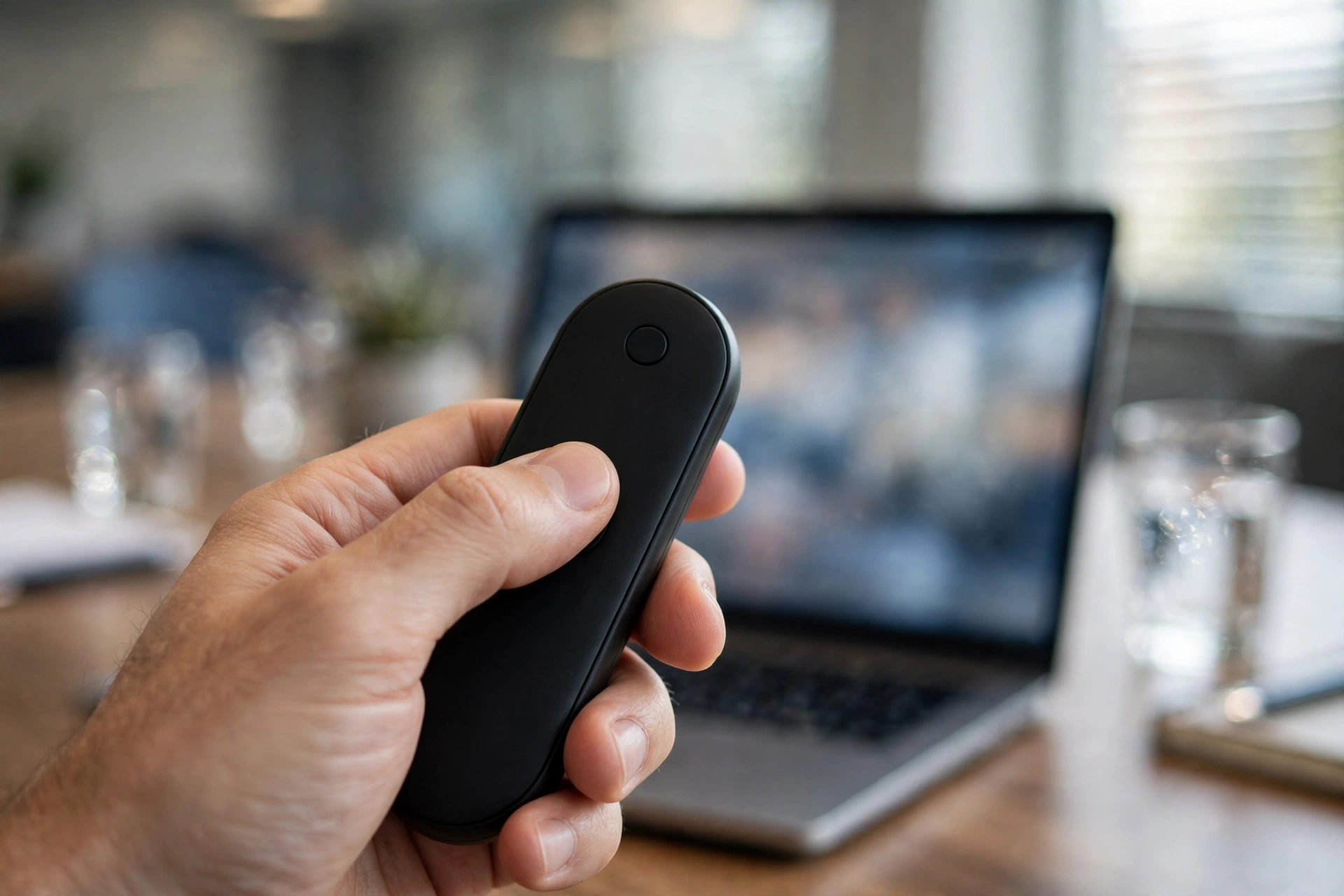
Quick Picks: The 7 Best Devices at a Glance
| Device | Best For | Range | Approx. Price in India* |
|---|---|---|---|
| Logitech Spotlight | Best overall presenter | 30 m | ₹10,000 – ₹13,000 |
| Logitech Spotlight 2 | Best premium upgrade | 30 m | ₹12,000 – ₹15,000 |
| Logitech R500s | Best all-round clicker | 20 m | ₹4,000 – ₹5,500 |
| Logitech R400 | Best budget clicker | 15 m | ₹1,500 – ₹2,500 |
| Kensington Expert Wireless | Best ergonomic alternative | 30 m | ₹6,000 – ₹8,000 |
| Microsoft Presenter+ | Best for Teams & video calls | 10 m (Bluetooth) | ₹7,000 – ₹9,000 |
| Logitech MX Anywhere 3S | Best mouse for cursor control | 10 m (Bluetooth) | ₹5,300 – ₹9,500 |
*Prices are approximate and may change with sales and stock. Check the live price before buying.
1. Logitech Spotlight — Best Overall Presenter
The Logitech Spotlight is the gold standard for professional presenters, and the best overall answer to the best mouse for presenters in India. Instead of a physical laser, it uses a digital spotlight: your slide dims and a bright circle follows your cursor, with modes to highlight, magnify and draw a digital laser on screen. That works on any display — projectors, LED walls, big TVs and even video calls, where a real laser is invisible. It has a 30-metre wireless range, connects over Bluetooth or a USB receiver, charges over USB-C, and vibrates gently to warn you when your time is running out. It works with PowerPoint, Keynote, Google Slides and PDF on Windows and Mac. At roughly ₹10,000–₹13,000 in India it is expensive, but if you present every week, it is the single most professional-looking tool you can buy. Read our best mouse for online teachers in India guide for a similar take on presentation tools for educators.
2. Logitech Spotlight 2 — Best Premium Upgrade
Launched in 2026, the Spotlight 2 keeps the original’s digital highlighting and adds five highlighting modes, built-in haptic feedback, a force-sensitive interface and up to three months of battery life. It also adds guided breathing exercises delivered through haptic pulses, to help speakers calm their nerves before stepping on stage — a genuinely thoughtful touch for anyone who presents to large audiences. It supports PowerPoint, Google Slides and Keynote on Windows and macOS, with a 30-metre range, and it is priced around $129.99 globally, which works out to roughly ₹12,000–₹15,000 in India. Buy it if you present professionally every week; otherwise the original Spotlight gives you nearly the same experience for less.
3. Logitech R500s — Best All-Round Clicker
The R500s is the sensible default for most presenters. It is a classic clicker with a red laser pointer, forward and back buttons, and a 20-metre range, connecting over a USB receiver or Bluetooth Low Energy — which means it also works with phones and tablets. It is plug-and-play, comfortable to hold, and it just works in any meeting room with no setup. At roughly ₹4,000–₹5,500 in India it sits in the middle of the price range: more than a basic clicker, far less than a Spotlight, and the right choice for trainers, salespeople and lecturers who present regularly but do not need digital highlighting. If you present on a traditional projector, this is all you need.
4. Logitech R400 — Best Budget Clicker
The R400 is the reliable, affordable classic that has been in meeting rooms for years. It has a red laser pointer, simple forward and back buttons, a 15-metre range and a 2.4 GHz USB receiver — plug it in and it works, with no software and no learning curve. It is the clicker most Indian colleges, coaching centres and small businesses already own, and at roughly ₹1,500–₹2,500 it is cheap enough to buy one for every training room. The laser is red, which is less visible than green in bright rooms, and there is no timer or vibration alert, but for straightforward slide advancing it is unbeatable value. For teachers on a budget, see also our best mouse for online teachers in India guide.
5. Kensington Expert Wireless — Best Ergonomic Alternative
Kensington’s presenter remotes are the reliable, affordable alternative to Logitech, with solid range, simple controls and good build quality. The Expert Wireless presenter offers a comfortable ergonomic shape, a bright laser pointer and a range of around 30 metres, at roughly ₹6,000–₹8,000 in India. It suits presenters who find the Logitech remotes too small or too flat, and it is a good value option for corporate training departments buying in bulk. If your organisation already standardises on Kensington, this is the natural choice.
6. Microsoft Presenter+ — Best for Teams & Video Calls
Microsoft Presenter+ is built for the hybrid era: a Bluetooth presenter designed around Microsoft Teams, with a dedicated Teams button to join meetings and raise your hand, a mute control, and a digital laser that works on screen during video calls. It is the best choice if most of your presenting happens in Teams calls rather than in physical rooms. Its Bluetooth range is around 10 metres, so it suits meeting rooms and home offices rather than auditoriums, and it costs roughly ₹7,000–₹9,000 in India. If your organisation runs on Microsoft 365, this integrates more smoothly than any other clicker on this list.
7. Logitech MX Anywhere 3S — Best Mouse for Presenters Who Also Need a Cursor
Sometimes a clicker is not enough — you need a real cursor to play a video, open a link or annotate a slide mid-presentation. The MX Anywhere 3S is the best mouse for that job: compact enough to carry in a jacket pocket, with the same 8,000 DPI sensor and quiet clicks as its bigger brother, tracking on glass conference tables and pairing with three devices. Keep it on the podium next to your clicker, and you have full control without ever walking back to the laptop. At roughly ₹5,300–₹9,500 in India it doubles as an excellent everyday travel mouse, so it earns its place in your bag even on non-presentation days. See our best mouse for travellers in India guide for more on carrying it.

How to Choose the Right Presenter for Your Room
Start with the screen. If you present on LED walls, large TVs or in video calls, a physical laser is invisible and you need a digital-pointer device — the Spotlight or the Microsoft Presenter+. If you present on a traditional projector, any laser clicker works, and the R400 or R500s is enough. Next, think about the room size: small meeting rooms suit any clicker, but auditoriums and training halls need the 30-metre range of the Spotlight or the Kensington. Then think about your software: Teams users should look at the Presenter+, while PowerPoint and Google Slides users can use anything. Finally, think about your frequency: if you present once a month, a ₹1,500 R400 is perfect; if you present every week, the Spotlight will make you look noticeably more professional. Buy from authorised sellers in India so the warranty is valid, and always carry a spare battery or a charged spare — a dead clicker in front of two hundred people is a memory you do not want. For a broader buying framework, see our best mouse for online teachers in India guide.
Video: Logitech Spotlight in Action
Watch Logitech’s official video for the Spotlight, our top pick, to see the digital highlighting, magnification and cursor control in action before you buy.
Frequently Asked Questions
What is the best mouse for presenters in India?
The Logitech Spotlight is the best overall presenter for professionals in India, with its digital highlighting, magnification and 30-metre range. For a traditional clicker, the Logitech R500s at roughly ₹4,000–₹5,500 is the best all-round choice, and the Logitech MX Anywhere 3S is the best real mouse to keep on the podium for cursor control.
Do I need a presentation clicker or just a wireless mouse?
Both, ideally. A clicker lets you advance slides from anywhere in the room with big, simple buttons. A wireless mouse lets you play videos, open links and use the cursor when you need precise control. Many professional presenters carry both — the clicker in one hand and the mouse on the podium.
Is the Logitech Spotlight worth the price in India?
Yes, if you present regularly. At roughly ₹10,000–₹13,000 it is expensive, but its digital spotlight works on LED walls, TVs and video calls where a laser is invisible, and it makes your presentations look noticeably more polished. Occasional presenters should buy the R500s instead.
What is the difference between a laser pointer and a digital spotlight?
A laser pointer shines a physical dot of light on the screen, which only works on projectors and white screens. A digital spotlight dims the slide and highlights an area on screen through software, which works on any display including LED walls and in video calls, and it can also magnify details.
Which presentation clicker works with Google Slides?
All the clickers on this list work with Google Slides, PowerPoint and Keynote. The Logitech Spotlight, R500s and R400 are plug-and-play with all three, and the Microsoft Presenter+ works best with Teams and PowerPoint.
What is the best budget presentation clicker in India?
The Logitech R400 at roughly ₹1,500–₹2,500 is the best budget clicker in India. It is simple, reliable and works with any presentation software. For a little more, the R500s adds Bluetooth and a longer range.
Can I use a presentation clicker for online classes and webinars?
Yes. Digital-pointer devices like the Logitech Spotlight and Microsoft Presenter+ work during video calls, because their highlighting appears on your shared screen. A physical laser clicker will not be visible to remote viewers, so it is the wrong choice for webinars.
Conclusion
The best mouse for presenters in India depends on the rooms you present in, but the shortlist is simple: the Logitech Spotlight is the best overall presenter for professionals, the Spotlight 2 is the premium upgrade with haptics and breathing guidance, the R500s is the best all-round clicker, the R400 is the budget classic, the Kensington Expert Wireless is the ergonomic alternative, the Microsoft Presenter+ is the best choice for Teams users, and the MX Anywhere 3S is the best real mouse to keep on the podium. Pick the one that matches your screen, your room size and how often you present — and always carry a charged spare. Prices change often, so check the live price before buying, and buy from an authorised Indian seller so your warranty is valid.