
Every Mac in India ships with a trackpad or a Magic Mouse, and every Mac user eventually asks the same question: is the mouse I have actually the right one for eight hours of work? The best mouse for Mac users in India is not simply the best mouse in general. It needs to pair cleanly over Bluetooth, respect macOS scrolling and gestures, work with Logi Options+ or Apple’s own settings without a fight, and ideally charge over the same USB-C cable as your MacBook. Get those things right, and a third-party mouse can feel more “Mac” than Apple’s own.
Mac users also split into two camps, and this guide serves both. One camp loves gestures: swiping between desktops, pinching, scrolling with momentum. The other camp wants buttons: a thumb wheel for timelines, a gesture button for Mission Control, back and forward buttons for the browser. Neither camp is wrong, but they need different mice, and buying the wrong one is the most common Mac mouse regret. Below, we compare the main options actually sold in India, with honest trade-offs for each.
Price disclaimer: All prices below are approximate India street/online prices at the time of writing. Prices may change, so please check the current price on the retailer’s page before buying. No model here is sponsored, and availability can vary by city and seller.
Table of Contents
- What the best mouse for Mac users in India needs
- Quick comparison table
- Best overall: Logitech MX Master 3S for Mac
- Best Apple option: Magic Mouse USB-C
- Best portable Mac mouse: Logitech MX Anywhere 3S for Mac
- Best budget Mac mouse: Logitech Pebble Mouse 2 M350s
- Best ergonomic Mac mouse: Logitech Lift for Mac
- Setting up a third-party mouse on macOS
- Frequently asked questions
- Conclusion
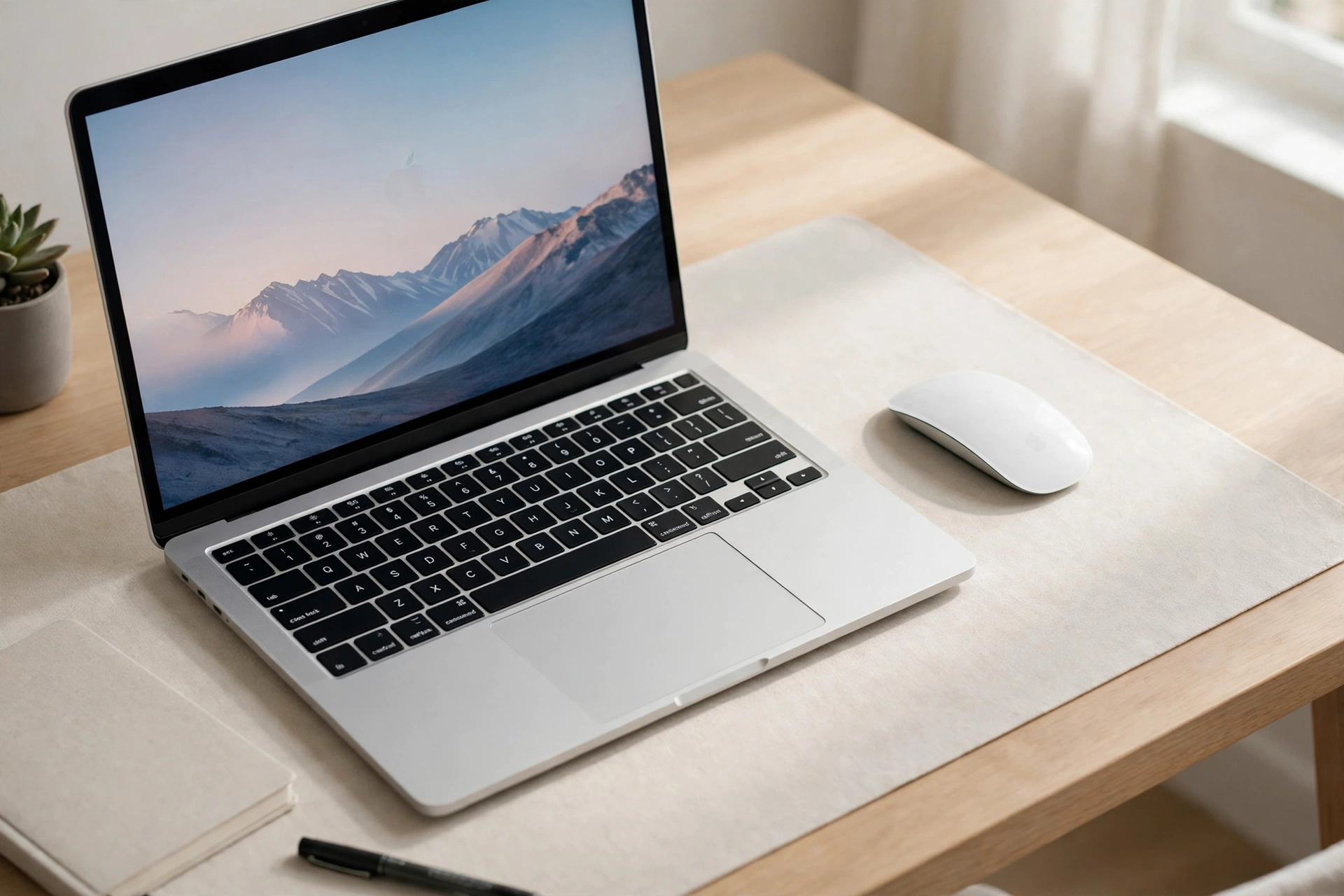
What the Best Mouse for Mac Users in India Needs
The first test is Bluetooth. Modern MacBooks have only USB-C ports, and many Mac users do not want a dongle at all. A Bluetooth mouse pairs directly, leaves every port free, and usually reconnects automatically when the Mac wakes. The second test is scrolling. macOS has its own scroll direction and momentum feel, and a mouse with a good wheel — or good software tuning — should feel natural within a day, not jerky or floaty. If you use a mouse with Logitech’s software, check that Logi Options+ supports your macOS version before buying, especially on a newly updated Mac.
The third test is gestures versus buttons. Apple’s Magic Mouse gives you a touch surface for swipes and scrolls, but no extra buttons and no scroll wheel. Logitech’s MX mice give you a gesture button (hold it and move the mouse to trigger Mission Control, App Exposé or desktop switching) plus app-specific button assignments, but they cannot reproduce the full multi-touch vocabulary of a trackpad — no pinch or rotate. Many Mac professionals end up using both: a mouse for pointing and a trackpad for gestures. That is a perfectly sensible setup, not a failure.
Battery and charging matter more on a Mac than on a Windows desktop, because Mac users tend to work away from a desk. A mouse that charges over USB-C can share your MacBook charger, while a mouse with a bottom-mounted charging port cannot be used while it charges at all. Finally, check multi-device support if you also own an iPad or a Windows work laptop: one mouse that switches between a MacBook, an iPad and a PC is worth more than three separate mice.
Quick Comparison Table
| Mouse | Approx. India price | Best for | Connectivity | Battery | Weight |
|---|---|---|---|---|---|
| Logitech MX Master 3S for Mac | Around Rs. 9,000–11,000 | All-day Mac desk work | Bluetooth (+ Logi Bolt receiver compatible) | USB-C rechargeable, up to 70 days claimed | About 141 g |
| Apple Magic Mouse USB-C | Around Rs. 7,000–9,000 | Gestures and Apple ecosystem | Bluetooth | Rechargeable, about a month or more per charge | About 99 g |
| Logitech MX Anywhere 3S for Mac | Around Rs. 7,000–9,000 | Travel with a MacBook | Bluetooth | USB-C rechargeable, up to 70 days claimed | About 99 g |
| Logitech Pebble Mouse 2 M350s | Around Rs. 1,800–2,500 | Budget Mac and iPad use | Bluetooth, up to 3 devices | Up to 24 months claimed on one AA battery | About 76 g |
| Logitech Lift for Mac | Around Rs. 6,000–7,500 | Wrist comfort on a Mac | Bluetooth + Logi Bolt receiver | One AA battery, up to 24 months claimed | Medium, vertical shape |
Prices are approximate only; prices may change, so check the current price before ordering.
Best Overall: Logitech MX Master 3S for Mac
The MX Master 3S for Mac is the default recommendation for Mac users who work long days, and the reason is comfort plus control. Its sculpted, right-handed body measures about 124.9 x 84.3 x 51 mm and weighs about 141 grams, with a thumb rest, a MagSpeed scroll wheel, a horizontal thumb wheel, and seven customisable buttons. Its 8,000 DPI sensor tracks on almost any surface, including glass, and its quiet clicks keep shared workspaces peaceful. The official Logitech India page for the MX Master 3S lists its 8,000 DPI any-surface tracking and quiet-click design.
The “for Mac” version differs from the standard MX Master 3S mainly in the box and the finish: it ships with a USB-C to USB-C charging cable instead of a USB-A cable, comes in Mac-friendly colours like Space Grey and Pale Grey, and is Bluetooth-focused rather than bundled with a Logi Bolt receiver. Its Logi Options+ software lets you assign app-specific actions — browser tab switching, timeline scrubbing in Final Cut Pro, zoom, undo and redo — and its gesture button triggers Mission Control and desktop switching. The downsides are size and price: it is a large, heavy mouse that small hands may find tiring, and it is right-handed only. For graphic designers and video editors on a Mac, the same comfort-versus-precision trade-off is covered in more depth in our graphic designer guide.
Best Apple Option: Magic Mouse USB-C
Some Mac users simply want Apple’s own mouse, and the Magic Mouse USB-C is better than its reputation suggests — as long as you know what you are buying. It is slim, symmetrical and beautiful next to a MacBook or iMac, its whole top surface is a Multi-Touch surface for scrolling and swiping between pages, and it pairs automatically with your Mac. Apple’s own tech specs for the Magic Mouse USB-C confirm it measures 2.16 x 5.71 x 11.35 cm, weighs about 99 grams, charges over USB-C, and runs for about a month or more between charges.
The honest drawbacks are well known. The charging port sits on the underside, so you cannot use the mouse while it charges — you have to flip it over like a beetle and wait. The low, flat shape forces a palm-flat grip that many users find tiring over long sessions, and there are no extra buttons, no scroll wheel and no middle click without third-party software. If you love gestures, work in short bursts, and value the Apple look above all else, the Magic Mouse is a fine choice. If you work eight-hour days, the MX Master 3S for Mac will treat your wrist better. Many Mac owners keep the Magic Mouse for casual use and a Logitech mouse for serious work, which is a reasonable compromise rather than a waste.
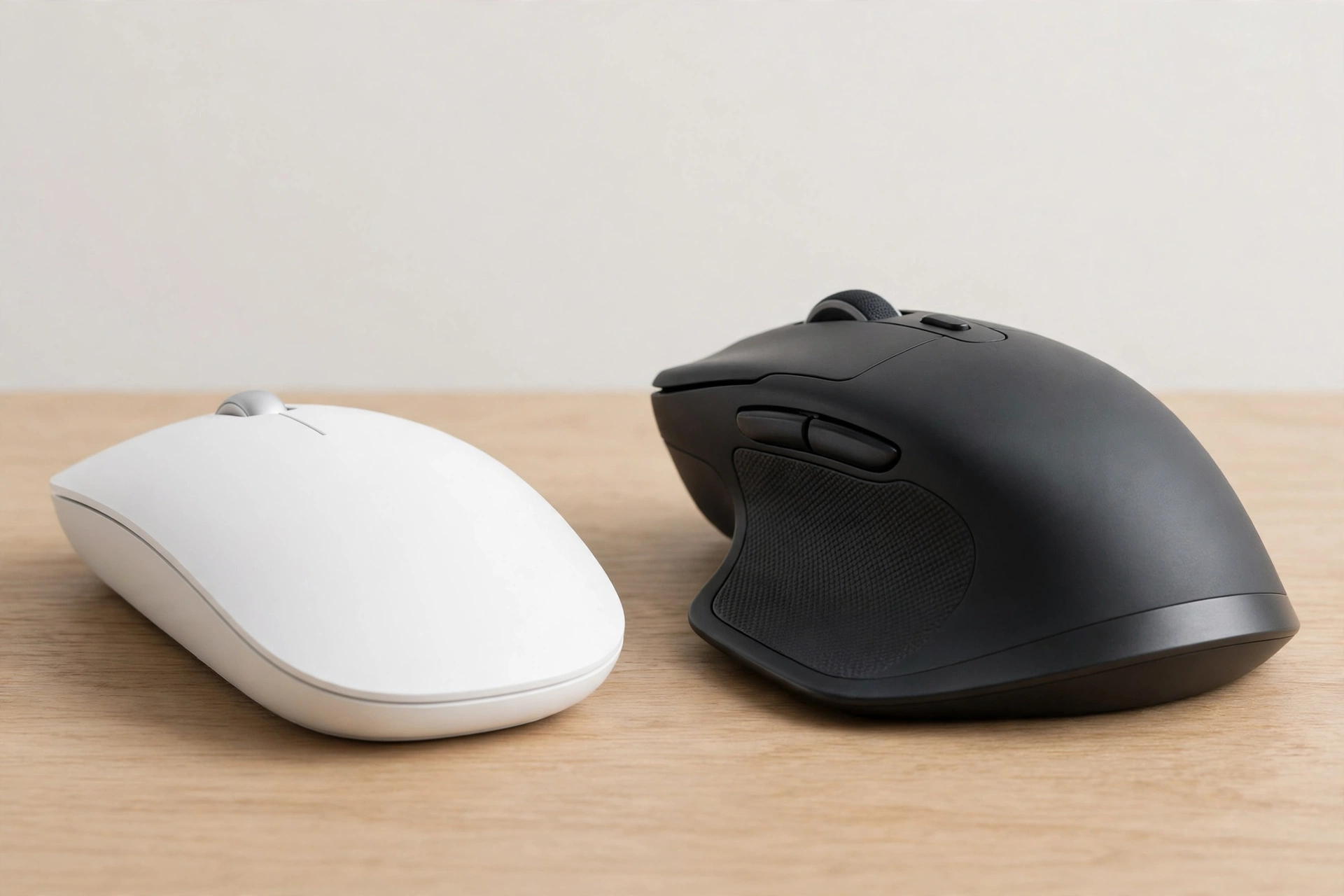
Best Portable Mac Mouse: Logitech MX Anywhere 3S for Mac
MacBook users who travel should look at the MX Anywhere 3S for Mac before anything else. It packs the MX line’s best ideas — an 8,000 DPI Darkfield sensor that tracks on glass, a MagSpeed scroll wheel, quiet clicks and three-device Bluetooth pairing — into a compact body of about 100.5 x 65 x 34.4 mm and about 99 grams. It charges over USB-C, claims up to 70 days on a full charge with about three hours of use from a one-minute charge, and works with Logi Options+ on macOS. RTINGS names the MX Anywhere 3S its best wireless mouse for travel, praising its compact symmetrical shape and sturdy build.
The Mac version’s main difference is the same as its big brother’s: a Mac-tuned finish and USB-C cable, with Bluetooth as the primary connection. Like the standard version, it does not include a Logi Bolt receiver in most consumer boxes, so if your work setup depends on a receiver, confirm before ordering. For a MacBook user moving between home, office, cafés and client sites across India, this is the one-mouse solution: small enough for a sleeve pocket, capable enough for a full workday, and happy on the glass tables that defeat cheaper mice.
Best Budget Mac Mouse: Logitech Pebble Mouse 2 M350s
Not every Mac user needs a Rs. 10,000 mouse. The Pebble Mouse 2 M350s is a slim, round Bluetooth mouse that pairs directly with a MacBook, iPad or even an Android phone, switches between up to three devices, and costs roughly Rs. 1,800–2,500 in India. It weighs about 76 grams including its battery, uses quiet-click switches that remove over 90 percent of click noise, and runs for up to 24 months on a single AA battery. Its middle button can be customised through Logi Options+ on macOS, for example to send an emoji or control music.
The compromises are modest and honest: there is no fast free-spinning scroll wheel, no side buttons and no high-DPI sensor for precision work. For students, writers, and Mac users who mostly browse, write and present, none of that matters. For heavy editing or design work, save for the MX Master 3S for Mac. Freelancers who split time between a MacBook and a client Windows machine will appreciate the same multi-device logic in our freelancer guide.
Best Ergonomic Mac Mouse: Logitech Lift for Mac
Mac users with wrist discomfort have a dedicated option: the Lift for Mac, the vertical mouse in Logitech’s Mac range. It holds the hand at a 57-degree handshake angle, which reduces forearm twisting compared with a flat mouse, and it uses quiet clicks, a SmartWheel and Bluetooth or Logi Bolt connections to up to three devices. It is designed for small to medium hands, with a left-handed version in some markets, and it runs on a single AA battery with a claimed life of up to 24 months.
The adjustment period is real — give it a full week before judging — and the Lift is not a gaming mouse. But for a Mac user who already feels wrist strain from a Magic Mouse or a flat travel mouse, the Lift for Mac is the most Mac-friendly ergonomic upgrade available in India, and it keeps the same macOS software support as the rest of the MX and Ergo ranges. If your wrist pain is persistent or worsening, see a doctor rather than relying on any mouse alone.
Setting Up a Third-Party Mouse on macOS
Once you have the mouse, spend ten minutes in System Settings. First, decide on scroll direction: macOS defaults to “natural” scrolling, which feels backwards to many Windows switchers; change it under Trackpad and Mouse settings if it bothers you. Second, install Logi Options+ if your mouse supports it, and grant it the accessibility permission macOS asks for — without that permission, custom buttons will not work. Third, set pointer speed so one comfortable wrist movement crosses your screen without repeated lifting, and set the scroll speed for comfortable document reading.
If buttons behave oddly in a specific app, check that app’s profile in Logi Options+ before blaming the mouse: many “bugs” are just a default app profile overriding your global setting. And if Bluetooth drops after the Mac sleeps, remove and re-pair the mouse once, and check for a macOS update — wake-from-sleep Bluetooth issues are usually software, not hardware. Remote workers juggling a MacBook and a second machine will find more multi-device setup tips in our remote worker guide.
Frequently Asked Questions
1. What is the best mouse for Mac users in India overall?
The Logitech MX Master 3S for Mac is the best overall pick for most Mac users, thanks to its comfort, quiet clicks, MagSpeed wheel, gesture button and app-specific customisation. If you love Apple’s gestures above all else, the Magic Mouse USB-C is the alternative.
2. Does the MX Master 3S for Mac work with an iPad too?
Yes, it pairs over Bluetooth with iPadOS as one of its three devices, so you can switch between a MacBook, an iPad and another computer with a button. Advanced Logi Options+ customisation, though, is a macOS and Windows feature, not an iPadOS one.
3. Why does the Magic Mouse charge from the bottom?
Apple kept the charging port on the underside so the top surface stays a clean, unbroken Multi-Touch area. The practical cost is that you cannot use the mouse while it charges, so charge it overnight or during a break rather than mid-task.
4. Do I need Logi Options+ on a Mac?
No, for basic pointing, clicking and scrolling. Yes, if you want custom buttons, gesture actions, app-specific profiles or Flow between computers. Install it from Logitech’s official site and grant the accessibility permission macOS requests.
5. What is the best cheap mouse for a MacBook in India?
The Logitech Pebble Mouse 2 M350s, at roughly Rs. 1,800–2,500, is the best cheap Mac mouse: Bluetooth, quiet clicks, multi-device pairing and a two-year claimed battery life. It lacks the fast scroll wheel and extra buttons of the MX range, but for everyday Mac use it is excellent value.
6. Is a vertical mouse available for Mac users?
Yes, the Logitech Lift for Mac is a vertical mouse designed for macOS, with a 57-degree handshake angle for small to medium hands. Allow a week to adjust, and see a doctor for persistent wrist pain rather than relying on a mouse alone.
Conclusion
The best mouse for Mac users in India depends on how you work, not on which mouse looks best in a photo. Gesture lovers who work in short bursts will be happy with the Magic Mouse USB-C. Everyone else — especially anyone working long days on a MacBook or iMac — should buy the Logitech MX Master 3S for Mac for its comfort, buttons and software, the MX Anywhere 3S for Mac for travel, or the Pebble Mouse 2 M350s for a tight budget. Whichever you choose, check the current price before buying — prices may change — and spend ten minutes setting up scrolling and buttons in macOS. A mouse that fits your Mac workflow stops being an accessory and starts being invisible, which is exactly what a good Mac mouse should be.
Watch: