
A data analyst’s mouse works in a very specific way. It scrolls sideways through datasets that run far past column Z, jumps between Excel, a SQL editor, a BI dashboard and a browser full of documentation, and selects exact ranges in tables with tens of thousands of rows. A bad mouse turns that into daily friction: dragging the bottom scrollbar a hundred times a day, losing your place in a pivot table, or fighting a cursor that jumps when you need it to land on one cell. The best mouse for data analysts in India is the one that makes wide data feel small — mainly through a thumb wheel for horizontal scrolling, a scroll wheel that switches between precise steps and fast free-spin, and buttons you can map to the shortcuts you use a hundred times a day.
This guide compares five real mice sold in India, from a budget silent mouse under ₹3,000 to a premium flagship for senior analysts and analytics managers. Prices below are approximate and change with sales and stock, so always check the current listing price before ordering.
Table of Contents
- What Data Analysts Actually Need in a Mouse
- Top 5 Picks at a Glance
- 1. Logitech MX Master 3S — Best Overall for Data Analysts
- 2. Logitech MX Master 4 — Best Premium Pick
- 3. Logitech MX Anywhere 3S — Best Compact Pick
- 4. Logitech Signature M650 — Best Budget Pick
- 5. Logitech M720 Triathlon — Best Multi-Device Pick
- Buying Guide: How to Choose
- Video: MX Master 3S for Business Review
- Frequently Asked Questions
- Conclusion
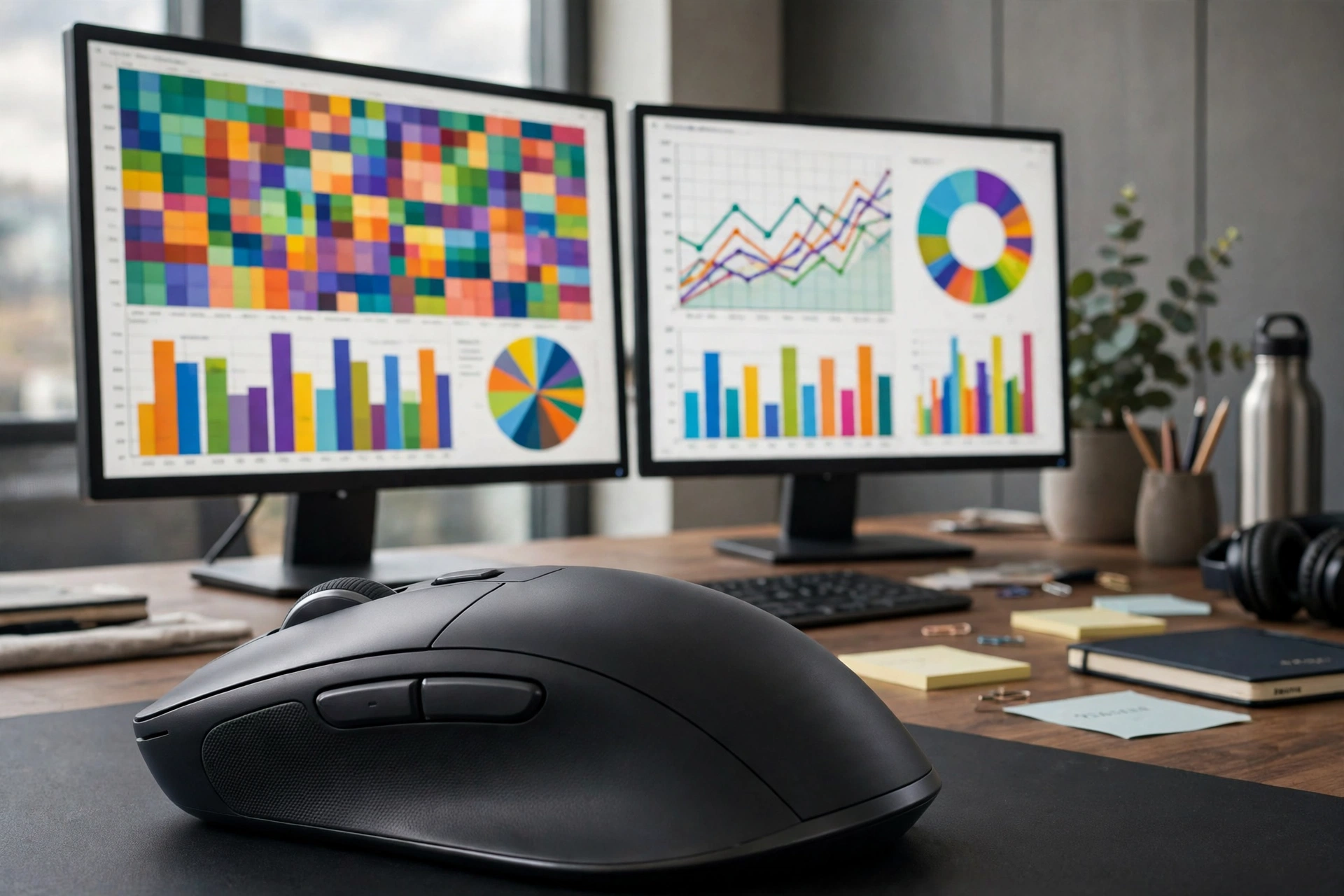
What Data Analysts Actually Need in a Mouse
Four features matter more for analysts than for almost any other desk worker. First, horizontal scrolling. Wide exports, financial models and data dumps routinely run dozens of columns wide, and a thumb wheel that scrolls sideways as easily as the main wheel scrolls vertically is the single biggest time saver an analyst can buy. Spreadsheet experts consistently call it the one feature worth paying extra for.
Second, a dual-mode scroll wheel. You need precise line-by-line steps when selecting ranges and auditing formulas, and fast free-spin when jumping through a 50,000-row export. A wheel that switches between the two automatically, like Logitech’s MagSpeed wheel, removes a constant small frustration. Third, programmable buttons. Mapping copy, paste, undo, refresh or app-switching to thumb buttons saves thousands of keystrokes a week, and app-specific profiles mean the same buttons can do different things in Excel, Power BI and your browser. Fourth, multi-device switching, because many analysts work across an office desktop and a personal laptop, or a work laptop and a home PC.
What matters less: extreme DPI and gaming features. Analyst work needs precision at low to moderate sensitivity, not speed. Anything from 1,000 to 8,000 DPI is plenty, and you will spend most of your day at a moderate setting. Spend your money on scrolling and shape instead of sensor numbers.
Top 5 Picks at a Glance
| Mouse | Best For | Approx. Price in India* | Key Analyst Feature |
|---|---|---|---|
| Logitech MX Master 3S | Most analysts | ~₹8,000–₹9,300 | Thumb wheel + MagSpeed wheel |
| Logitech MX Master 4 | Premium flagship | ~₹12,995 | Thumb wheel + haptic feedback + Actions Ring |
| Logitech MX Anywhere 3S | Compact / travel | ~₹8,999 | MagSpeed wheel, side-button horizontal scroll |
| Logitech Signature M650 | Budget | ~₹2,400–₹2,600 | SmartWheel, silent clicks, 2-year battery |
| Logitech M720 Triathlon | Multi-device | ~₹5,400–₹6,000 | Three-device switching, sculpted shape |
*Prices are approximate, based on Indian retail listings seen in late 2026, and change frequently. Verify the current price on the listing before buying.
1. Logitech MX Master 3S — Best Overall for Data Analysts
The MX Master 3S is the default recommendation for analysts for a reason: it is the only mouse in this price range that nails all four analyst needs at once. Its thumb wheel scrolls horizontally through wide sheets without touching the scrollbar. Its MagSpeed wheel flies through long tables at up to 1,000 lines per second in free-spin mode, then clicks back to precise steps for careful cell work. Its 8,000 DPI Darkfield sensor tracks on almost any surface, including glass, and its buttons can be mapped per application in Logitech’s Options+ software — one profile for Excel, another for Power BI, another for the browser.
It connects to up to three devices over Bluetooth or its Logi Bolt receiver, charges over USB-C with up to 70 days per charge according to Logitech, and its quiet clicks keep it office-friendly during calls and stand-ups. At roughly ₹8,000–₹9,300 in India it is a serious purchase, but for an analyst who spends eight hours a day inside data, the thumb wheel alone repays it. If your work is mostly spreadsheets and dashboards, start here and stop shopping.
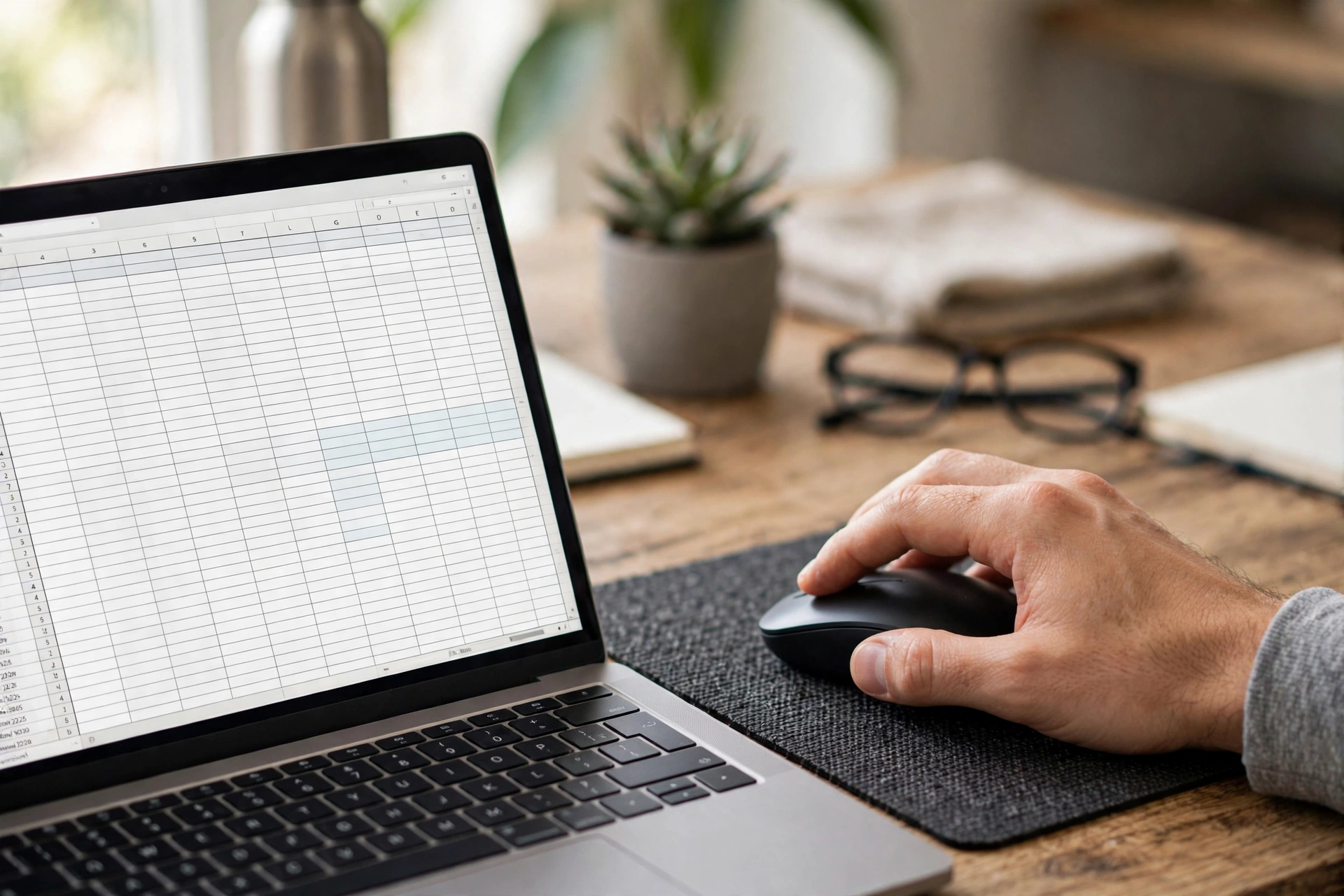
2. Logitech MX Master 4 — Best Premium Pick
The MX Master 4 is the successor to the 3S and the current flagship of the line. It keeps the same 8,000 DPI sensor, MagSpeed wheel and thumb wheel, and adds haptic feedback, an extra button and an Actions Ring — an on-screen overlay of app-specific shortcuts that appears at your cursor. For analysts, the practical difference over the 3S is modest: the same scrolling, the same shape, refined. Its street price in India is around ₹12,995 against an MRP of ₹15,995.
Buy the 4 if you want the newest model, you use Photoshop or Lightroom alongside your analytics work (where the Actions Ring helps most), or your employer is paying. If you are spending your own money and your work is mainly Excel, SQL tools and BI dashboards, the 3S gives you the same core analyst features for several thousand rupees less, and is the better value.
3. Logitech MX Anywhere 3S — Best Compact Pick
Not every analyst has a big desk or a big hand. The MX Anywhere 3S packs the MagSpeed wheel and the 8,000 DPI glass-tracking sensor into a compact, travel-friendly body at roughly ₹8,999 in India. It has no thumb wheel, but it offers horizontal scrolling another way: hold a side button and roll the main wheel to scroll sideways — a trick spreadsheet guides specifically recommend for this mouse.
It pairs with up to three devices, charges over USB-C, and fits easily in a laptop bag for analysts who work from client offices, cafes or co-working spaces. The trade-off is comfort on very long days: the smaller body and lack of a thumb rest make it less relaxing than the full Master over eight hours. For analysts with smaller hands, or as a second mouse for travel alongside a desk mouse, it is excellent.
4. Logitech Signature M650 — Best Budget Pick
Junior analysts, freshers and anyone buying on a first salary should start with the Signature M650 at roughly ₹2,400–₹2,600 in India. Its SmartWheel switches between precise line-by-line scrolling and fast free-spin, its SilentTouch clicks are about 90 percent quieter than a standard mouse, and a single AA battery lasts up to 24 months. It connects over Bluetooth or the Logi Bolt receiver and comes in sizes for small-to-medium and large hands.
What you miss versus the Master series is the thumb wheel — you will scroll horizontally the old way, with the scrollbar or keyboard shortcuts — and the deep app-specific customisation. For most early-career analyst work, that is a fair trade at less than a third of the price. It is also a superb second mouse for a home workstation while the office desk keeps the flagship.
5. Logitech M720 Triathlon — Best Multi-Device Pick
Many analysts now work across two or three machines: an office desktop running the data warehouse client, a laptop for calls and documentation, and sometimes a personal PC for learning. The M720 Triathlon connects to up to three devices and switches between them at the press of a button, with a comfortable sculpted shape, a thumb rest and programmable buttons, at roughly ₹5,400–₹6,000 in India. Its single AA battery is rated for up to 24 months.
It is not as refined as the MX Master 3S — its sensor is simpler and its scroll wheel is conventional, without the electromagnetic MagSpeed system — but it gives you most of the multi-device convenience for noticeably less money. If your day is defined by switching machines rather than by scrolling the widest sheets, this is the practical choice.

Buying Guide: How to Choose
Start with your widest data. If you regularly work in sheets or tables wider than your screen, a thumb wheel is worth real money — buy the MX Master 3S or 4. If your data is long rather than wide, a great dual-mode scroll wheel matters more, and the M650 covers it well at a budget price. Next, count your machines: two or more means multi-device switching should be a hard requirement, not a nice-to-have.
Then check your hand size and your environment. Measure from wrist crease to middle fingertip: under 17.5 cm is small, 17.5–19 cm is medium, over 19 cm is large. Shared office or frequent calls? Prioritise silent clicks. Already feeling wrist strain? Look at our ergonomic guide before buying anything. Finally, buy from a reputable Indian retailer, keep the invoice, and verify the current price — flagship mice swing by thousands of rupees between sales. For related reading, see our guides on the best mouse for accountants, the best mouse for data entry and mouse DPI and polling rate explained.
Video: MX Master 3S for Business Review
The video below reviews the MX Master 3S for business and document-heavy use — spreadsheets, browsers full of tabs and multiple computers — which is exactly the analyst’s working day:
Frequently Asked Questions
What is the best mouse for data analysts in India?
For most analysts, the Logitech MX Master 3S at roughly ₹8,000–₹9,300, because its thumb wheel scrolls horizontally through wide sheets, its MagSpeed wheel handles long tables, and its buttons can be mapped per application.
Why is horizontal scrolling so important for analysts?
Because datasets are usually wider than the screen. A thumb wheel lets you scroll left and right as easily as up and down, instead of dragging the horizontal scrollbar hundreds of times a day. Spreadsheet experts call it the single most useful feature for spreadsheet work.
Do analysts need a high DPI mouse?
No. Analyst work needs precision at low to moderate sensitivity, not speed. A mouse with 1,000–8,000 DPI is plenty. Spend on scrolling, shape and buttons instead of DPI numbers.
Is the MX Master 4 worth it over the 3S for analysts?
Only if you want the newest model or use creative apps alongside analytics. For pure Excel, SQL and BI work, the 3S offers the same core scrolling and thumb wheel for several thousand rupees less.
Can a budget mouse work for data analysis?
Yes. The Signature M650 at roughly ₹2,400–₹2,600 covers precise scrolling, silent clicks and long battery life. You lose the thumb wheel and deep app profiles, but for early-career work that is a fair trade.
Should analysts use a wired or wireless mouse?
Wireless is fine — modern wireless mice have no meaningful lag for analytics work, and multi-device wireless switching is a genuine advantage. Just confirm your model includes a USB receiver if your desktop lacks Bluetooth.
Conclusion
The best mouse for data analysts in India is the one that makes wide, long data feel effortless. For most analysts that is the MX Master 3S: thumb wheel, MagSpeed wheel, app profiles and multi-device switching in one device. If budget is the constraint, the Signature M650 covers the essentials well. If you travel, add the MX Anywhere 3S. If you live across three machines, the M720 Triathlon earns its place. And if you want the flagship and the newest features, the MX Master 4 is there — but for pure analysis, the 3S remains the value king. Measure your hand, confirm the connection type, buy genuine and verify the current price before ordering.
Sources and further reading: Spreadsheeto’s best mouse for Excel (2026) and Gogi’s MX Master 3S India price tracker for background on spreadsheet picks and India pricing.