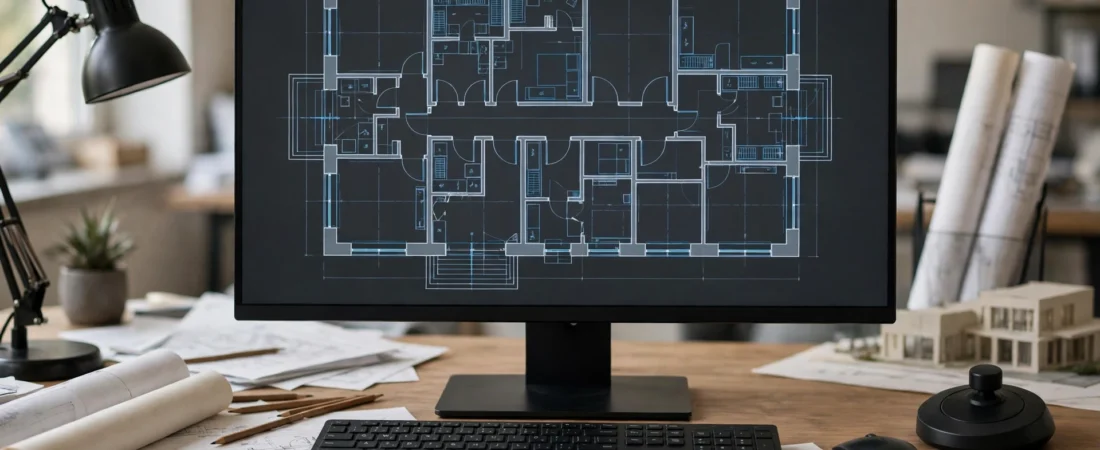
An architect’s or engineer’s mouse does three jobs all day that a general office mouse rarely does: it pans, it zooms and it orbits. In AutoCAD you roll the wheel to zoom, hold it down to pan, and double-click it to zoom to the drawing’s extents. In Revit you pan with the middle button and orbit with Shift plus the middle button. In Rhino or SketchUp you orbit constantly. A mouse with a mushy wheel click, a jumpy sensor or too few programmable buttons turns that navigation into daily friction — and on a deadline, friction becomes errors. The best mouse for architects in India is therefore judged by its middle button first, its wheel second, and its comfort over ten-hour drawing days third.
This guide compares five mice sold in India, from a dedicated CAD mouse with a purpose-built middle button to a premium all-rounder and a portable pick for site visits — plus the specialist 3D controller that many BIM teams add as a second device. Prices below are approximate and change with sales and stock, so always check the current listing price before ordering. Specialist CAD hardware is often imported, so availability in India can vary — confirm stock before planning a purchase around it.
Table of Contents
- What Architects and Engineers Actually Need in a Mouse
- Top 5 Picks at a Glance
- 1. Logitech MX Master 3S — Best Value for CAD and BIM
- 2. Logitech MX Master 4 — Best Overall for Architects
- 3. 3Dconnexion CadMouse Pro Wireless — Best Dedicated CAD Mouse
- 4. Logitech MX Anywhere 3S — Best for Site Visits and Travel
- 5. Logitech Lift Vertical — Best for Wrist Comfort
- Bonus: Should You Add a SpaceMouse?
- Buying Guide: How to Choose
- Video: Top 5 Best CAD Mice
- Frequently Asked Questions
- Conclusion

What Architects and Engineers Actually Need in a Mouse
The middle button is the heart of CAD navigation. Every pan, orbit and zoom-extents action runs through it, so it must be firm, reliable and easy to press thousands of times a day without accidentally scrolling. Mice with a dedicated middle button — a separate button rather than just a clickable wheel — are prized by CAD users for exactly this reason: they make panning deliberate instead of accidental.
Next comes the wheel itself. In AutoCAD, wheel behaviour is even partly software-controlled: the ZOOMFACTOR setting decides how far each wheel step zooms, so a wheel with clean, predictable steps gives you consistent zooming all day. A wheel that can also switch to free-spin helps when flying across a large site plan. Programmable buttons come third: mapping Escape, Undo, Osnap toggles or layer commands to thumb buttons saves constant trips to the keyboard, and per-application profiles mean the same mouse can behave differently in AutoCAD, Revit and Photoshop.
Finally, precision at low speed matters more than maximum DPI. CAD guides generally recommend working in the 1,600–3,200 DPI range for drafting, where the cursor moves predictably and small movements stay controllable. A sensor that is stable at low DPI, a shape that supports the palm through long sessions, and a weight that helps slow, deliberate drags will serve an architect far better than a 30,000 DPI gaming sensor.
Top 5 Picks at a Glance
| Mouse | Best For | Approx. Price in India* | Key CAD Feature |
|---|---|---|---|
| Logitech MX Master 3S | Best value CAD + BIM | ~₹8,000–₹9,300 | MagSpeed wheel, thumb wheel, app profiles |
| Logitech MX Master 4 | Best overall | ~₹12,995 | 8 buttons, MagSpeed + thumb wheel, haptics |
| 3Dconnexion CadMouse Pro Wireless | Dedicated CAD work | Specialist pricing — check current listing | Dedicated middle button, CAD software |
| Logitech MX Anywhere 3S | Site visits / travel | ~₹8,999 | Compact, glass tracking, MagSpeed wheel |
| Logitech Lift Vertical | Wrist comfort | ~₹5,695 | 57-degree handshake grip |
*Prices are approximate, based on Indian retail listings seen in late 2026, and change frequently. Verify the current price on the listing before buying.
1. Logitech MX Master 3S — Best Value for CAD and BIM
For architects and engineers who mix CAD with office work, presentations and image editing, the MX Master 3S is the best-value choice. Its 8,000 DPI Darkfield sensor tracks on almost any surface, its MagSpeed wheel gives clean stepped zooming or fast free-spin across large drawings, and its thumb wheel scrolls horizontally across wide plans or timelines. Its buttons can be mapped per application, so Escape and Undo can sit under your thumb in AutoCAD while the same buttons do something else in Revit or Photoshop.
One honest caveat from CAD reviewers: the middle click is the scroll wheel itself, not a dedicated button, so heavy panners sometimes remap a thumb button to middle-click for more reliable panning. That is a one-minute software fix, and for most architects it is a fair trade for everything else the mouse offers at roughly ₹8,000–₹9,300 in India. It connects to up to three devices, charges over USB-C, and its sculpted shape supports long drawing days.
2. Logitech MX Master 4 — Best Overall for Architects
The MX Master 4 is the current flagship and the overall pick in recent CAD roundups, with eight buttons, the same MagSpeed wheel and thumb wheel as the 3S, plus haptic feedback and an Actions Ring shortcut menu. Independent lab testing has called it an outstanding work mouse, and for architects it adds the most capable button layout in the line for mapping CAD commands. Its street price in India is around ₹12,995 against an MRP of ₹15,995.
For pure CAD and BIM work, the 3S remains the better value — the same sensor and wheels for less money. Buy the 4 if you also do heavy Photoshop, Lightroom or presentation work, where the extra button and Actions Ring earn their keep, or if you simply want the newest model with the longest support horizon. Either way, check that your office IT policy allows the Logitech Options+ software: in locked-down corporate environments, some firms restrict it, and the extra buttons then depend on default behaviour.
3. 3Dconnexion CadMouse Pro Wireless — Best Dedicated CAD Mouse
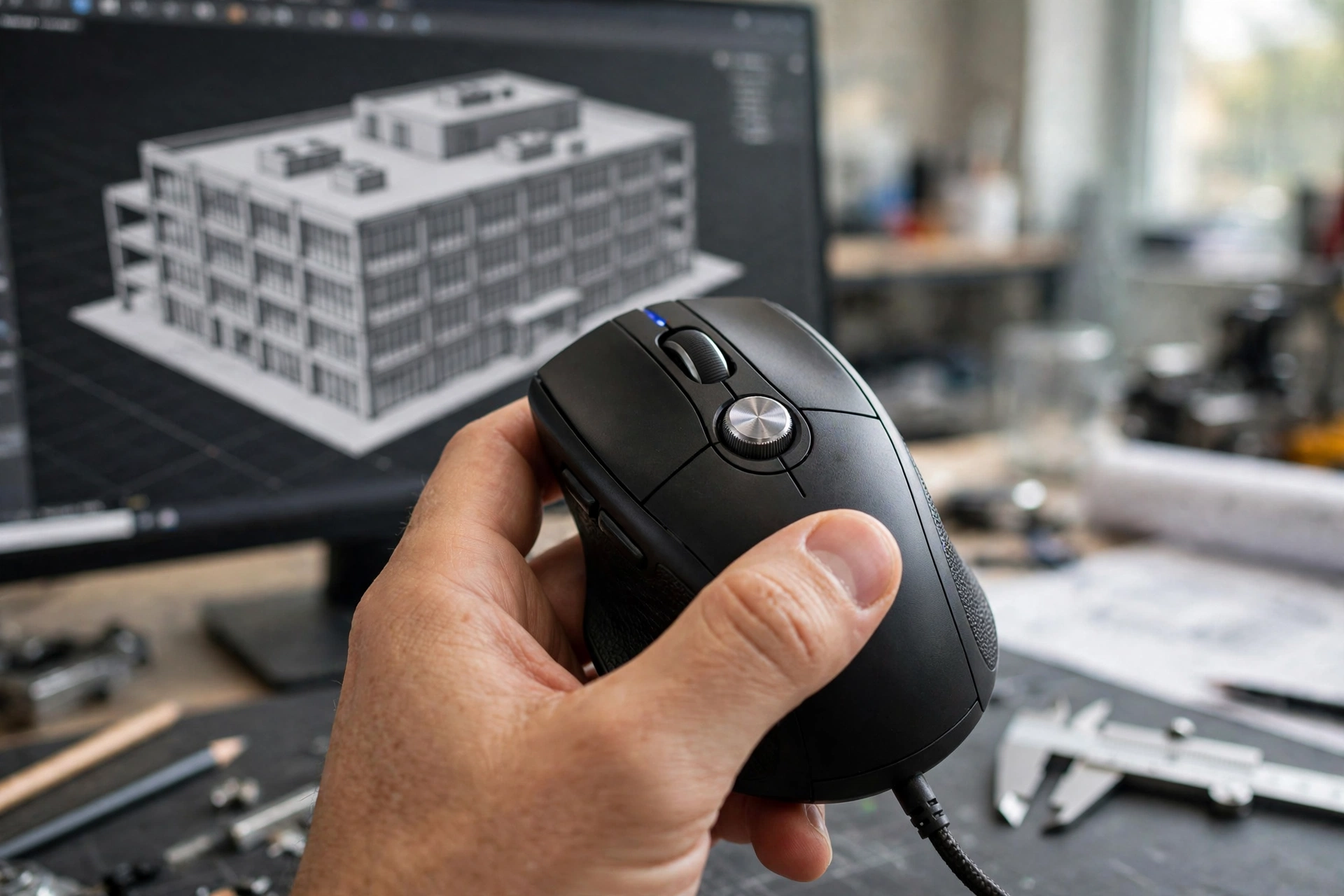
If your day is mostly AutoCAD and Revit, the CadMouse Pro Wireless is the mouse built specifically for you. Its standout feature is a dedicated middle mouse button, designed to be more comfortable and easier to press than a scroll-wheel click — a genuine advantage when you pan drawings thousands of times a day. It also offers a customisable RadialMenu for frequently used commands, gesture controls tuned for 3D software, and quiet-click switches for open-plan studios.
It connects over 2.4GHz wireless, Bluetooth or USB-C, and its companion software is tailored to CAD applications rather than general productivity. The trade-off for Indian buyers is availability and price: this is specialist hardware, often imported, so check current Indian listings and stock before committing, and confirm the software supports your exact CAD version. For a drafting-heavy practice, though, it is the closest thing to a purpose-built tool in this list — and CAD professionals who switch to it rarely go back.
4. Logitech MX Anywhere 3S — Best for Site Visits and Travel
Architects and site engineers do not only work at desks. Site visits, client meetings and studio reviews need a mouse that travels, and the MX Anywhere 3S is the premium portable answer at roughly ₹8,999 in India. Its 8,000 DPI sensor tracks on glass — useful on site-office tables and glass meeting-room desks — its MagSpeed wheel handles zooming and scrolling, and its compact, light body (around 99 grams) disappears into a bag with a laptop and a roll of drawings.
It pairs with up to three devices and charges over USB-C. The compromise is the same as for any compact mouse: less palm support for very long sessions, and no thumb wheel. As a site and meeting mouse, or as a second mouse alongside a desk flagship, it is the right tool. For students shuttling between studio, hostel and site, it can also serve as the only mouse.
5. Logitech Lift Vertical — Best for Wrist Comfort
Ten-hour drawing days punish wrists. The Logitech Lift holds the hand at a 57-degree handshake angle instead of flat on the desk, reducing the forearm twisting that causes strain during long CAD sessions. At roughly ₹5,695 in India, it is the most accessible vertical mouse from a major brand, sized for small-to-medium hands (larger hands should look at the bigger MX Vertical instead).
Be honest about the adjustment period: a vertical mouse feels strange for the first few days, and its button layout is simpler than the MX Master line, so heavy command mappers may miss the extra controls. But for architects and engineers already feeling wrist or forearm discomfort, it is worth trying before the problem grows — and remember that a mouse can reduce strain but cannot treat a medical condition. Persistent numbness, tingling or pain that wakes you at night deserves a doctor or physiotherapist, not a shopping trip.
Bonus: Should You Add a SpaceMouse?
Many BIM and 3D-heavy teams use a second device alongside their mouse: 3Dconnexion’s SpaceMouse. It is not a replacement mouse — it sits under the left hand and navigates 3D space with a six-degrees-of-freedom controller cap (push, pull, twist and tilt to orbit, pan and zoom), while the right hand keeps the regular mouse for selecting and drawing. The SpaceMouse Pro Wireless adds programmable keys for Revit, Rhino and SketchUp workflows.
For architects who spend most of their day in 3D views, it genuinely changes how modelling feels. For mostly 2D drafting, it is an unnecessary expense. Think of it as a second-stage upgrade: get the main mouse right first, and add a SpaceMouse only once 3D navigation is a daily bottleneck. It is also specialist, imported hardware in India, so verify availability and pricing before budgeting for it.
Buying Guide: How to Choose
Start with your software split. Mostly AutoCAD and Revit drafting? Prioritise the middle button and wheel — the CadMouse Pro or a remapped MX Master. Mostly 3D modelling and BIM? Add programmable buttons and consider a SpaceMouse later. Mixed practice with office work and presentations? The MX Master 3S or 4 covers everything.
Next, test the middle click before you commit if you can. A wheel click that is too stiff will tire your finger; one that is too light will pan accidentally. Check your office IT policy for mouse software, confirm your workstation’s connectivity (Bluetooth or USB receiver), and measure your hand — vertical and compact mice are far more size-sensitive than standard ones. Finally, buy from a reputable Indian retailer, keep the invoice for warranty, and verify current prices and stock, especially for specialist CAD hardware. For related reading, see our guides on the best mouse for video editing, the best ergonomic mouse for wrist pain and the mouse DPI and polling rate explained.
Video: Top 5 Best CAD Mice
The video below counts down the five best CAD mice available, comparing them on quality, price, durability and user opinion — a useful overview before you narrow it down to one:
Frequently Asked Questions
What is the best mouse for architects in India?
For most architects, the Logitech MX Master 3S at roughly ₹8,000–₹9,300 is the best value for CAD and BIM, while the MX Master 4 at around ₹12,995 is the overall flagship. For drafting-heavy AutoCAD and Revit work, the 3Dconnexion CadMouse Pro Wireless is the dedicated specialist pick.
Why does the middle button matter so much for CAD?
Because AutoCAD pans when the wheel or middle button is held and dragged, Revit pans with the middle button, and both use it for orbit and zoom-to-extents. A firm, reliable middle button — ideally a dedicated one — makes navigation deliberate instead of accidental.
What DPI should architects use for CAD?
Most CAD guides recommend roughly 1,600–3,200 DPI for drafting: fast enough to cross the screen, slow enough for precise placement. Very high DPI settings make small movements jumpy and are rarely useful for drawing work.
Is a wireless mouse good enough for professional CAD work?
Yes. Modern wireless mice have latency effectively equal to wired mice for CAD, and battery life of weeks or months removes the old interruption worry. Keep a charging cable or spare battery handy for deadline weeks.
Do I need a SpaceMouse as well as a regular mouse?
Only if you spend most of your day navigating 3D models. A SpaceMouse is a left-hand companion controller, not a replacement mouse. For mostly 2D drafting, a good main mouse is enough.
Can the same mouse work for Revit and Rhino?
Yes. Mice with programmable buttons and per-application profiles, like the MX Master series and the CadMouse Pro, adjust their settings automatically when you switch between architectural software.
Conclusion
The best mouse for architects in India is the one that makes panning, zooming and orbiting feel invisible. For most practices that is the MX Master 3S — or the MX Master 4 if you want the flagship. For drafting specialists, the CadMouse Pro Wireless is worth its specialist price and import hassle. For site work, take the MX Anywhere 3S. For sore wrists, try the Lift. Get the middle button right, set a sensible DPI, buy genuine, and verify price and stock before ordering — your drawings will be better for it, and so will your wrists.
Sources and further reading: Architecture Lab’s best mice for CAD and Archivinci’s best mouse for architects and designers (2026) for background on CAD picks and workflows.